
EPISODE · Jan 9, 2026 · 7 MIN
Adobe Firefly’s Prompt to Edit Will Save Your Videos
from Blue Lightning AI Daily · host Ted Murphy
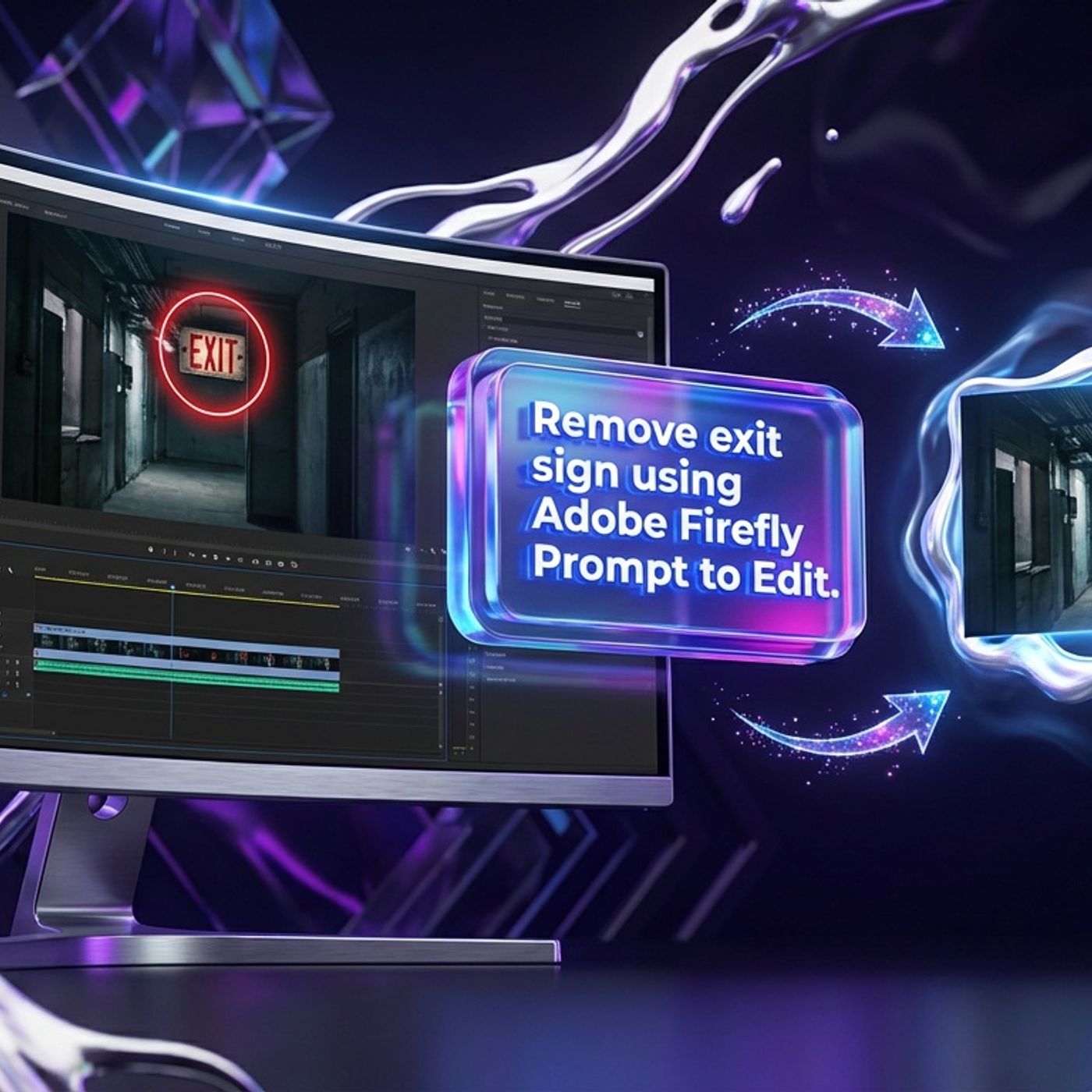
Ever wished you could zap away a neon shirt photo-bomber or make a background sign disappear without hours of tedious editing? Adobe Firefly Video’s new Prompt to Edit feature is here to grant your most annoying video wishes and it just dropped in public beta. In today’s episode, Hunter and Riley break down how Prompt to Edit lets creators make detailed changes to existing footage using only text instructions. Is it actual magic? Almost: type what you want changed, get clip variations, and iterate—no need for reshoots or suffering through endless hours of masks and roto. We look at what edits this tool is actually built for, like removing objects, swapping backgrounds, changing the mood with lighting tweaks, and even replacing prop colors. It is a massive relief for YouTubers, agencies, TikTokers, and anyone stuck making tiny but critical revisions to video projects. But there are catches. Video editing is still trickier than images, with possible warping or fuzzy results—especially if you love wild handheld shots. Hunter and Riley dish honest advice: start with clear, simple footage and keep prompts specific. Plus, why Firefly’s new multi-model power, including a Runway Gen-4.5 partnership, points to an all-in-one workflow future—so creators can stop juggling tool tabs and actually get paid for creativity, not misery. We also go behind the scenes at CES to meet the opera-singing AI panda, unpack what it means for creators when AI models misrepresent their abilities, and laugh about X’s Community Notes fact-checking literal jokes. The AI world is wild, but Prompt to Edit is raising the bar for making deliverables easier, faster, and way less soul-crushing. Tune in for practical tips and a few hilarious AI meltdowns along the way.
What this episode covers
Ever wished you could zap away a neon shirt photo-bomber or make a background sign disappear without hours of tedious editing? Adobe Firefly Video’s new Prompt to Edit feature is here to grant your most annoying video wishes and it just dropped in public beta. In today’s episode, Hunter and Riley break down how Prompt to Edit lets creators make detailed changes to existing footage using only text instructions. Is it actual magic? Almost: type what you want changed, get clip variations, and iterate—no need for reshoots or suffering through endless hours of masks and roto. We look at what edits this tool is actually built for, like removing objects, swapping backgrounds, changing the mood with lighting tweaks, and even replacing prop colors. It is a massive relief for YouTubers, agencies, TikTokers, and anyone stuck making tiny but critical revisions to video projects. But there are catches. Video editing is still trickier than images, with possible warping or fuzzy results—especially if you love wild handheld shots. Hunter and Riley dish honest advice: start with clear, simple footage and keep prompts specific. Plus, why Firefly’s new multi-model power, including a Runway Gen-4.5 partnership, points to an all-in-one workflow future—so creators can stop juggling tool tabs and actually get paid for creativity, not misery. We also go behind the scenes at CES to meet the opera-singing AI panda, unpack what it means for creators when AI models misrepresent their abilities, and laugh about X’s Community Notes fact-checking literal jokes. The AI world is wild, but Prompt to Edit is raising the bar for making deliverables easier, faster, and way less soul-crushing. Tune in for practical tips and a few hilarious AI meltdowns along the way.
NOW PLAYING
Adobe Firefly’s Prompt to Edit Will Save Your Videos
No transcript for this episode yet
Similar Episodes
Mar 31, 2026 ·54m
Mar 27, 2026 ·14m
Mar 24, 2026 ·42m
Mar 20, 2026 ·42m
Mar 17, 2026 ·41m
Mar 13, 2026 ·44m