
EPISODE · Oct 18, 2025 · 23 MIN
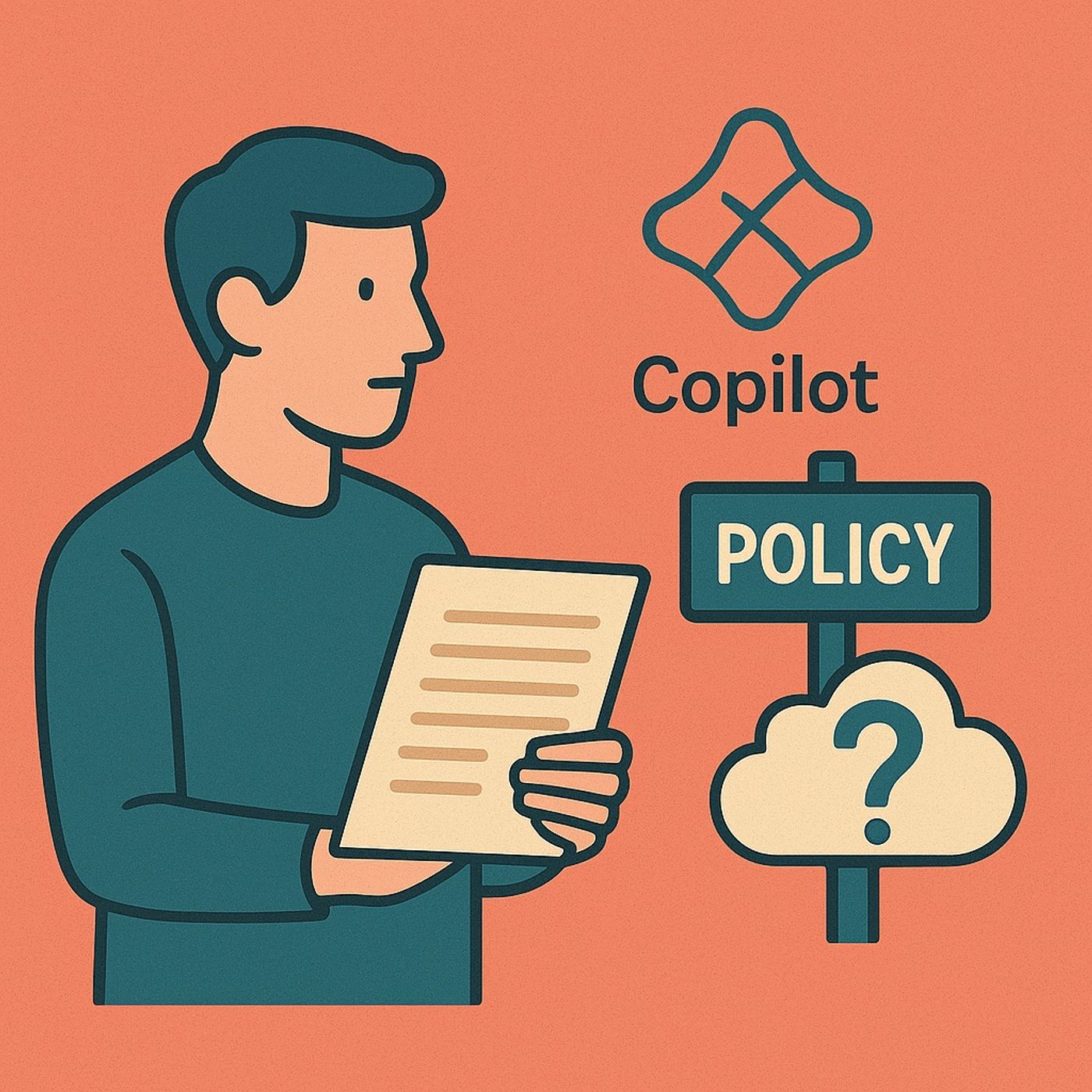
Copilot governance: contracts, licensing, and RBAC before you ever flip the AI switch
from M365.FM - Modern work, security, and productivity with Microsoft 365 · host Mirko Peters - Founder of m365.fm, m365.show and m365con.net
Copilot governance: in this episode of M365.fm, Mirko Peters explains why “just turn it on” is the most dangerous Copilot strategy—and why real governance starts long before anyone clicks a toggle in the admin center. Copilot is not a magic feature; it is a large language model wired directly into your Microsoft Graph, meaning every email, chat, and document it can see is defined by contracts, licenses, permissions, and data boundaries you either understand—or you do not.Mirko begins where almost nobody looks first: contracts. He unpacks how the Microsoft Product Terms and the Data Protection Addendum quietly decide where Copilot data is processed, who owns AI‑generated outputs, and whether prompts and responses can be used to train foundation models. You learn that worries like “Is Microsoft training on our emails?” are answered in binding legal text long before you ever assign a license—and that ignoring those terms does not remove your obligations, it just makes your rollout legally fragile.From there, the episode moves to licenses and roles as the actual locks on every door. Mirko explains that a Copilot license does not grant new permissions; it simply lets users ask the AI to act on what their existing identity can already access through Microsoft Graph. If your RBAC and data access hygiene are sloppy, Copilot becomes an AI flashlight that reveals overshared sites, “Everyone” folders, and misconfigured mailboxes faster than any human search ever could. Licenses are passports; roles decide which rooms those passports can open.He then connects the dots between legal obligations, licensing, and technical controls. Retention labels, encryption, conditional access, and DLP only make sense when they are aligned with what the contracts promise and what licenses and roles actually expose. Mirko shows how to map residency commitments (for example, EU Data Boundary), ownership clauses, and processor responsibilities into concrete tenant settings—so your Copilot project operates inside a deliberate architecture, not a hopeful configuration.By the end, you see Copilot governance as a layered system. Contracts define the grid; licenses and roles decide who can stand where; technical policies enforce behavior; and Copilot simply reflects whatever that system already allows. Mirko’s core message is simple: Copilot does not magically break or fix your governance—it amplifies it, for better or worse.WHAT YOU WILL LEARNWhy Copilot is a governance problem long before it is a UI or feature problem.How Microsoft Product Terms and the DPA shape data residency, training, and output ownership.How Copilot licensing works with RBAC and why sloppy permissions create AI‑accelerated exposure.How to align retention, encryption, and access controls with your contractual obligations.How to treat Copilot as an amplifier of existing governance rather than a separate risk.THE CORE INSIGHTEnabling Copilot is not “turning on AI”; it is activating a powerful interpreter on top of the governance you already have. If your contracts, roles, and permissions are solid, Copilot works inside clear boundaries—if they are not, Copilot becomes the fastest way to discover how messy your tenant really is.WHO THIS EPISODE IS FORThis episode is ideal for CIOs, CISOs, legal and compliance teams, and Microsoft 365 admins who are responsible for rolling out Copilot across their organization. It is especially valuable if you feel pressure to “go live” quickly while still worrying about GDPR, data residency, overshared content, and who will be accountable when Copilot surfaces something it never should have seen.ABOUT THE HOSTMirko Peters is a Microsoft 365 and security consultant focused on turning Copilot from a risky experiment into a governed, contract‑aligned service across Entra ID, Microsoft 365, and the Power Platform. Through M365.fm, he shares practical governance models, licensing strategies, and security patterns that help organizations roll out AI responsibly—without hiding behind hopeful settings.Become a supporter of this podcast: https://www.spreaker.com/podcast/m365-fm-modern-work-security-and-productivity-with-microsoft-365--6704921/support.
Embed this episode
What this episode covers
Copilot governance: in this episode of M365.fm, Mirko Peters explains why “just turn it on” is the most dangerous Copilot strategy—and why real governance starts long before anyone clicks a toggle in the admin center. Copilot is not a magic feature; it is a large language model wired directly into your Microsoft Graph, meaning every email, chat, and document it can see is defined by contracts, licenses, permissions, and data boundaries you either understand—or you do not. Mirko begins where almost nobody looks first: contracts. He unpacks how the Microsoft Product Terms and the Data Protection Addendum quietly decide where Copilot data is processed, who owns AI‑generated outputs, and whether prompts and responses can be used to train foundation models. You learn that worries like “Is Microsoft training on our emails?” are answered in binding legal text long before you ever assign a license—and that ignoring those terms does not remove your obligations, it just makes your rollout legally fragile. From there, the episode moves to licenses and roles as the actual locks on every door. Mirko explains that a Copilot license does not grant new permissions; it simply lets users ask the AI to act on what their existing identity can already access through Microsoft Graph. If your RBAC and data access hygiene are sloppy, Copilot becomes an AI flashlight that reveals overshared sites, “Everyone” folders, and misconfigured mailboxes faster than any human search ever could. Licenses are passports; roles decide which rooms those passports can open. He then connects the dots between legal obligations, licensing, and technical controls. Retention labels, encryption, conditional access, and DLP only make sense when they are aligned with what the contracts promise and what licenses and roles actually expose. Mirko shows how to map residency commitments (for example, EU Data Boundary), ownership clauses, and processor responsibilities into concrete tenant settings—so your Copilot project operates inside a deliberate architecture, not a hopeful configuration. By the end, you see Copilot governance as a layered system. Contracts define the grid; licenses and roles decide who can stand where; technical policies enforce behavior; and Copilot simply reflects whatever that system already allows. Mirko’s core message is simple: Copilot does not magically break or fix your governance—it amplifies it, for better or worse. WHAT YOU WILL LEARN Why Copilot is a governance problem long before it is a UI or feature problem. How Microsoft Product Terms and the DPA shape data residency, training, and output ownership. How Copilot licensing works with RBAC and why sloppy permissions create AI‑accelerated exposure. How to align retention, encryption, and access controls with your contractual obligations. How to treat Copilot as an amplifier of...
NOW PLAYING
Copilot governance: contracts, licensing, and RBAC before you ever flip the AI switch
No transcript for this episode yet
Similar Episodes
No similar episodes found.
Similar Podcasts
No similar podcasts found.