
EPISODE · Dec 29, 2025 · 14 MIN
Course 16 - Red Team Ethical Hacking Beginner Course | Episode 1: Introduction to Red Teaming: Concepts, Tools, and Tactics
from CyberCode Academy · host CyberCode Academy
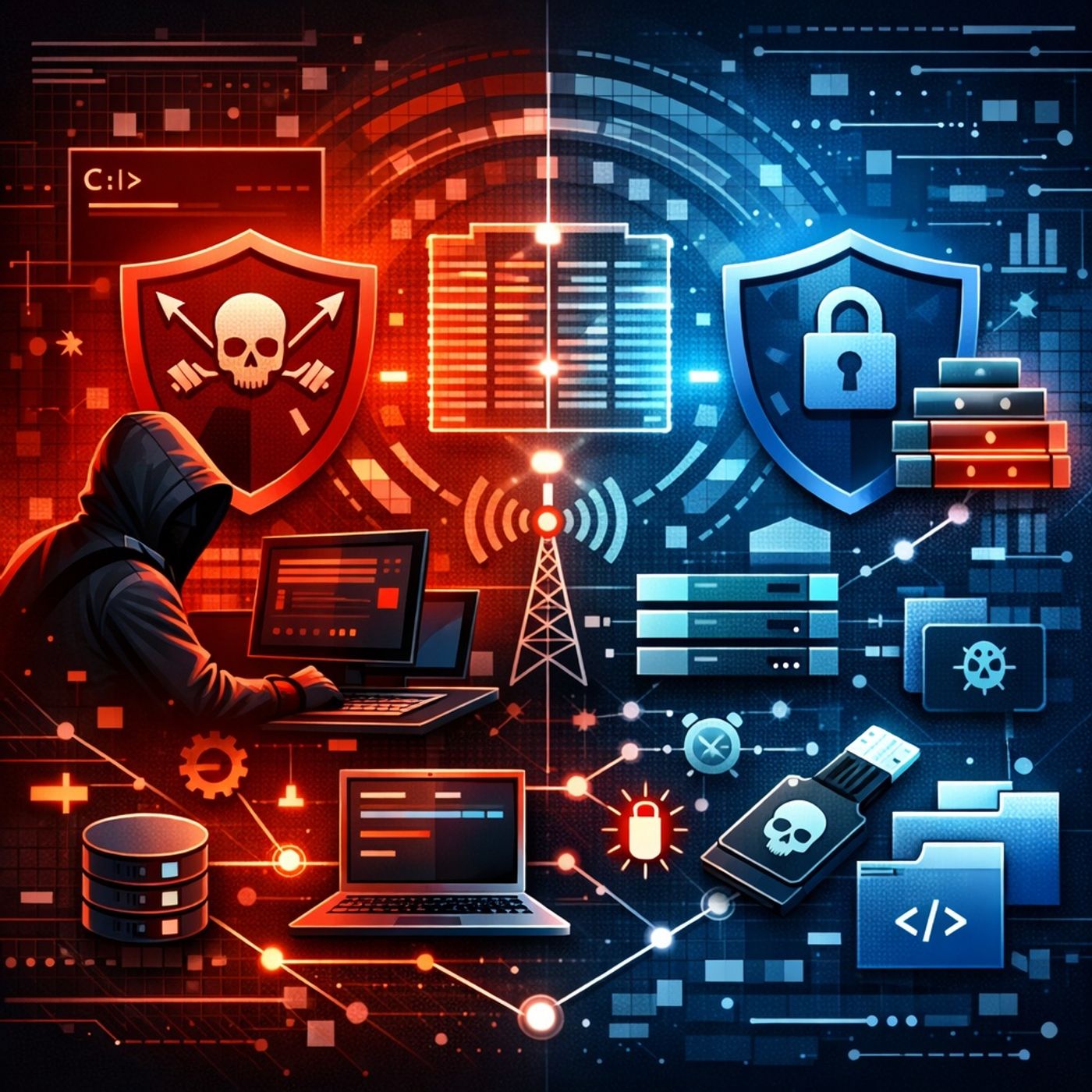
In this lesson, you’ll learn about:The purpose and mindset of red teaming in cybersecurityThe difference between red teams and blue teamsHow the MITRE ATT&CK framework structures real-world attacksCore Windows command-line environments used in security operationsThe role of Command and Control (C2) frameworks in post-exploitationWidely used red team and post-exploitation analysis toolsThe concept behind payload handling and controlled demonstrationsIntroduction to Red Teaming This lesson provides a comprehensive introduction to red teaming, an adversarial security discipline where professionals simulate real-world attackers to evaluate and strengthen an organization’s defenses. Red teaming goes beyond simple vulnerability scanning and focuses on realistic attack scenarios, long-term access, and stealth. Red teaming is conducted ethically and legally within defined scopes to help organizations understand how attackers think, move, and persist inside networks. Red Team vs. Blue TeamRed TeamSimulates real attackersAttempts to bypass defensesIdentifies weaknesses in people, processes, and technologyRequires creativity, research skills, and deep technical knowledgeBlue TeamDefends the organizationMonitors logs (firewalls, IDS, IPS, systems, networks)Detects suspicious activityResponds to and mitigates attacksThe interaction between red and blue teams improves overall security posture through continuous testing and feedback. MITRE ATT&CK Framework The MITRE ATT&CK framework is a globally recognized knowledge base documenting adversary behavior based on real-world incidents. Key characteristics:Organized into tactics (the attacker’s goal)Techniques explain how goals are achievedProcedures describe real attacks observed in the wildStructured into 12 tactical columns, covering the full attack lifecycleSecurity teams use ATT&CK to:Understand attacker behaviorMap defenses to known techniquesImprove detection and response strategiesEssential Windows Command-Line Environments Red teamers and defenders must understand native Windows tools because attackers often abuse legitimate utilities. Command Prompt (CMD)Traditional Windows command-line interpreterUsed for file management, networking, and basic administrationSupports batch scriptingPowerShellAdvanced command-line and scripting environmentUses powerful commandletsEnables automation and deep system managementSupports aliases (e.g., ls) for ease of useWMIC (Windows Management Instrumentation Command Line)Interface for interacting with WMICan query system informationManage processes and configurationsWorks locally or remotelyScheduled TasksUsed to automate execution of programs or scriptsCan run tasks at specific times or eventsOften abused for persistenceService Control Manager (SCM)Managed via SC.exeControls Windows servicesCan create, modify, start, and stop servicesHigh-risk if abused due to elevated privilegesCommand and Control (C2) Frameworks C2 frameworks allow attackers—and red teamers in controlled exercises—to manage compromised systems remotely after initial access. Capabilities typically include:Executing commands remotelyData exfiltrationKeylogging and screen captureLateral movement automationCommonly referenced frameworks:Cobalt Strike (commercial, widely used)Covenant (free, .NET-based)Empire (PowerShell-based, no longer maintained)Red teamers often modify default C2 behaviors to evade detection and avoid signature-based defenses such as IDS and IPS. Advanced Red Team and Post-Exploitation Tools PowerSploitCollection of PowerShell modulesCovers enumeration, privilege escalation, persistence, and evasionIncludes tools like PowerUpPowerViewFocuses on Active Directory reconnaissanceGathers information about users, groups, trusts, and permissionsHelps build situational awareness in domain environmentsBloodHoundVisualizes Active Directory relationshipsUses a graph database (Neo4j)Identifies privilege escalation pathsShows how a standard user could reach domain admin accessMimikatzKnown for credential extractionCan retrieve password hashes and credentials from memoryDemonstrates weaknesses in credential handlingEmphasizes the importance of modern defensive controlsImpacketPython-based toolkit for network protocol interactionSupports authentication attacks and remote execution techniquesUseful for understanding how Windows authentication can be abusedMetasploit Payload Handling (Conceptual Demonstration) The episode concludes with a controlled demonstration explaining how red teamers:Configure listenersGenerate payloads for testing purposesEstablish sessions on target systems within legal scopesThis section is intended to help students understand post-exploitation workflows, not to encourage misuse. Emphasis is placed on lab environments and authorization. Key Ethical and Defensive TakeawaysRed teaming exists to improve security, not harm systemsMany attacks abuse legitimate system tools rather than exploitsUnderstanding attacker techniques strengthens defense strategiesFrameworks like MITRE ATT&CK bridge offense and defenseVisibility, logging, and behavior-based detection are criticalYou can listen and download our episodes for free on more than 10 different platforms:https://linktr.ee/cybercode_academy
Embed this episode
What this episode covers
In this lesson, you’ll learn about: The purpose and mindset of red teaming in cybersecurity The difference between red teams and blue teams How the MITRE ATT&CK framework structures real-world attacks Core Windows command-line environments used in security operations The role of Command and Control (C2) frameworks in post-exploitation Widely used red team and post-exploitation analysis tools The concept behind payload handling and controlled demonstrations Introduction to Red Teaming This lesson provides a comprehensive introduction to red teaming, an adversarial security discipline where professionals simulate real-world attackers to evaluate and strengthen an organization’s defenses. Red teaming goes beyond simple vulnerability scanning and focuses on realistic attack scenarios, long-term access, and stealth. Red teaming is conducted ethically and legally within defined scopes to help organizations understand how attackers think, move, and persist inside networks. Red Team vs. Blue Team Red Team Simulates real attackers Attempts to bypass defenses Identifies weaknesses in people, processes, and technology Requires creativity, research skills, and deep technical knowledge Blue Team Defends the organization Monitors logs (firewalls, IDS, IPS, systems, networks) Detects suspicious activity Responds to and mitigates attacks The interaction between red and blue teams improves overall security posture through continuous testing and feedback. MITRE ATT&CK Framework The MITRE ATT&CK framework is a globally recognized knowledge base documenting adversary behavior based on real-world incidents. Key characteristics: Organized into tactics (the attacker’s goal) Techniques explain how goals are achieved Procedures describe real attacks observed in the wild Structured into 12 tactical columns, covering the full attack lifecycle Security teams use ATT&CK to: Understand attacker behavior Map defenses to known techniques Improve detection and response strategies Essential Windows Command-Line Environments Red teamers and defenders must understand native Windows tools because attackers often abuse legitimate utilities. Command Prompt (CMD) Traditional Windows command-line interpreter Used for file management, networking, and basic administration Supports batch scripting PowerShell Advanced command-line and scripting environment Uses powerful commandlets Enables automation and deep system management Supports aliases (e.g., ls) for ease of use WMIC (Windows Management Instrumentation Command Line) Interface for interacting with WMI Can query system information Manage processes and configurations Works locally or remotely Scheduled Tasks Used to automate execution of programs or scripts Can run tasks at specific times or events Often abused for persistence Service Control Manager (SCM) Managed via SC.exe Controls Windows services Can create, modify, start, and stop services High-risk if abused due to elevated privileges Command and Control (C2) Frameworks C2 frameworks allow attackers—and red teamers in controlled exercises—to manage compromised systems remotely after initial access. Capabilities...
Ready to play
Course 16 - Red Team Ethical Hacking Beginner Course | Episode 1: Introduction to Red Teaming: Concepts, Tools, and Tactics
No transcript for this episode yet
Similar Episodes
No similar episodes found.