
EPISODE · Apr 22, 2026 · 19 MIN
Course 31 - Dive Into Docker | Episode 3: From Virtual Machines to Core Architecture
from CyberCode Academy · host CyberCode Academy
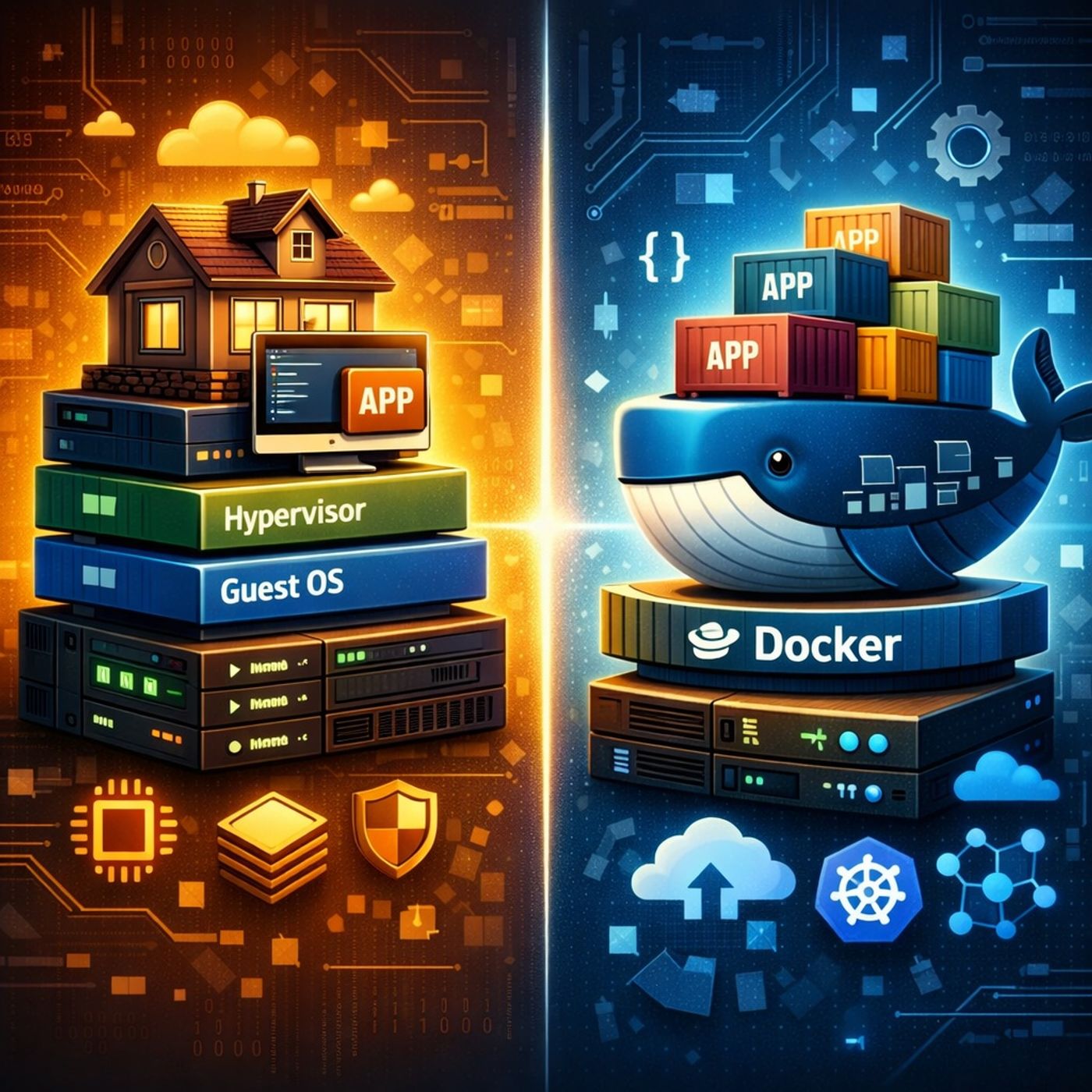
In this lesson, you’ll learn about: Virtual Machines vs Docker containers and how Docker works internally1. Traditional Virtualization (How VMs Work)A Virtual Machine (VM) stack includes:Infrastructure (hardware)Host Operating SystemHypervisor (like VMware or Hyper-V)Guest Operating System (inside each VM)ApplicationsKey characteristics:Each VM runs a full OSStrong isolationHigher resource usage (CPU, RAM, disk)Slower startup times2. Docker Architecture (Modern Containerization)Docker simplifies this model:InfrastructureHost OSDocker Daemon (core engine)Containers (apps + dependencies only)Key difference:Containers share the host OS kernelNo need for separate guest OS per app3. The “House vs Apartment” AnalogyVM = House 🏠Fully independentOwn OS, resources, and configurationMore expensive and heavierContainer = Apartment 🏢Shares building infrastructure (OS kernel)Lightweight and efficientStill isolated from others4. When to Use VMs vs Docker✅ Use Virtual Machines when:You need full OS isolationTesting:Different operating systemsKernel-level featuresFirewall or system configurations✅ Use Docker when:You want to:Package and deploy applicationsBuild microservicesEnsure consistency across environmentsIdeal for:DevelopmentCI/CD pipelinesCloud-native apps5. Inside Docker (Core Components)🔹 Docker Daemon (Server)The “brain” of DockerResponsible for:Building imagesRunning containersManaging resources🔹 Docker CLI (Client)Command-line interface used by developersExample:docker run, docker build🔹 REST API CommunicationCLI communicates with the daemon via a REST APIThis allows:Remote control of Docker environments6. Cross-Platform FlexibilityYou can:Run Docker CLI on:WindowsmacOSWhile the Docker Daemon runs on:Linux (locally or remotely)👉 This separation enables:Remote container managementCloud-based deploymentsFlexible dev environments7. Why This Matters in Real LifeFaster development cyclesBetter resource efficiencyEasier scaling and deploymentFoundation for:KubernetesCloud-native systemsKey TakeawaysVMs provide full isolation but are heavyDocker containers are lightweight and fastThe Docker Daemon + CLI + REST API form the core systemChoosing between VMs and Docker depends on:Level of isolation neededPerformance and scalability requirementYou can listen and download our episodes for free on more than 10 different platforms:https://linktr.ee/cybercode_academy
Embed this episode
Ready to play
Course 31 - Dive Into Docker | Episode 3: From Virtual Machines to Core Architecture
No transcript for this episode yet
Similar Episodes
No similar episodes found.