
EPISODE · May 23, 2026 · 21 MIN
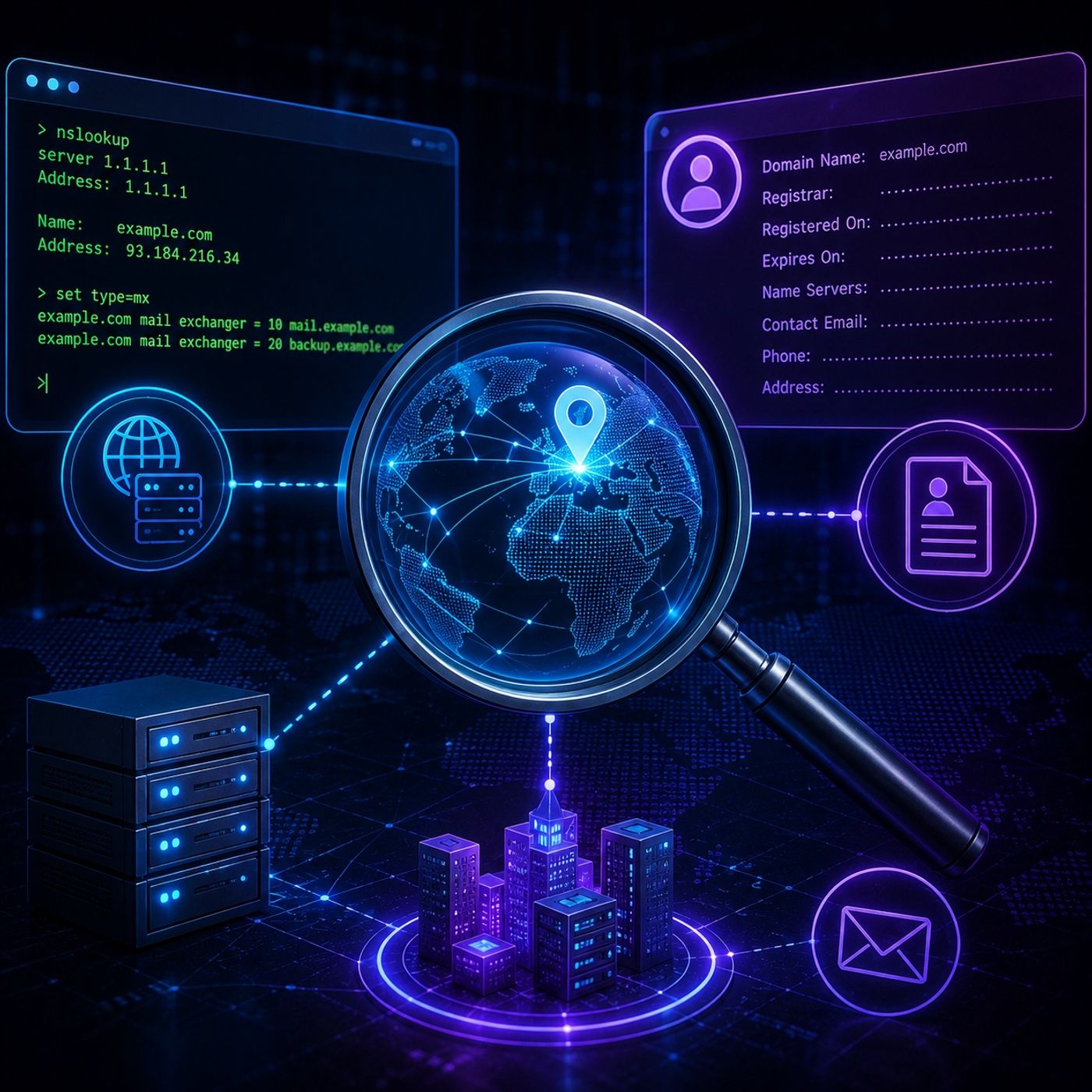
Course 35 - Footprinting and Reconnaissance | Episode 2: Gathering Intelligence with NSlookup and WHOIS
from CyberCode Academy · host CyberCode Academy
In this lesson, you’ll learn about: network footprinting using NSlookup and WHOIS1. What is Network Footprinting?The process of gathering technical information about a target domainFocuses on:DNS dataIP addressesDomain ownership👉 Goal:Build a clear profile of the target’s infrastructure2. Using NSlookup (DNS Intelligence)🔹 Tool OverviewNSlookupA command-line tool used to query:DNS (Domain Name System) records🔹 What You Can DiscoverDomain → IP address mappingDNS serversNetwork-related details🔹 Interactive ModeAllows advanced queries like:MX Records (Mail Servers)Identify email infrastructure👉 Why it matters:Reveals:Email serversAttack surface for phishing or targeting3. Using WHOIS (Administrative Intelligence)🔹 Tool OverviewWHOISOften accessed via:ICANN🔹 What You Can DiscoverDomain registrarRegistration & expiration datesName serversContact details:EmailsPhone numbersAddresses4. Key Data ExtractedData TypeSourceValueIP AddressNSlookupNetwork targetingMX RecordsNSlookupEmail infrastructureRegistrar InfoWHOISDomain ownershipContact DetailsWHOISSocial engineeringName ServersBothInfrastructure mapping5. Strategic ImportanceThis data helps build:A complete footprint of the target🔹 Potential Use Cases (High-Level)Identifying:Entry pointsServices to investigateSupporting:Security assessmentsRisk analysis6. Role in Footprinting PhasePart of:Early-stage reconnaissance👉 It enables you to:Move from:Domain name → full infrastructure visibilityKey TakeawaysNSlookup is used for DNS-level intelligenceWHOIS provides administrative and ownership dataMX records reveal email systemsPublic data can expose critical infrastructure detailsFootprinting is the foundation of any security assessmentBig PictureThis stage is about:👉 Turning public data into actionable intelligenceBefore any testing beginsYou must understand:Who owns the systemHow it is structuredWhat services it exposesMental ModelNSlookup → “Where is the system?”WHOIS → “Who owns the system?”You can listen and download our episodes for free on more than 10 different platforms:https://linktr.ee/cybercode_academy
Embed this episode
Ready to play
Course 35 - Footprinting and Reconnaissance | Episode 2: Gathering Intelligence with NSlookup and WHOIS
No transcript for this episode yet
Similar Episodes
No similar episodes found.