
EPISODE · Jun 6, 2026 · 22 MIN
Course 36 - Windows Forensics and Tools | Episode 8: Efficiency, Evidence, and Forensics
from CyberCode Academy · host CyberCode Academy
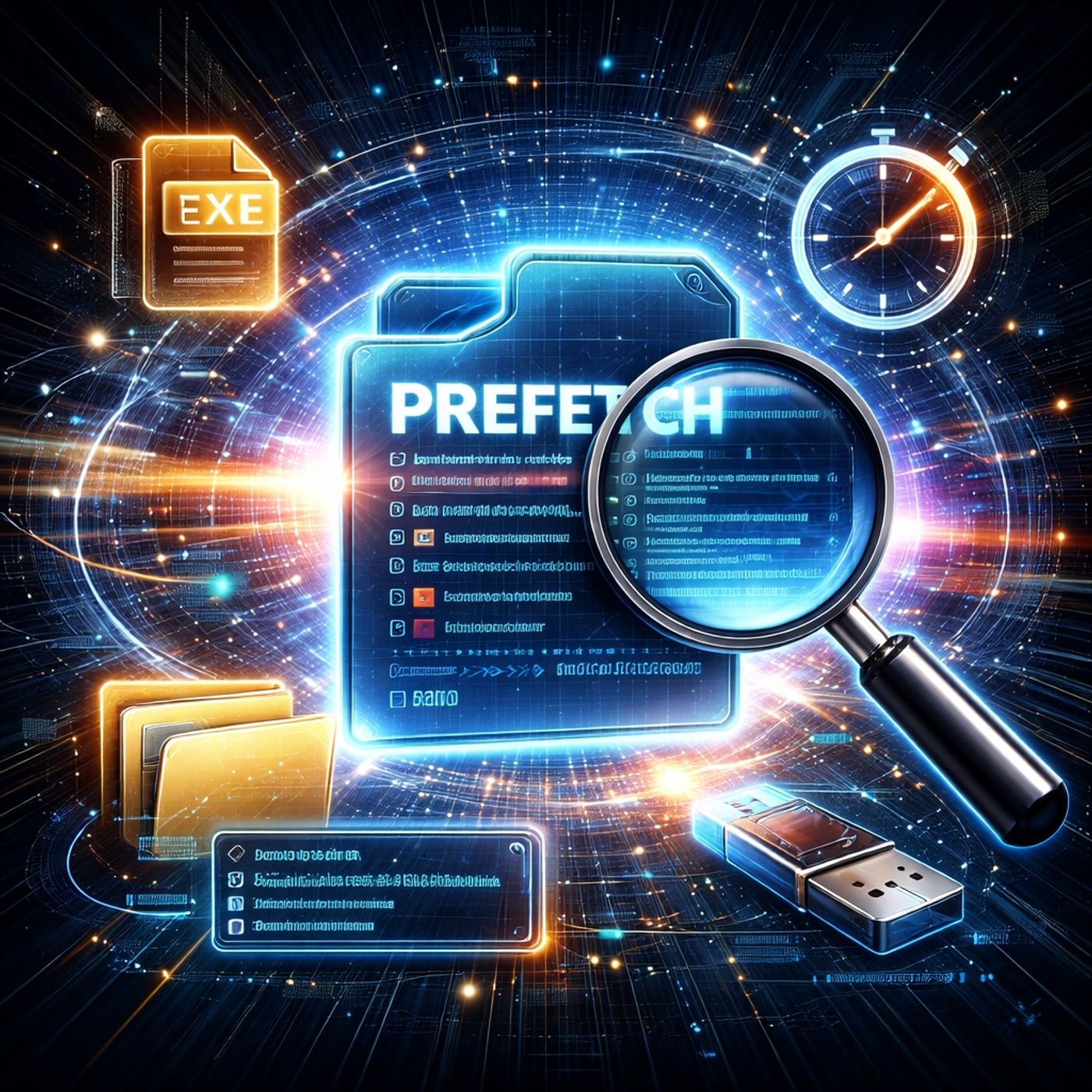
In this lesson, you’ll learn about: Windows Prefetch and forensic execution tracking1. What is Windows Prefetch?A Windows performance feature designed to:Speed up application startupReduce disk access time🔹 Key IdeaIt becomes a forensic artifact that records program execution2. How Prefetch WorksWindows monitors the first seconds of an application launchIt records:Files accessedExecution behavior patterns👉 Result:A cached “startup map” is created for faster future runs3. Prefetch File Structure🔹 Naming FormatApplication name + hashThe hash is an 8-character hexadecimal value🔹 Purpose of the HashDerived from the application pathHelps differentiate:Same program in different locations👉 Key Insight:Same executable in different folders = different Prefetch file4. Forensic Value of Prefetch🔹 What investigators can determineWhen a program was executedHow many times it was runWhether it ran from unusual locations5. The “Who, What, When” of Forensics🔹 Key Questions AnsweredWho: Which program was executedWhat: Which executable was runWhen: Last execution timestamp👉 Important:Prefetch is one of the strongest execution evidence sources in Windows6. Detecting Evidence Tampering🔹 Critical InsightPresence of cleanup tools is itself evidence🔹 ExampleIf a wiping tool appears in Prefetch:It proves the tool was executed👉 Key Idea:“Trying to hide evidence” becomes evidence itself7. Hidden Activity Discovery🔹 Prefetch can reveal:Hidden directoriesExternal storage usageEncrypted container activity🔹 Example targetsTrueCrypt volumesExternal USB drivesObfuscated folders8. System Evolution🔹 Related Windows TechnologiesSuperfetchReadyBoost👉 Purpose:Improve system responsiveness and memory usage9. Registry Control of Prefetch🔹 Key ConceptPrefetch behavior can be enabled/disabled via registry settings🔹 Forensic ImportanceInvestigators check registry keys to see:If Prefetch was disabled intentionallyIf someone tried to hide activity10. Investigation Workflow🔹 How analysts use PrefetchLocate Prefetch filesExtract execution metadataAnalyze timestamps and countsCorrelate with other artifactsKey TakeawaysPrefetch records application execution behavior for performanceIt is a powerful forensic artifact for tracking user activityFile names include hashed execution pathsIt can reveal hidden tools, drives, and user behaviorDisabling Prefetch may itself indicate suspicious activityBig PicturePrefetch helps investigators:👉 Move from “what exists on disk” → “what was actually executed”Mental ModelProgram run → Prefetch created → Execution metadata stored → Timeline reconstructedYou can listen and download our episodes for free on more than 10 different platforms:https://linktr.ee/cybercode_academy
Embed this episode
Ready to play
Course 36 - Windows Forensics and Tools | Episode 8: Efficiency, Evidence, and Forensics
No transcript for this episode yet
Similar Episodes
No similar episodes found.