
EPISODE · Jun 3, 2026 · 16 MIN
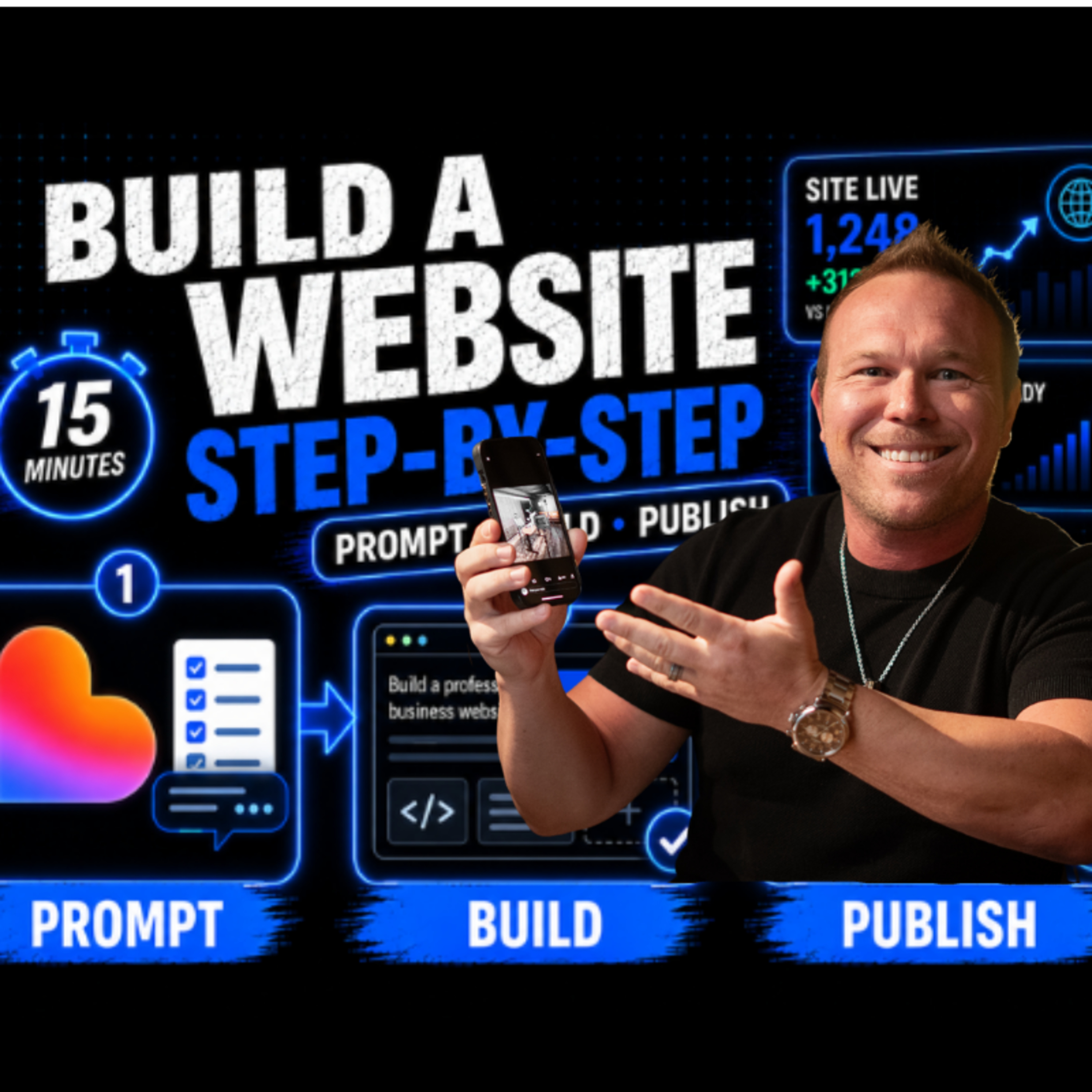
How To Clone A $10,000 Website With AI In 15 Minutes
from Relationship Marketing · host Brad Smith
Learn how to build a professional website with AI in 15 minutes using ChatGPT and Lovable.In this video, I walk through how to create a better AI website prompt, use an example website for inspiration, upload your logo and screenshots, build a homepage, improve the design, add inner pages, check mobile, connect your domain, and publish your site.This is not about copying someone else’s website. It is about using AI to create a strong first draft faster, then improving the design, SEO, forms, tracking, and follow-up so the website can actually help your business get leads.You’ll learn:How to use ChatGPT to create a website promptHow to build a website with LovableWhy your homepage is not enough for SEOHow to create better service pagesHow to check mobile before publishingHow to connect your site to forms, email, CRM, and trackingAt AutomationLinks, we help businesses build websites, landing pages, CRM systems, tracking, and automated follow-up systems.Visit AutomationLinks: https://automationlinks.com/Website Design and Development: https://www.automationlinks.com/website-design-and-developmentBuild the full website, CRM, and follow-up system: https://automationlinks.com/systemSubscribe for more videos about AI websites, CRM automation, landing pages, paid ads, and business systems that help you get more leads.CHAPTERS:0:00 Build a professional website with AI0:31 Tools used: ChatGPT and Lovable1:24 Use inspiration without copying1:34 Create the website prompt in ChatGPT2:03 Improve the prompt with your business info2:12 Upload your logo and brand colors2:24 Add screenshots for better design direction2:41 Move the final prompt into Lovable3:14 Upload files and assets into Lovable3:50 Ask AI for a plan before building4:16 Why your website needs inner pages4:38 Homepage dropdowns are not enough for SEO4:57 Match your URL, headline, and service page5:23 Use AI for visuals, videos, and animations5:52 Approve the plan and build the homepage6:49 Review the first AI website draft7:23 Test buttons, forms, and navigation7:46 Improve the homepage design8:02 Add redesign, SEO, accessibility, and video tools9:10 Prompt Lovable to improve the design10:20 Why websites need landing pages and follow-up11:14 Review the improved design11:45 Check the mobile version12:08 Build inner pages for SEO and conversions12:36 Add 3D visuals and service page animations13:43 Watch your credits and refine the build14:12 Use ChatGPT for better animation prompts14:55 Review the full AI-built website15:32 Final launch checklist before publishing15:50 Connect forms, SEO, analytics, and follow-up
What this episode covers
Learn how to build a professional website with AI in 15 minutes using ChatGPT and Lovable.In this video, I walk through how to create a better AI website prompt, use an example website for inspiration, upload your logo and screenshots, build a homepage, improve the design, add inner pages, check mobile, connect your domain, and publish your site.This is not about copying someone else’s website. It is about using AI to create a strong first draft faster, then improving the design, SEO, forms, tracking, and follow-up so the website can actually help your business get leads.You’ll learn:How to use ChatGPT to create a website promptHow to build a website with LovableWhy your homepage is not enough for SEOHow to create better service pagesHow to check mobile before publishingHow to connect your site to forms, email, CRM, and trackingAt AutomationLinks, we help businesses build websites, landing pages, CRM systems, tracking, and automated follow-up systems.Visit AutomationLinks: https://automationlinks.com/Website Design and Development: https://www.automationlinks.com/website-design-and-developmentBuild the full website, CRM, and follow-up system: https://automationlinks.com/systemSubscribe for more videos about AI websites, CRM automation, landing pages, paid ads, and business systems that help you get more leads.CHAPTERS:0:00 Build a professional website with AI0:31 Tools used: ChatGPT and Lovable1:24 Use inspiration without copying1:34 Create the website prompt in ChatGPT2:03 Improve the prompt with your business info2:12 Upload your logo and brand colors2:24 Add screenshots for better design direction2:41 Move the final prompt into Lovable3:14 Upload files and assets into Lovable3:50 Ask AI for a plan before building4:16 Why your website needs inner pages4:38 Homepage dropdowns are not enough for SEO4:57 Match your URL, headline, and service page5:23 Use AI for visuals, videos, and animations5:52 Approve the plan and build the homepage6:49 Review the first AI website draft7:23 Test buttons, forms, and navigation7:46 Improve the homepage design8:02 Add redesign, SEO, accessibility, and video tools9:10 Prompt Lovable to improve the design10:20 Why websites need landing pages and follow-up11:14 Review the improved design11:45 Check the mobile version12:08 Build inner pages for SEO and conversions12:36 Add 3D visuals and service page animations13:43 Watch your credits and refine the build14:12 Use ChatGPT for better animation prompts14:55 Review the full AI-built website15:32 Final launch checklist before publishing15:50 Connect forms, SEO, analytics, and follow-up
NOW PLAYING
How To Clone A $10,000 Website With AI In 15 Minutes
No transcript for this episode yet
Similar Episodes
Feb 4, 2026 ·18m