
EPISODE · Dec 14, 2014 · 30 MIN
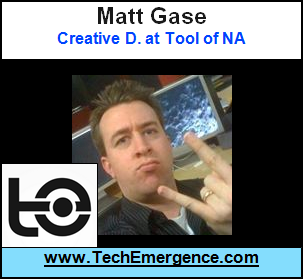
How to Create a Unique Virtual Reality Experience - with Matt Gase of Tool
from The AI in Business Podcast
Tool creates cool digital experiences for big companies all over the world (including UX work for online giants like Google and Facebook), and when they created a virtual reality experience of South Park - they couldn't have imagined how fast it would catch on. After tremendous coverage on sites like TechCrunch and WIRED (and many lessons learned), Matt speaks to us about how to create a unique virtual reality experience that people will enjoy as not just novel, but fun and worth revisiting again and again. For More Information, Visit the HUB of Startups / Business in Emerging Technology. From Robotic Limbs to Getting Angel Investment, from Biotech to Intellectual Property: http://www.TechEmergence.com Interested in the Future of Humanity and the Ramifications of Emerging Tech? Sentient Potential Covers the Ethical Considerations and Future Projections at the Crossroads of Technology and Consciousness: http://www.SentientPotential.com
NOW PLAYING
How to Create a Unique Virtual Reality Experience - with Matt Gase of Tool
No transcript for this episode yet
Similar Episodes
Mar 26, 2026 ·1m
Mar 19, 2026 ·34m
Feb 18, 2026 ·11m
Feb 11, 2026 ·45m