
EPISODE · Feb 2, 2021 · 33 MIN
How to Record, Edit, and Promote Your Own Podcast
from The Really Useful Podcast · host Christian Cawley
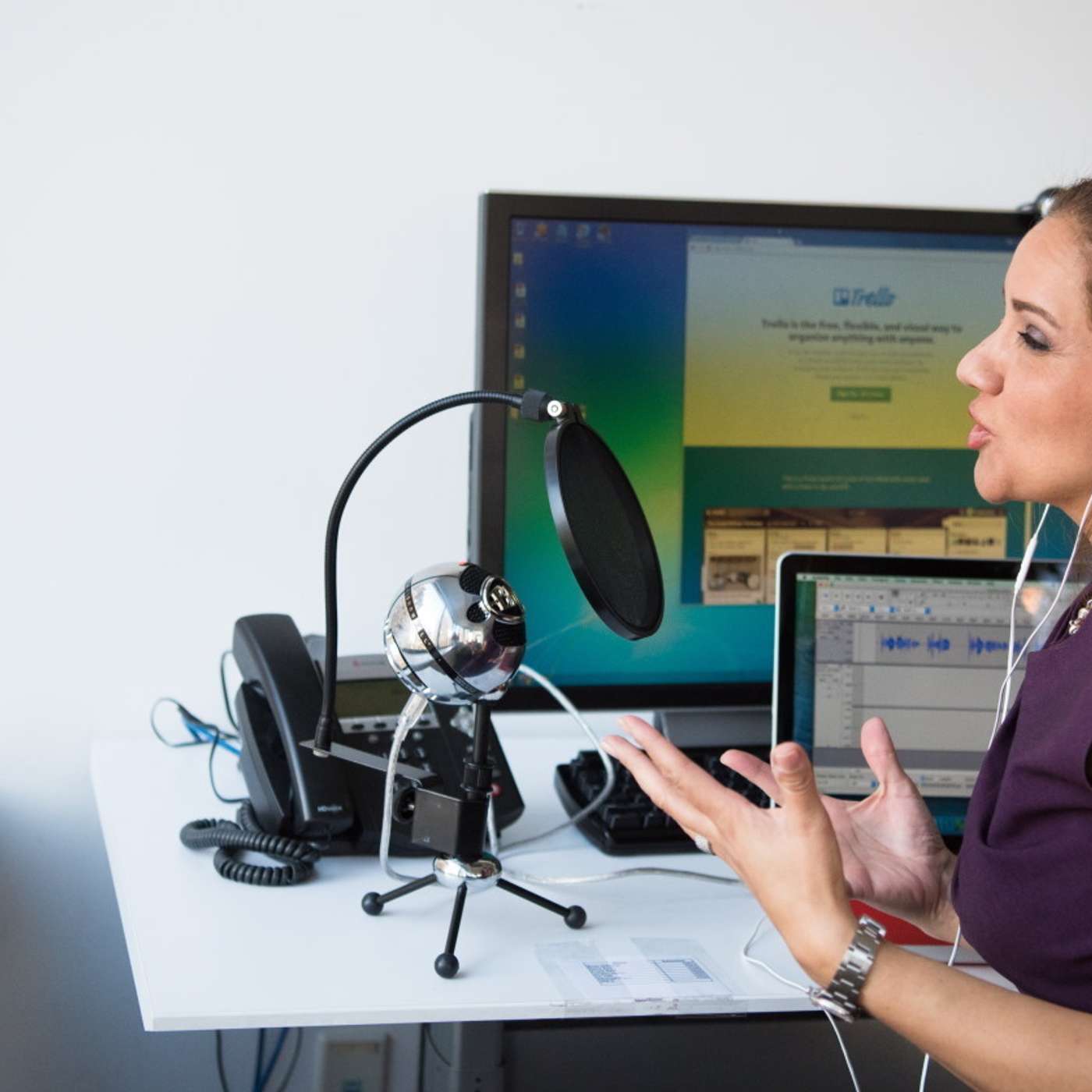
In this Really Useful Podcast we take a look at all you need to know about launching your own podcast. We explore what a podcast is, what yours might be about, how to record it, what apps you can use, and how to find free podcast hosting and list your show on Apple Podcasts. You'll also learn some tricks for promoting your podcast.This week's useful links:What is a podcast?How to start a podcastAndroid apps for recording podcastsRemove background noise with AudacityHow to promote your podcastHeadliner social video makerThis week's Really Useful Podcast is hosted by Christian Cawley.Look out for our other shows---subscribe to the Really Useful Podcast on Apple Podcasts and YouTube (be sure to hit the bell icon to be notified of new episodes) for more tips.
What this episode covers
You listen to podcasts all the time---but how are they made? How do you create a podcast? What devices do you need to get started? How much is podcast hosting? And how do you find an audience for your podcast?
NOW PLAYING
How to Record, Edit, and Promote Your Own Podcast
No transcript for this episode yet
Similar Episodes
Mar 26, 2026 ·1m
Mar 19, 2026 ·34m
Feb 18, 2026 ·11m
Feb 11, 2026 ·45m