
EPISODE · Jan 23, 2026 · 55 MIN
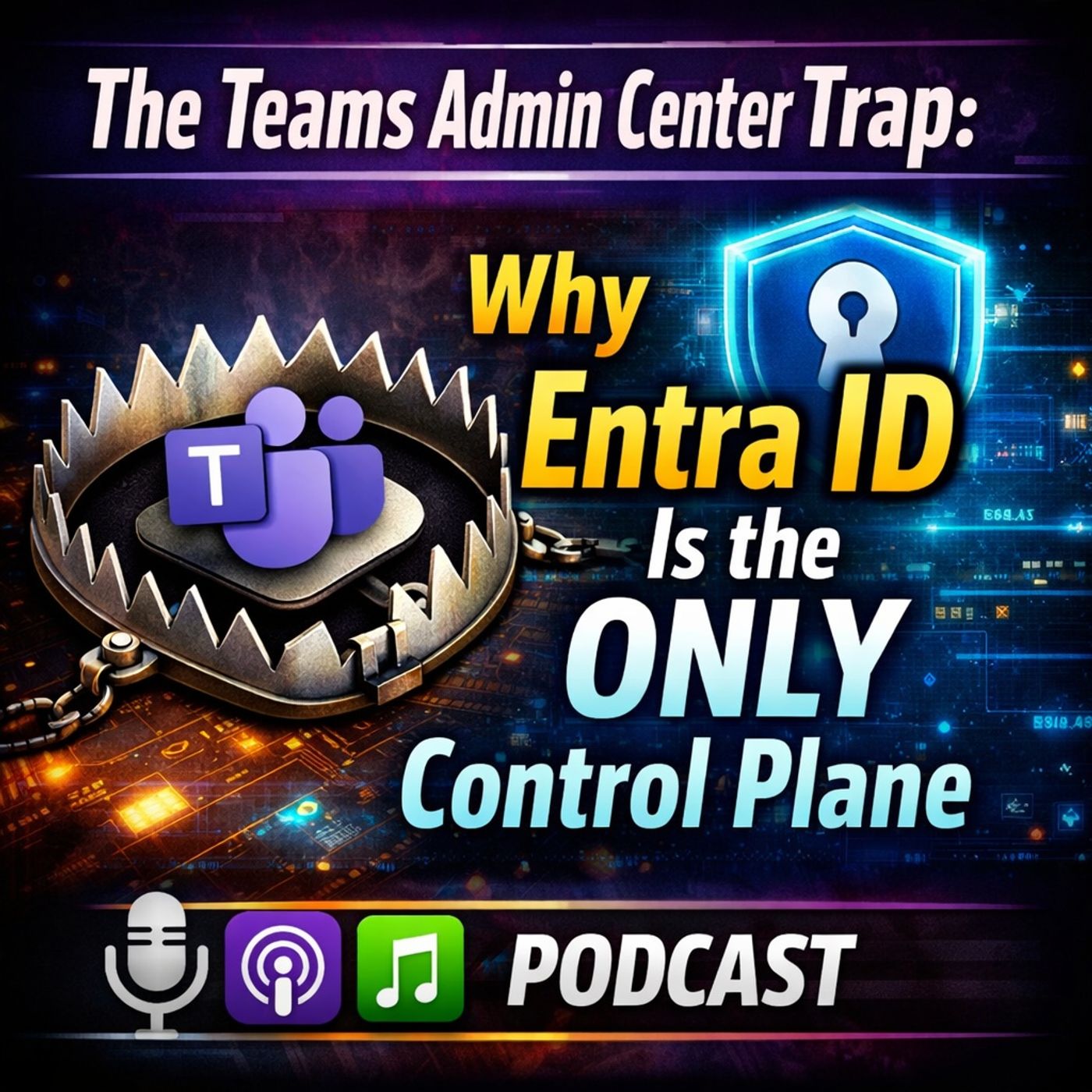
Microsoft Teams Governance: Why the Teams Admin Center Is a Trap — and Where Real Control Actually Lives
from M365.FM - Modern work, security, and productivity with Microsoft 365 · host Mirko Peters - Founder of m365.fm, m365.show and m365con.net
(00:00:00) The Teams Admin Center Illusion (00:00:27) The Misconception of Teams as the Control Center (00:01:44) Defining Authority in Microsoft 365 (00:02:20) The Distributed Decision Engine of Microsoft 365 (00:04:30) The Limited Scope of Teams Admin Center (00:12:29) Conditional Access: The Real Gatekeeper (00:16:54) Guest Access: A Compliance Problem, Not Governance (00:21:17) Apps and OAuth: The Hidden Risks (00:25:27) Sign-in Failures: Teams is Just a Messenger (00:29:44) Policy Delays: The False Feedback Loop There is a persistent and expensive misconception in Microsoft 365 organizations: that administering Microsoft Teams means working in the Teams Admin Center. It is an understandable assumption — the Teams Admin Center is well-designed, clearly labeled, and gives administrators a satisfying sense of visibility and control. But the Teams Admin Center is a service console, not a governance platform. It shows you what Teams is doing. It does not determine who can access what, what data can flow where, or how the organization's identity and security policies intersect with collaboration at scale. That authority lives somewhere else entirely — and organizations that do not know where it lives are not governing Teams. They are watching it.In this episode of M365.FM, Mirko Peters dismantles the most common Microsoft Teams governance misconception in enterprise IT: the belief that configuring Teams is the same as controlling the collaboration environment it creates. Real Teams governance is exercised through Microsoft Entra ID — where conditional access policies determine who can authenticate and from what context. It is exercised through Microsoft Purview — where sensitivity labels, data loss prevention policies, and information barriers determine what data can flow where. It is exercised through Microsoft Defender for Cloud Apps — where session controls, anomaly detection, and policy enforcement create the behavioral layer that the Teams Admin Center cannot provide. And it is exercised through the provisioning and lifecycle management architecture that determines how Teams environments are created, maintained, and decommissioned — long before and long after the Teams Admin Center has any role to play.This episode is essential listening for Microsoft 365 administrators, Teams architects, security teams, and IT leaders who are responsible for the governance of collaboration in their organizations — and who want to understand where real control lives in the Microsoft Teams ecosystem and how to exercise it effectively.WHAT YOU WILL LEARNWhy the Teams Admin Center is a service console, not a governance platform — and what the difference means in practiceWhere real Microsoft Teams governance actually lives: Entra ID, Purview, Defender for Cloud Apps, and lifecycle management architectureHow Microsoft Entra ID conditional access policies control Teams access at the identity and device levelHow Microsoft Purview sensitivity labels, DLP policies, and information barriers govern Teams data and communicationHow Microsoft Defender for Cloud Apps provides the behavioral and session control layer that Teams governance requiresWhy Teams provisioning and lifecycle management are governance decisions, not administrative tasksHow to build a Teams governance architecture that is proactive, layered, and auditable — not reactive and console-dependentWhat the five most common Teams governance failures look like — and which upstream controls would have prevented each oneTHE CORE INSIGHTThe Teams Admin Center is the last place real Teams governance happens. By the time a policy decision surfaces in the Teams Admin Center, the governance architecture that determines its effectiveness — or its failure — has already been established in Entra ID, Purview, and the provisioning model. Administrators who spend their time in the Teams Admin Center troubleshooting governance problems are debugging the symptoms of architectural decisions that were made elsewhere, often long before the problem became visible.Mirko argues that effective Microsoft Teams governance requires a layered architecture that works from the outside in. The outermost layer is identity: who can authenticate to Teams, from what devices, from what locations, and under what conditions — governed by Entra ID conditional access and Microsoft Intune compliance policies. The next layer is data: what information can be shared, labeled, retained, or blocked — governed by Purview sensitivity labels, DLP policies, and retention rules applied at the Microsoft 365 service level, not at the Teams UI level. The innermost layer is behavior: what actions users and guests can take within Teams environments — governed by a combination of meeting policies, messaging policies, guest access controls, and Defender for Cloud Apps session policies. The Teams Admin Center configures that innermost layer. Governance starts long before it gets there.WHY TEAMS GOVERNANCE FAILS IN MICROSOFT 365 ORGANIZATIONSAdministrators treat the Teams Admin Center as the primary governance surface rather than a configuration interfaceEntra ID conditional access policies are not configured to enforce Teams-specific access requirements for external users and guest accountsMicrosoft Purview sensitivity labels are applied to documents but not enforced at the Teams channel and meeting levelGuest access in Teams is enabled without Entra ID guest access reviews or lifecycle management policiesTeams environments are provisioned on demand without a governance model that defines ownership, naming, and expirationData loss prevention policies are created but not tested against real Teams communication and file sharing scenariosMicrosoft Defender for Cloud Apps is licensed but not configured to monitor or control Teams session behaviorGovernance reviews happen after incidents rather than being built into the provisioning and lifecycle architecture from the startKEY TAKEAWAYSThe Teams Admin Center is a configuration interface — real Teams governance is exercised through Entra ID, Purview, and Defender for Cloud AppsEvery Teams governance failure can be traced to a gap in identity, data, or behavioral governance upstream of the Teams serviceEntra ID conditional access and guest lifecycle management are the most critical and most underutilized Teams governance controlsMicrosoft Purview sensitivity labels must be configured to apply at the Teams environment level, not just to individual filesProvisioning and lifecycle management architecture is a governance decision that determines the long-term health of the Teams estateEffective Teams governance is layered, proactive, and auditable — not reactive, console-based, and incident-drivenWHO THIS EPISODE IS FORMicrosoft 365 administrators and Teams architects responsible for collaboration governanceSecurity and compliance teams managing Microsoft Teams data governance and access controlsIT leaders evaluating why their Microsoft Teams environment has grown beyond manageable governanceMicrosoft Entra ID and Purview specialists designing identity and data governance for Teams environmentsMicrosoft partners and consultants advising on Teams governance architecture and security designCISOs and compliance officers responsible for collaboration security and regulatory compliance in Microsoft 365TOPICS COVEREDMicrosoft Teams governance architecture and the role of the Teams Admin CenterMicrosoft Entra ID conditional access and guest lifecycle management for TeamsMicrosoft Purview sensitivity labels, DLP policies, and information barriers in TeamsMicrosoft Defender for Cloud Apps session controls and Teams behavioral governanceTeams provisioning, lifecycle management, and environment governance architectureMicrosoft 365 collaboration security and external access governanceTeams governance failure patterns and upstream control architectureMicrosoft 365 compliance and audit readiness for Teams environmentsABOUT THE HOSTMirko Peters is a Microsoft 365 architect, strategist, and the host of M365.FM — a podcast dedicated to modern work, security, and productivity in the Microsoft ecosystem. With experience spanning small businesses to large enterprises, Mirko focuses on Microsoft 365 architecture, AI integration, governance, security, and the design of scalable, context-driven systems. M365.FM is the go-to resource for IT leaders, architects, and decision-makers navigating the Microsoft platform at scale.Become a supporter of this podcast: https://www.spreaker.com/podcast/m365-fm-modern-work-security-and-productivity-with-microsoft-365--6704921/support.
Embed this episode
What this episode covers
(00:00:00) The Teams Admin Center Illusion (00:00:27) The Misconception of Teams as the Control Center (00:01:44) Defining Authority in Microsoft 365 (00:02:20) The Distributed Decision Engine of Microsoft 365 (00:04:30) The Limited Scope of Teams Admin Center (00:12:29) Conditional Access: The Real Gatekeeper (00:16:54) Guest Access: A Compliance Problem, Not Governance (00:21:17) Apps and OAuth: The Hidden Risks (00:25:27) Sign-in Failures: Teams is Just a Messenger (00:29:44) Policy Delays: The False Feedback Loop There is a persistent and expensive misconception in Microsoft 365 organizations: that administering Microsoft Teams means working in the Teams Admin Center. It is an understandable assumption — the Teams Admin Center is well-designed, clearly labeled, and gives administrators a satisfying sense of visibility and control. But the Teams Admin Center is a service console, not a governance platform. It shows you what Teams is doing. It does not determine who can access what, what data can flow where, or how the organization's identity and security policies intersect with collaboration at scale. That authority lives somewhere else entirely — and organizations that do not know where it lives are not governing Teams. They are watching it. In this episode of M365.FM, Mirko Peters dismantles the most common Microsoft Teams governance misconception in enterprise IT: the belief that configuring Teams is the same as controlling the collaboration environment it creates. Real Teams governance is exercised through Microsoft Entra ID — where conditional access policies determine who can authenticate and from what context. It is exercised through Microsoft Purview — where sensitivity labels, data loss prevention policies, and information barriers determine what data can flow where. It is exercised through Microsoft Defender for Cloud Apps — where session controls, anomaly detection, and policy enforcement create the behavioral layer that the Teams Admin Center cannot provide. And it is exercised through the provisioning and lifecycle management architecture that determines how Teams environments are created, maintained, and decommissioned — long before and long after the Teams Admin Center has any role to play. This episode is essential listening for Microsoft 365 administrators, Teams architects, security teams, and IT leaders who are responsible for the governance of collaboration in their organizations — and who want to understand where real control lives in the Microsoft Teams ecosystem and how to exercise it effectively. WHAT YOU WILL LEARN Why the Teams Admin Center is a service console, not a governance platform — and what the difference means in practice Where real Microsoft Teams governance actually lives: Entra ID, Purview, Defender for Cloud Apps, and lifecycle management architecture How Microsoft Entra ID conditional access policies control Teams access at the identity and device level How Microsoft Purview sensitivity labels, DLP policies, and information barriers govern Teams data and communication How Microsoft Defender for Cloud Apps provides the behavioral and session control layer that Teams governance requires Why Teams provisioning and lifecycle management are governance decisions, not administrative tasks How to build a Teams governance architecture that is proactive, layered, and auditable — not reactive and console-dependent What the five most common Teams governance failures look like — and which upstream controls would have prevented each one THE CORE INSIGHTThe Teams Admin Center is the last place real Teams governance happens. By the time a policy decision surfaces in the Teams Admin Center, the governance architecture that determines its effectiveness — or its failure — has already been established in Entra ID, Purview, and the...
NOW PLAYING
Microsoft Teams Governance: Why the Teams Admin Center Is a Trap — and Where Real Control Actually Lives
No transcript for this episode yet
Similar Episodes
No similar episodes found.
Similar Podcasts
No similar podcasts found.