
EPISODE · Sep 1, 2025 · 4 MIN
Unlock AI Superpowers: The Role Prompting Trick That Transforms Your Productivity
from I am GPTed - what you need to know about Chat GPT, Bard, Llama, and Artificial Intelligence · host Inception Point AI
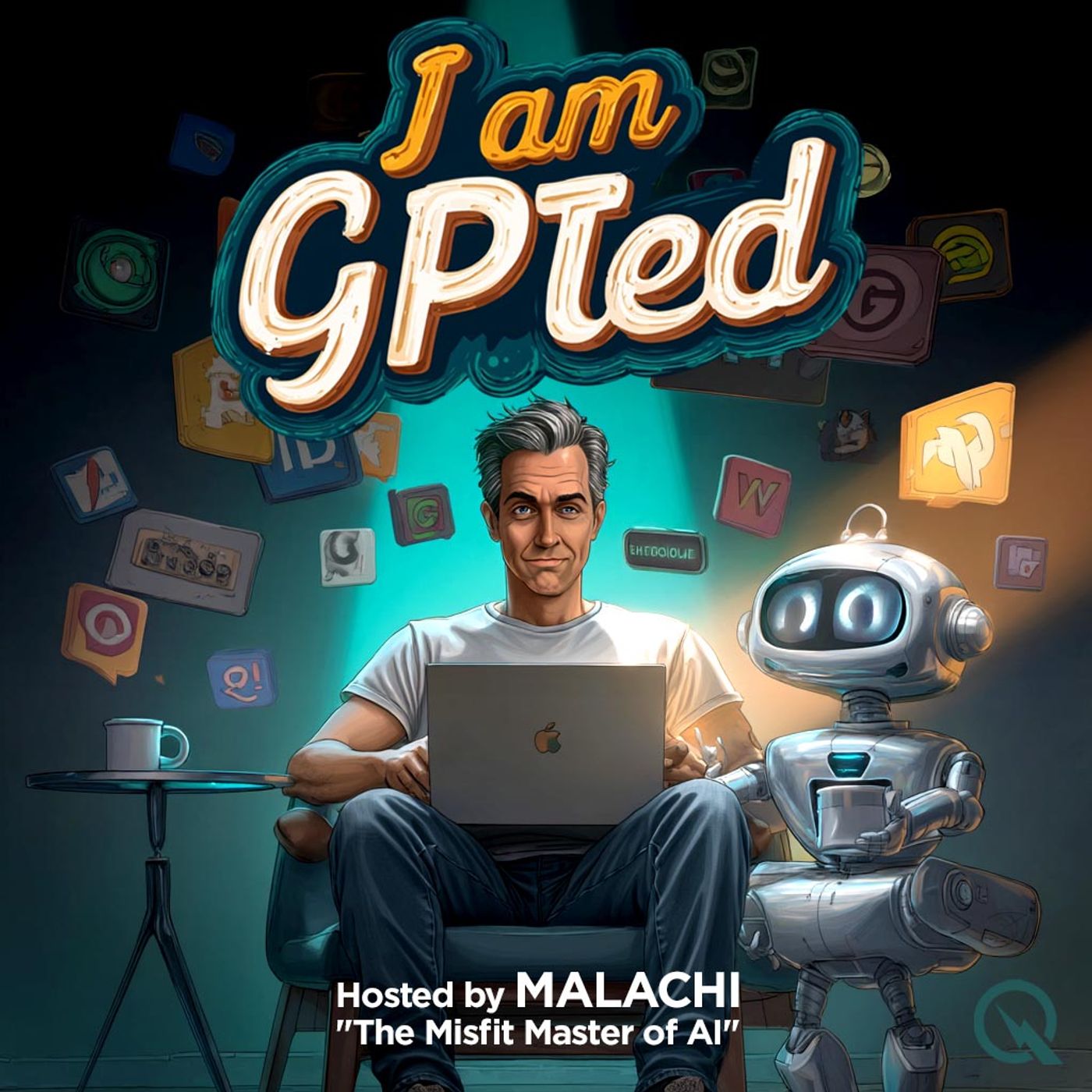
Welcome to “I am GPTed,” the podcast for people who never meant to get good with AI, but here we are. I’m Mal, your Misfit Master of AI—former tech skeptic, current AI wrangler, professionally allergic to jargon, and living proof that confusion is a gateway drug to competence. Let’s save the theory for philosophers. Today, I’ll show you a prompting trick that’ll actually help. Let’s talk about *role prompting.* Yes, it sounds like something you’d find at a dodgy improv night, but it’s one of the quickest ways to get much better, more useful answers from AI tools. Here it is: you tell the AI to “act as if” it’s an expert, a teacher, your grandma, your favorite chef—whoever you like. This simple tweak gives you way better guidance. Let me give you a “before and after,” home makeover style. **Before:** Me, several months ago, staring into the void: “ChatGPT, how do I make a budget?” Classic AI answer: robotic, generic, slightly reminiscent of reading the back of a cereal box. **After:** Role prompting to the rescue: “Act as if you’re a financial advisor helping someone who spends too much on, let’s say, fancy coffee. Walk me through creating a budget with humor and zero judgment.” Suddenly, the advice was specific, relatable, and just self-deprecating enough to make me feel seen. It even included a line like, “Allocate $20 for coffee, and let’s not kid ourselves about cutting it down yet.” That’s the power of role prompting. Instead of word salad, you get a dish you’ll actually eat. Now for a practical use case most beginners miss: *crafting better feedback emails at work.* Don’t just ask the AI, “Rewrite my email to sound nicer.” Try: “Act as an experienced HR manager who wants to deliver constructive feedback while keeping morale high. Rewrite my email in that style.” Results? Less awkwardness, fewer dictionary words, and emails that don’t read like rejection letters from a 19th-century literature professor. One of the absolute biggest beginner mistakes—congratulations, I’ve made this more than once—is tossing the AI a vague prompt. “Write me a to-do list.” What you get? A glorious list you could’ve copied from a productivity poster. I kept thinking the AI “just didn’t get it.” The reality: I was giving it as much context as a fortune cookie. Always add enough details, examples, or that role prompt we talked about. If the AI is confused, it’s probably only slightly more confused than you were. Let’s practice. This week’s exercise: Pick a task—meal planning, a daily schedule, insult comedy for cats, whatever. Write your usual prompt, then rewrite it by giving the AI a role, with extra context. Compare the two—spot the difference in usefulness. Congratulations, you’re refining your prompt game and possibly discovering you want far too many snacks at 3pm. Final pro tip for evaluating AI responses: *Don’t trust the first draft.* AI is not your one-and-done magic genie. Reread what it gives you, ask yourself, “Does this answer sou This content was created in partnership and with the help of Artificial Intelligence AI.
What this episode covers
Welcome to “I am GPTed,” the podcast for people who never meant to get good with AI, but here we are. I’m Mal, your Misfit Master of AI—former tech skeptic, current AI wrangler, professionally allergic to jargon, and living proof that confusion is a gateway drug to competence. Let’s save the theory for philosophers. Today, I’ll show you a prompting trick that’ll actually help. Let’s talk about *role prompting.* Yes, it sounds like something you’d find at a dodgy improv night, but it’s one of the quickest ways to get much better, more useful answers from AI tools. Here it is: you tell the AI to “act as if” it’s an expert, a teacher, your grandma, your favorite chef—whoever you like. This simple tweak gives you way better guidance. Let me give you a “before and after,” home makeover style. **Before:** Me, several months ago, staring into the void: “ChatGPT, how do I make a budget?” Classic AI answer: robotic, generic, slightly reminiscent of reading the back of a cereal box. **After:** Role prompting to the rescue: “Act as if you’re a financial advisor helping someone who spends too much on, let’s say, fancy coffee. Walk me through creating a budget with humor and zero judgment.” Suddenly, the advice was specific, relatable, and just self-deprecating enough to make me feel seen. It even included a line like, “Allocate $20 for coffee, and let’s not kid ourselves about cutting it down yet.” That’s the power of role prompting. Instead of word salad, you get a dish you’ll actually eat. Now for a practical use case most beginners miss: *crafting better feedback emails at work.* Don’t just ask the AI, “Rewrite my email to sound nicer.” Try: “Act as an experienced HR manager who wants to deliver constructive feedback while keeping morale high. Rewrite my email in that style.” Results? Less awkwardness, fewer dictionary words, and emails that don’t read like rejection letters from a 19th-century literature professor. One of the absolute biggest beginner mistakes—congratulations, I’ve made this more than once—is tossing the AI a vague prompt. “Write me a to-do list.” What you get? A glorious list you could’ve copied from a productivity poster. I kept thinking the AI “just didn’t get it.” The reality: I was giving it as much context as a fortune cookie. Always add enough details, examples, or that role prompt we talked about. If the AI is confused, it’s probably only slightly more confused than you were. Let’s practice. This week’s exercise: Pick a task—meal planning, a daily schedule, insult comedy for cats, whatever. Write your usual prompt, then rewrite it by giving the AI a role, with extra context. Compare the two—spot the difference in usefulness. Congratulations, you’re refining your prompt game and possibly discovering you want far too many snacks at 3pm. Final pro tip for evaluating AI responses: *Don’t trust the first draft.* AI is not your one-and-done magic genie. Reread what it gives you, ask yourself, “Does this answer sou This content was created in partnership and with the help of Artificial Intelligence AI.
NOW PLAYING
Unlock AI Superpowers: The Role Prompting Trick That Transforms Your Productivity
No transcript for this episode yet
Similar Episodes
Mar 26, 2026 ·1m
Mar 19, 2026 ·34m
Feb 18, 2026 ·11m
Feb 11, 2026 ·45m