
PODCAST · education
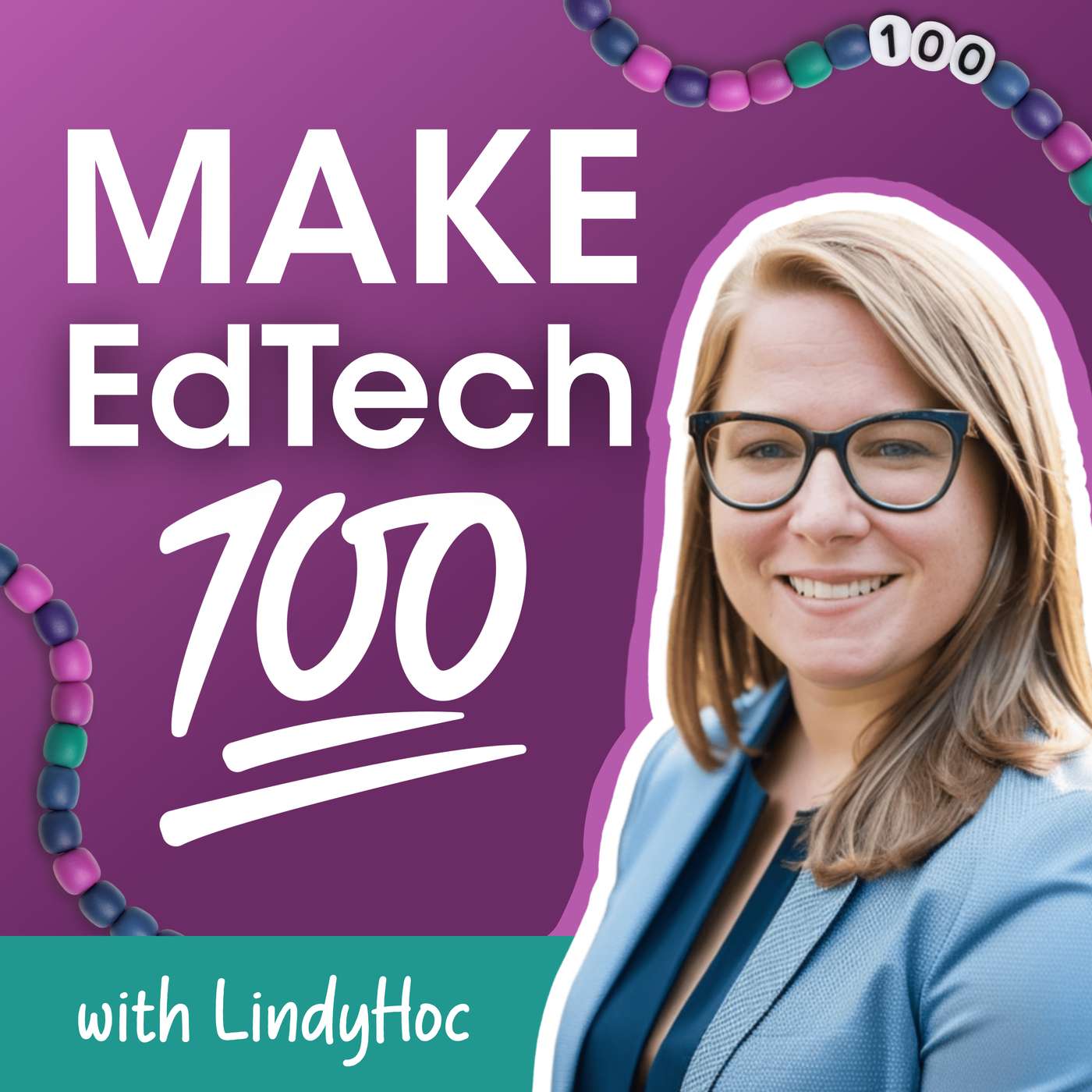
Make EdTech 100 with LindyHoc
by Lindy Hockenbary
Technology in education shouldn’t feel overwhelming, confusing, or disconnected from what actually works in classrooms. This show keeps it real. Each week, educator and K–12 EdTech Advisor Lindy Hockenbary shares practical strategies, stories from real teachers, and no-nonsense conversations about how to use tech in ways that feel human, joyful, and grounded in learning.Whether you’re a teacher, a school leader, or an EdTech product builder, this show helps you Make EdTech 100 — real, relevant, and rooted in what matters most: kids.
-
15
Not All Screen Time Is Created Equal
A kid creating a digital book for a real audience. A kid clicking through a digital worksheet. A kid doom-scrolling at 10pm. All three involve a screen, but they are not the same thing, and treating them like they are is leading to some really bad decisions for kids and classrooms. In this episode, LindyHoc breaks down why the screen time conversation is missing the point, what we should actually be talking about, and why the answer isn't banning devices.Book Creator: bookcreator.comSnorkl: snorkl.appShort Answer: myshortanswer.comEdtech is worth fighting for (1 of 2) by Adam Sparks: https://adamsparks.substack.com/p/edtech-is-worth-fighting-for-1-of
-
14
Is AI Safe for Students? Part 2: It Depends on the Tool
In Part 2 of this conversation, Lindy builds on the question every educator and parent is asking: Is AI actually safe for students? Using new research from Stanford University, she breaks down what we know so far.The big takeaway? AI isn’t inherently good or bad for learning. It all comes down to how the tool is designed and how it’s used.Lindy shares practical do’s and don’ts for both teachers and parents, including why guardrails matter, how “guide vs. give” changes learning outcomes, and what happens when students are dropped into AI without structure. She also tackles one of the biggest emerging concerns—AI companionship—and why avoiding the technology altogether isn’t the answer.Because the goal isn’t to avoid AI, it’s to raise humans who know how to use it well.Episode 9: Is AI Safe for Students Part 1 https://www.lindyhoc.com/post/9-is-ai-safe-for-students Stanford AI Hub for Education — Understanding the Evidence Base for AI in K–12 Education: https://scale.stanford.edu/research-in-action/understanding-evidence-base-ai-k12-education Blog post and infographic: https://www.lindyhoc.com/post/6-ai-teaching-tools-that-enhance-learning-and-keep-teachers-in-control SchoolAIBriskGet three months of Brisk premium features! NotebookLM
-
13
Jack Churchill on Why Assistive Tech Isn’t Cheating—It’s Access
In this episode, Lindy sits down with Jack Churchill—assistive technology leader, dyslexic learner, and yes, the great-grandson of Winston Churchill—to unpack one of education’s biggest misconceptions: that using support tools is somehow “cheating.” From scanning pens to AI-powered supports, they explore how accessibility tools remove barriers, not rigor. You’ll hear insights on supporting neurodivergent learners, and why access isn’t optional—it’s essential for learningLearn more about Scanning Pens at https://www.scanningpens.com/. More about Jack: Jack Churchill is Chair of the British Assistive Technology Association and Co-Founder of Scanning Pens. He established the assistive technology company Scanning Pens 20 years ago because he’s passionate about technology being a great enabler. Being dyslexic himself, Jack is determined to help young people & adults with reading difficulties reach their potential. Scanning Pens BETT Award winning C-Pen Reader is used in classrooms around the world. In recent years Scanning Pens has won a number of prominent awards including BETT Company of the Year 2020 & the Queen's Award for Enterprise 2021 for International Trade. Jack is a UK Trade Export Champ and was recognised with an OBE medal from HRH the Prince of Wales in 2024.
-
12
What is the Research Telling Us About AI Literacy?
It’s AI Literacy Day and episode 10 of Make EdTech 100, so we’re digging into a big question: what does the research actually say about AI literacy?In this episode, I break down key studies to uncover what we’re learning about how people use AI, what happens when they don’t understand it, and why AI literacy is quickly becoming a must-have, not a nice-to-have. We’ll look at surprising findings like why lower AI literacy can lead to more AI use, what happens when teachers are given the right guidance, and the growing gap between students using AI and actually knowing how to use it well.We’ll also explore when AI literacy should start (hint: much earlier than most people think), what effective instruction looks like, and what students themselves are asking for when it comes to AI in the classroom.If you’ve been wondering how to move beyond the hype and make sense of AI in education, this episode connects the research to real classroom practice—and makes the case for why AI literacy belongs at the core of learning, not on the sidelines.What is AI Literacy? Competencies and Design Considerations: https://dl.acm.org/doi/10.1145/3313831.3376727 Lower Artificial Intelligence Literacy Predicts Greater AI Receptivity: https://journals.sagepub.com/doi/10.1177/00222429251314491ChatGPT in lesson preparation - A Teacher Choices Trial: https://www.nfer.ac.uk/publications/chatgpt-in-lesson-preparation-a-teacher-choices-trial/ The effects of over-reliance on AI dialogue systems on students' cognitive abilities: a systematic review: https://link.springer.com/article/10.1186/s40561-024-00316-7 The Usage of AI in Teaching and Students’ Creativity: The Mediating Role of Learning Engagement and the Moderating Role of AI Literacy: https://pmc.ncbi.nlm.nih.gov/articles/PMC12109026/ AI-driven language learning in higher education: an empirical study on self-reflection, creativity, anxiety, and emotional resilience in EFL learners: https://www.nature.com/articles/s41599-025-05817-5 Exploring How AI Literacy and Self-Regulated Learning Relate to Student Writing Performance and Well-Being in Generative AI-Supported Higher Education: https://pmc.ncbi.nlm.nih.gov/articles/PMC12108985/ AI4K12 Initiative (CSTA & AAAI) — the grade-band progression framework referenced ai4k12.orgAI Literacy in K-12: A Systematic Literature Review"https://link.springer.com/article/10.1186/s40594-023-00418-7 A Systematic Review of AI Education in K-12 Classrooms from 2018 to 2023: https://www.sciencedirect.com/science/article/pii/S2666920X24000122 AI in K-12 Education: A Systematic Review of Teachers' Professional Development Needs: https://www.mdpi.com/2073-431X/15/1/49 A Systematic Review of Responses, Attitudes, and Utilization Behaviors on Generative AI for Teaching and Learning in Higher Education: https://pmc.ncbi.nlm.nih.gov/articles/PMC12023922/
-
11
Is AI Safe for Students?
Is it safe for students to use? In this episode, Lindy explores how AI tools can support learning while keeping teachers firmly in control. She breaks down why teacher dashboards and visibility matter, how educators can monitor student interactions with AI, and why students shouldn’t be chatting with bots all day. Instead, AI works best at key moments in learning—sparking curiosity, helping students brainstorm ideas, and personalized checkpoints. If you’re trying to navigate AI in a way that protects students while enhancing learning, this episode gives you a practical starting point.Blog post and infographic: https://www.lindyhoc.com/post/6-ai-teaching-tools-that-enhance-learning-and-keep-teachers-in-control Get three months of Brisk premium features!
-
10
Education in the AI Agent Era with Aaron Makelky
In this episode, Lindy is joined by Aaron Makelky to break down what educators need to understand about agentic AI.We’ve moved beyond text generation. We’re now in the age of agents—systems that act autonomously, navigate browsers, execute tasks, and even help build new AI tools.Lindy and Aaron unpack recent AI releases, including Codex, agentic browsers, and the viral Open Claw experiment. They explore what’s hype, what’s real, and what this acceleration means for assessment, data privacy, and the future relevance of classroom work.Connect with Aaron Makelky:https://aaronmakelky.com https://www.linkedin.com/in/aaron-makelky-m-a-ed-038b852a3/https://x.com/theaaronAbout Aaron: Aaron Makelky spent 16 years as a high school social studies teacher and coach before transitioning to tech. Now a Community & Developer Relations Marketing Manager at a San Francisco-based tech company (working remotely), he focuses on making AI accessible for non-technical people. He's trained schools, law firms and nonprofits on AI implementation. His content and workshops are all about cutting through AI hype to show practical applications that actually work.Tools mentioned in the episode:https://www.perplexity.ai/comethttps://chatgpt.com/atlas/ https://www.diabrowser.com/https://openai.com/codex/ https://openclaw.ai/
-
9
Finding the Kids Who Don’t Have a “Thing”: Esports, Libraries, and Montana Magic with Marne Bender
What happens when a Montana librarian starts an esports team?In this episode, I sit down with Marne Bender — educator, librarian, esports coach, and fellow Montanan — to talk about creating spaces where students belong. From building a state championship esports program to transforming the school library into a makerspace hub with 3D printers and coding robots, Marne shares how she makes EdTech 100% work for her students.We dive into rural innovation, esports misconceptions, digital literacy in the age of AI, and why sometimes the best ideas start with “Let’s just try it.”If you care about belonging, creativity, and preparing kids for careers that don’t exist yet, this one’s for you. East Helena Public Schools: https://www.ehpsmt.gov/Connect with Marne: [email protected] More about Marne:With 16 years in education at East Helena Public Schools, Marne is currently a Library Media Specialist working with preschool, kindergarten, and high school students. She's helped grow Montana’s high school esports scene for the past seven years and loves creating opportunities for students to explore new passions. She loves yapping about books, tinkering with 3D printers and robots, and encouraging curiosity in all learners. Outside of school, she spends as much time as possible in the mountains of Montana with her family.
-
8
One in a Million: How Rural Montana Shaped My EdTech Why
In this episode, I’m stepping out from behind the mic to share a bit about who I am and how my journey in rural Montana shaped the way I think about education and technology. From teaching in a literal one-to-one computer lab before one-to-one was a thing, to supporting educators in small, under-resourced schools, these early experiences cemented my belief that pedagogy must always lead and technology should serve learning—not the other way around.Meet Lindy: https://www.lindyhoc.com/meet-lindyConnect with me on socials:FacebookInstagramTikTokYouTubeLinkedIn
-
7
In 2026, Video Isn’t Optional for Teachers
Students live in a world of video—and school can’t pretend otherwise. In this episode of Make EdTech 100, Lindy makes the case for why teacher-created video is no longer optional in K–12 learning. Backed by research on student-teacher relationships, belonging, and engagement, this episode unpacks why your presence matters more than polished production. You’ll walk away with concrete ways to use short, authentic videos for instruction, feedback, and connection—plus ideas for making video more engaging without spending more time.Blog and infographic: https://www.lindyhoc.com/post/lights-camera-learning-what-the-research-says-about-teacher-created-videos For even more research: A Teacher’s Guide to Online LearningThe LindyHoc YouTube to follow Lindy’s video journey: https://www.youtube.com/@LindyHoc
-
6
Learning.com and the Missing Piece: Teaching Kids How to Be Citizens in a Tech World
We gave kids technology… and forgot to teach them how to use it. In this episode of Make EdTech 100, Lindy sits down with Dr. Kelli Erwin from Learning.com to unpack what schools are missing in a world where technology is everywhere—even when screens are banned.From misinformation and echo chambers to AI, addiction, and algorithmic influence, this conversation reframes “digital citizenship” as something bigger: real citizenship in an AI-driven world. Dr. Erwin shares how Learning.com’s curriculum helps students (and teachers) build the skills to evaluate information, make thoughtful choices, and use technology with purpose—whether that happens in a tech class, social studies, or PE.You’ll hear why fear-based approaches and blanket bans fall short, how education is the antidote to overwhelm, and what it really means to Make EdTech 100 by balancing technical skills with human ones. If you’ve ever wondered how to prepare students for a future they’re already living in, this episode is your roadmap.Resources:learning.com https://www.learning.com/resources/ai-resource-center/: Learning.com’s new AI Resource Center which includes an AI Policy Hub, PD, webinars, guides, toolkits, and more designed as a free resource to help teachers.
-
5
Teaching with Machines: AI Fluency with Merissa Sadler-Holder
What happens when we stop treating technology as either the hero or the villain in education?In this episode, Lindy is joined by Merissa Sadler-Holder, French teacher and founder of Teaching with Machines, for a thoughtful, grounded conversation about what it really means to teach with technology, especially in the age of AI.Together, they unpack the difference between AI literacy and AI fluency, explore why “find the gray” is essential in today’s classrooms, and challenge the all-or-nothing thinking around devices, policies, and generative AI. Merissa shares how her background as a language teacher shaped her approach to tools like Google Translate and how those lessons directly apply to today’s AI moment.You’ll hear why:Technology isn’t the magic fix and it isn’t the root problem eitherPolicy should create safe space, not shut down explorationTeachers don’t have to be AI experts to model AI fluencyMessy learning is a feature, not a flawThe future of education is human-centered, not machine-drivenThis episode is a must-listen for educators who feel caught between fear and possibility and are ready to design classrooms that prepare students for a future we’re still buildingBecause teaching with machines doesn’t replace your expertise. It amplifies it.Connect with Merissa: http://teachingwithmachine.com/
-
4
The Joy Is REEL: Bringing Video and Calm to Classrooms with Erika Sandstrom
What if video wasn’t one more “thing” on your plate, but a pathway back to joy in teaching?In this episode, Lindy sits down with Erika Sandstrom, the legendary Green Screen Gal, to explore how video can transform classrooms into spaces of creativity, confidence, and connection. From jump cuts and quick wins to mindful media and “breathing bubbles,” Erika shares how even the most camera-shy teachers and students can use video to tell powerful stories.You’ll hear why video isn’t just about content creation—it’s about belonging, emotional safety, and helping students (and teachers) rediscover the fun in learning. Whether you teach kindergarten or calculus, this conversation will change the way you think about video in education.Erika’s video course: https://erika-sandstrom-s-school.teachable.com/p/3-2-1-action-become-a-green-screen-rock-star Connect with Erika:Website: GreenScreenGal.comTwitter: @GreenScreenGal Instagram: @GreenScreenGal44 Facebook: Facebook.com/greenscreengalTikTok: https://www.tiktok.com/@greenscreengal44LinkedIn: www.linkedin.com/in/erikleeasandstromYouTube: https://www.youtube.com/c/erikasandstromResearch: Lights, Camera, Learning: What the Research Says About Teacher Created VideosVideo tools:Canva: https://www.canva.com/education/ Adobe ExpressScreenPal: https://screenpal.com/ WeVideo: https://www.adobe.com/express/ Capcut: https://www.capcut.com/
-
3
Teaching is Hard. Let’s Solve One Challenge: AI Slop.
In the first episode of Make EdTech 100, Lindy tackles the growing challenge of “AI slop” in student work and why AI detection tools are not the solution. She introduces the Assessment Puzzle Framework, a practical approach to redesigning assessments so learning is visible, authentic, and harder to outsource to AI. Through concrete classroom examples across subjects, Lindy shows how adding visuals, annotations, and voice reflection can shift assessment from recall to real thinking.Get the Assessment Puzzle Toolkit: https://www.lindyhoc.com/assessment-puzzle Research on AI content detectors: https://www.lindyhoc.com/post/beyond-the-band-aid-rethinking-ai-detectors-in-educationCheck out Snorkl here: https://snorkl.app/
We're indexing this podcast's transcripts for the first time — this can take a minute or two. We'll show results as soon as they're ready.
No matches for "" in this podcast's transcripts.
No topics indexed yet for this podcast.
Loading reviews...
ABOUT THIS SHOW
Technology in education shouldn’t feel overwhelming, confusing, or disconnected from what actually works in classrooms. This show keeps it real. Each week, educator and K–12 EdTech Advisor Lindy Hockenbary shares practical strategies, stories from real teachers, and no-nonsense conversations about how to use tech in ways that feel human, joyful, and grounded in learning.Whether you’re a teacher, a school leader, or an EdTech product builder, this show helps you Make EdTech 100 — real, relevant, and rooted in what matters most: kids.
HOSTED BY
Lindy Hockenbary
Loading similar podcasts...
Frequently Asked Questions
How many episodes does Make EdTech 100 with LindyHoc have?
Make EdTech 100 with LindyHoc currently has 13 episodes available on PodParley. New episodes are automatically indexed when they're published to the podcast feed.
What is Make EdTech 100 with LindyHoc about?
Technology in education shouldn’t feel overwhelming, confusing, or disconnected from what actually works in classrooms. This show keeps it real. Each week, educator and K–12 EdTech Advisor Lindy Hockenbary shares practical strategies, stories from real teachers, and no-nonsense conversations about...
How often does Make EdTech 100 with LindyHoc release new episodes?
Make EdTech 100 with LindyHoc has 13 episodes. Check the episode list to see recent publication dates and frequency.
Where can I listen to Make EdTech 100 with LindyHoc?
You can listen to Make EdTech 100 with LindyHoc on PodParley by clicking any episode. We provide an embedded audio player for direct listening, and you can also subscribe via your preferred podcast app using the RSS feed.
Who hosts Make EdTech 100 with LindyHoc?
Make EdTech 100 with LindyHoc is created and hosted by Lindy Hockenbary.
URL copied to clipboard!