
PODCAST · business
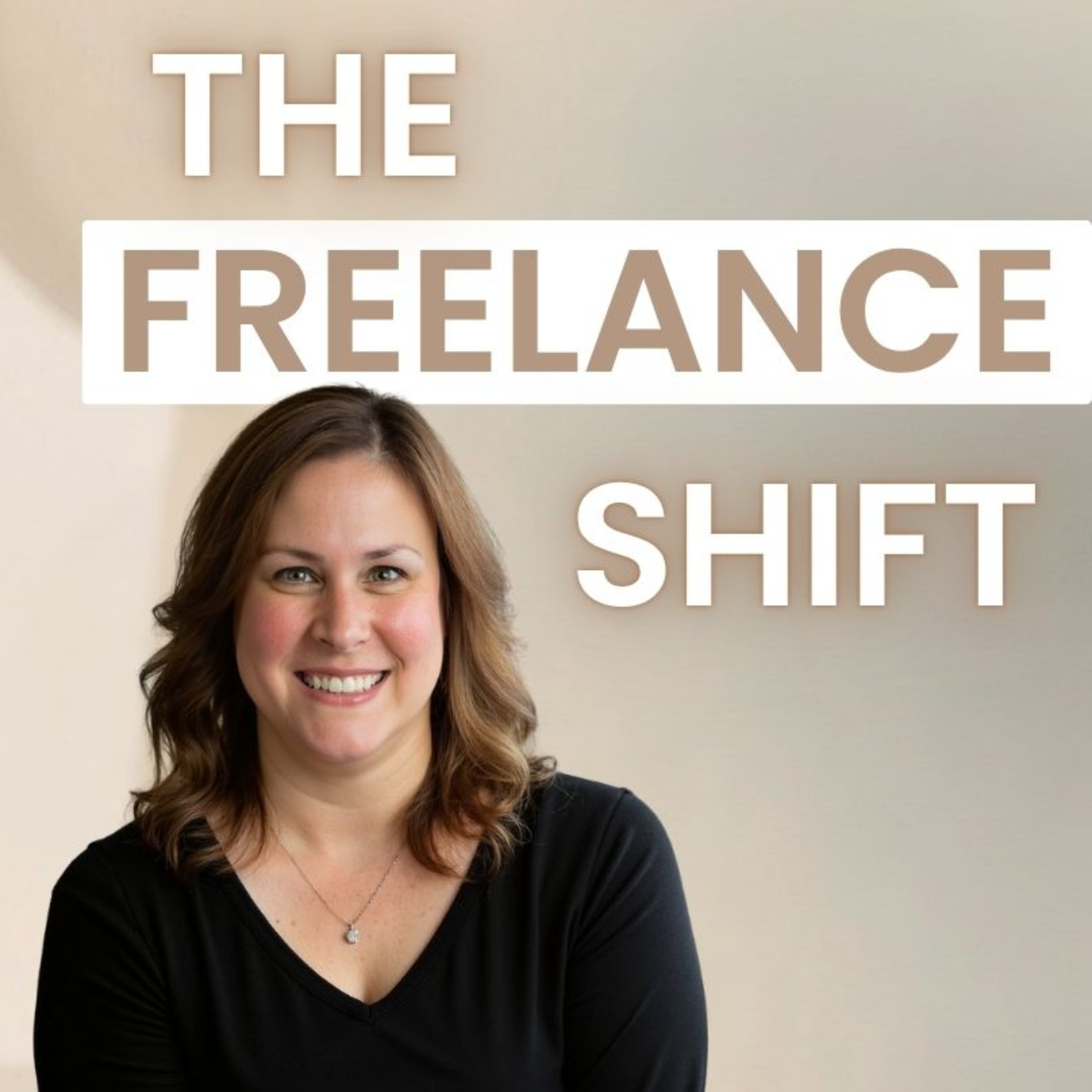
The Freelance Shift
by Jennifer F
Welcome to The Freelance Shift. I’m Jennifer, and I help freelancers simplify their tools and workflows so they can work less, earn more, and avoid burnout.This is your go-to space for practical, real-world freelancing—covering clients, pricing, systems, and the simple tech that actually makes your business easier to run.If you’re tired of feeling overworked and disorganized, you’re in the right place.Each week, I’ll share clear, actionable strategies to help you work smarter, stay organized, and build a freelance business that actually works for you.Follow along for weekly tips.
-
8
Ep 86: The Hidden AI Tool in Microsoft Copilot That Helps Freelancers Think Like Experts
The Freelance ShiftEp 86: The Hidden AI Tool in Microsoft Copilot That Helps Freelancers Think Like Expertshttps://thefreelanceshift.comFreelancing teaches you that the hardest part of client work usually isn’t building the deliverable. It’s doing the thinking that comes before it. In this podcast episode, I explore how the Researcher agent in Microsoft Copilot fits into the real workflow of freelancers who create training, consulting, and knowledge-based content. Unlike standard AI chat tools that focus on quick answers, Researcher acts more like a research assistant—gathering sources, synthesizing perspectives, asking clarifying questions, and organizing complex information into structured, source-aware reports that support better judgment before you ever start writing. Using the example of a freelancer designing AI workplace training for non-technical employees, the episode shows how Researcher helps uncover common misconceptions, practical risks, and real-world workplace patterns so the final training feels informed rather than generic. The broader point isn’t that one AI platform is “winning,” but that research-focused AI tools, including similar capabilities emerging in ChatGPT, are changing how freelancers protect the quality of their thinking, making it easier to build expertise-driven work on a stronger foundation.
-
7
Ep 85: AI Generated Headshots for Freelancers - Should You Use Them, and How to Do It Well?
The Freelance ShiftEp 85: AI Generated Headshots for Freelancers - Should You Use Them, and How to Do It Well?https://thefreelanceshift.comFor freelancers, your headshot often shapes a client’s first impression long before a proposal is read or a discovery call begins—and that’s why AI-generated headshots are getting so much attention. Tools from companies like Aragon AI and HeadshotPro can create polished, professional portraits in minutes, offering an affordable alternative to traditional photography. The real question isn’t whether freelancers *can* use AI headshots—it’s whether they use them wisely. When done well, AI headshots can strengthen your brand, create consistency across platforms, and help you look polished from day one. But if they look overly perfected, inconsistent with your real appearance, or disconnected from how clients experience you on video calls or in person, they can quietly undermine trust. The smartest approach is to treat AI headshots as a branding enhancement—not an identity replacement—using realistic photos, natural styling, consistent imagery, and, when appropriate, transparency. Because in freelance business, clients may notice the photo first—but what ultimately earns their confidence is recognizing the same authentic professional behind it.
-
6
Ep 84: Microsoft Designer vs Microsoft Create -A Freelancer’s Perspective on AI Powered Design Tool
The Freelance ShiftEp 84: Microsoft Designer vs Microsoft Create -A Freelancer’s Perspective on AI Powered Design Toolhttps://thefreelanceshift.comAs a freelancer constantly balancing speed with professionalism, I've been exploring Microsoft Designer and Microsoft Create—two AI-powered tools that are often mentioned together but solve very different problems in my workflow. Microsoft Designer is all about turning ideas into visuals fast: I type "Professional LinkedIn post announcing a new training service" and within minutes get multiple layout options with images, typography, and design structure already in place, plus features like AI image generation and automatic resizing—it's what I reach for when thinking "I need this to look good and I need it fast." Microsoft Create (which I covered in a separate blog post at https://youtu.be/QGKHvGzPmAY?si=I9xujIvGbNI51jwy) feels completely different—it's template-based and structured, giving me pre-built formats for resumes, flyers, or presentations when I already know what I need and just want a strong professional starting point. Together, they've become complementary in my freelance work: Create handles structure and formatting for proposals and documents, while Designer handles visual creativity and speed for social posts and promotional graphics—and the real value isn't about replacing design skills, it's about removing friction so I can communicate clearly, present work professionally, and spend more time on the work that actually drives my business forward instead of getting stuck in the technical side of design.Microsoft Create blog post: https://youtu.be/QGKHvGzPmAY?si=I9xujIvGbNI51jwy
-
5
Ep 83: The Honest Truth About Freelancing: What You Gain and What You Give Up
The Freelance ShiftEp 83: The Honest Truth About Freelancing: What You Gain and What You Give Uphttp://thefreelance shiftAfter my sister found a new job and said she hopes to stay there until retirement because she never wants to interview or onboard again, I realized how fundamentally different my freelance life is—I'm always interviewing, constantly onboarding, and working with multiple companies simultaneously. The pros of freelancing are real: I get variety and exposure to different industries that makes me better at my work, I can work for multiple clients without anyone complaining, I have flexibility over my schedule and can take time off when I want, I can refuse projects that don't align with my goals, and I've built long-term client relationships that provide stability without sacrificing autonomy. But the cons are equally real: I'm constantly proving myself, I don't have paid vacation or sick time, nobody's contributing to my retirement, the flexibility can turn into working all the time if I'm not careful, I'm viewed as an outsider at organizations I work with, my income can be unpredictable, and I handle everything from accounting to marketing myself. For now, I'm happy with the freelance model and genuinely enjoy the variety and autonomy, but I'm realistic enough to know that what works for me now might not work forever—maybe in five years I'll crave stability and employer-sponsored benefits, and if that happens, that's okay too, because work doesn't have to be a permanent, unchangeable decision.
-
4
Ep 82: Microsoft Create - The Hidden Hub That Makes Office 365 More Useful for Freelancers
The Freelance ShiftMicrosoft Create - The Hidden Hub That Makes Office 365 More Useful for Freelancers (Ep 82)https://thefreelanceshift.comMicrosoft Create is a surprisingly useful tool that many freelancers may already be paying for through their Microsoft 365 subscription without realizing it. Rather than being a new standalone app, it acts as a centralized launchpad for tools like Microsoft Word, Microsoft PowerPoint, Microsoft Excel, Microsoft Designer, Clipchamp, and more—making it easier to start projects, find templates, and move between tasks without constantly switching apps. For freelancers juggling proposals, presentations, graphics, videos, and admin work, that convenience alone can save time and mental energy. Add Microsoft Copilot, and it becomes even more powerful by helping brainstorm projects, suggest workflows, draft content, build slides, and support work across apps. It’s not about having more tools—it’s about using the tools you already own in a smarter, faster, more connected way.
-
3
Ep 26: Why Dropbox Still Deserves a Place in Your Freelance Toolkit
The Freelance ShiftLet's Talk Tech - Why Dropbox Still Deserves a Place in Your Freelance Toolkit (Ep 26)http://thefreelanceshift.comAfter freelancing for years (and running a yoga and Pilates studio for 18 years before that), Dropbox remains one of the most reliable tools in my digital toolkit because it does what freelancers actually need: stores all my files—audio, video, documents, presentations, images—in one organized hub that clients instantly recognize and trust, syncs seamlessly across all my devices so I can work from anywhere, and backs up everything automatically so a computer crash won't destroy my business. Unlike Google Drive or OneDrive, Dropbox doesn't reformat your files or lag with large videos and design files—it stores and shares everything exactly as-is with faster, smarter syncing—and its professional sharing features (password protection, expiration dates, view/edit controls) make it easy to collaborate securely with clients and team members without endless email attachments. I've tried Box and really like it, but it felt like too much infrastructure for a one-person business, whereas Dropbox is simpler, faster, and better suited to how freelancers actually work—plus it integrates beautifully with Zoom, Slack, Canva, QuickBooks, and other tools I use daily. The peace of mind knowing my files are safe, accessible, and professionally shareable is worth every penny of the couple hundred dollars I spend annually, and it's made collaborating with my YouTube assistant incredibly smooth by letting us share video files instantly without lost attachments or version confusion.
-
2
Ep 50: How Raindrop.io Turned My Freelance Bookmarks Into a Searchable Knowledge Base
The Freelance ShiftHow Raindrop.io Turned My Freelance Bookmarks Into a Searchable Knowledge Base (Ep 50)https://thefreelanceshift.comAs a freelancer doing knowledge work, I save countless links—articles, tools, examples, client resources—and the real challenge isn't saving them, it's finding them again, which is why I use Raindrop.io for bookmarks. The free version does everything I need: unlimited bookmarks that sync automatically across all my devices and browsers (laptop, phone, tablet, different browsers), accessible via web or app, with a powerful tagging system that turns my bookmarks into a searchable knowledge base instead of a digital junk drawer—so instead of remembering where I filed something, I just search by topic tags like "instructional-design" or "freelancing tools" and find it instantly. Raindrop also offers flexible collections for broader organization, visual previews so I can scan quickly, and the ability to add notes explaining why I saved something (helpful for future-me on long-term projects), plus there's a paid Pro version with permanent page copies and annotations if you need deeper research features, but the free plan has been more than enough for my workflow and far better than relying on browser bookmarks that fall apart the moment you switch devices or need decent search.
-
1
Ep 69: Stop Writing the Same Emails Over and Over - A Freelancer's Guide to Email Templates
The Freelance Shift Stop Writing the Same Emails Over and Over -A Freelancer's Guide to Email Templates https://thefreelanceshift.comAs a freelancer, you're probably spending way too much time writing the same emails over and over—proposals, status updates, polite declines—rewriting from scratch what you've already written dozens of times. I used to waste 10-15 minutes per email, which added up to nearly an hour a week, but now I have a template library that lets me customize and send those same emails in 30 seconds, saving me about 3+ hours every month. In this post, I'll show you how to build your own template library, share ready-to-use examples for common freelancer scenarios (inquiry responses, polite declines, status updates, invoices), explain the best tools for managing templates (Gmail features, TextExpander, simple Google Docs), and give you tips for customizing them so they don't feel robotic—because this isn't about being lazy, it's about being efficient with tasks that don't need custom creativity every time.Text Expander: https://textexpander.com/aText: https://www.trankynam.com/atext/Streak.com: https://www.streak.com/Gmelius: https://gmelius.com/Notion: https://www.notion.com/
No matches for "" in this podcast's transcripts.
No topics indexed yet for this podcast.
Loading reviews...
ABOUT THIS SHOW
Welcome to The Freelance Shift. I’m Jennifer, and I help freelancers simplify their tools and workflows so they can work less, earn more, and avoid burnout.This is your go-to space for practical, real-world freelancing—covering clients, pricing, systems, and the simple tech that actually makes your business easier to run.If you’re tired of feeling overworked and disorganized, you’re in the right place.Each week, I’ll share clear, actionable strategies to help you work smarter, stay organized, and build a freelance business that actually works for you.Follow along for weekly tips.
HOSTED BY
Jennifer F
CATEGORIES
Loading similar podcasts...
URL copied to clipboard!