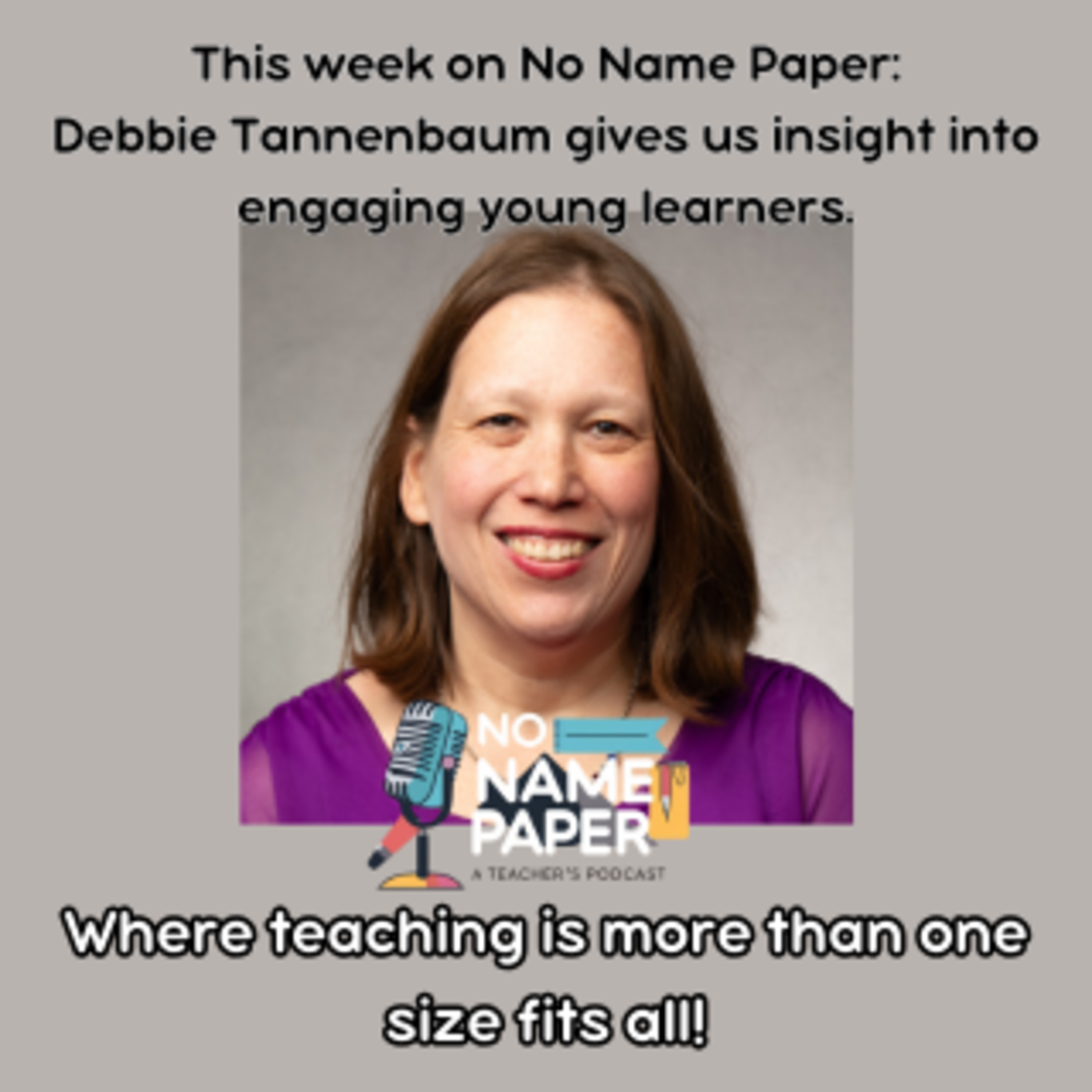
020: Meaningful Tech Integration with Debbie Tannenbaum episode artwork

EPISODE · Aug 15, 2025 · 56 MIN

020: Meaningful Tech Integration with Debbie Tannenbaum

from No Name Paper: A Teacher Podcast · host Meghan Wells

Are our students spending too much time as passive listeners? After a day shadowing a 6th-grade student, educator Debbie Tannenbaum knew we had to do better.In this episode, we sit down with Debbie Tannenbaum, a nationally recognized educator with over 26 years of experience, to discuss how to transform classrooms into dynamic, active learning environments. As an elementary tech coach and ISTE Certified Educator, Debbie shares her mission to move beyond "digital worksheets" and empower students by putting creation, not consumption, at the heart of learning.We explore her "Three Cs" for choosing tech tools (Choice, Collaboration, and Clickable) , how she uses AI like Gemini to differentiate lessons and boost student discourse , and why we need to teach students to be "problem finders," not just problem solvers. Plus, she reveals her top tools for amplifying student voice and choice, including Wixie, Book Creator, and Adobe Express.(00:01:01) Meet Debbie: What a School-Based Technology Specialist really does.(00:04:14) From French Teacher to EdTech: Debbie's origin story and the power of a 1997 computer lab.(00:08:14) The "Three Cs": A simple framework for picking high-leverage tech tools.(00:10:48) More Than a Buzzword: The crucial role of ISTE standards in preparing students for the future.(00:13:44) Debbie's Top Tools: A look at Wixie, Book Creator, and Adobe Express for amplifying student voice.(00:23:43) A Transformative Lesson: Using Gemini to customize a lesson, spark student discourse, and prove that "my kids can't do that" is a myth.(00:32:41) Supporting Reluctant Teachers: How to meet educators where they are and build a culture of co-teaching.(00:35:10) Beyond the Video: The evolution of student reflection and the power of multimedia.(00:43:47) Tech Tool Toss-Up: A fun game of rapid-fire choices, including Google Slides vs. Canva and Chromebook vs. iPad.(00:54:33) What's Next: Debbie talks about her upcoming book project and newsletter revamp.Website: TannenbaumTech.com Social Media: Find her as TannenbaumTech on X (Twitter), Instagram, Facebook, and LinkedIn.Top 3 Creation Tools: Wixie , Book Creator , Adobe Express AI for Educators: Gemini Other Tools: Desmos , Flashcard Factory , Padlet , Canva , Google Slides , Screencastify , Seesaw Frameworks & Standards: ISTE Standards , Universal Design for Learning (UDL) , Project Zero's Thinking Routines

Are our students spending too much time as passive listeners? After a day shadowing a 6th-grade student, educator Debbie Tannenbaum knew we had to do better.In this episode, we sit down with Debbie Tannenbaum, a nationally recognized educator with over 26 years of experience, to discuss how to transform classrooms into dynamic, active learning environments. As an elementary tech coach and ISTE Certified Educator, Debbie shares her mission to move beyond "digital worksheets" and empower students by putting creation, not consumption, at the heart of learning.We explore her "Three Cs" for choosing tech tools (Choice, Collaboration, and Clickable) , how she uses AI like Gemini to differentiate lessons and boost student discourse , and why we need to teach students to be "problem finders," not just problem solvers. Plus, she reveals her top tools for amplifying student voice and choice, including Wixie, Book Creator, and Adobe Express.(00:01:01) Meet Debbie: What a School-Based Technology Specialist really does.(00:04:14) From French Teacher to EdTech: Debbie's origin story and the power of a 1997 computer lab.(00:08:14) The "Three Cs": A simple framework for picking high-leverage tech tools.(00:10:48) More Than a Buzzword: The crucial role of ISTE standards in preparing students for the future.(00:13:44) Debbie's Top Tools: A look at Wixie, Book Creator, and Adobe Express for amplifying student voice.(00:23:43) A Transformative Lesson: Using Gemini to customize a lesson, spark student discourse, and prove that "my kids can't do that" is a myth.(00:32:41) Supporting Reluctant Teachers: How to meet educators where they are and build a culture of co-teaching.(00:35:10) Beyond the Video: The evolution of student reflection and the power of multimedia.(00:43:47) Tech Tool Toss-Up: A fun game of rapid-fire choices, including Google Slides vs. Canva and Chromebook vs. iPad.(00:54:33) What's Next: Debbie talks about her upcoming book project and newsletter revamp.Website: TannenbaumTech.com Social Media: Find her as TannenbaumTech on X (Twitter), Instagram, Facebook, and LinkedIn.Top 3 Creation Tools: Wixie , Book Creator , Adobe Express AI for Educators: Gemini Other Tools: Desmos , Flashcard Factory , Padlet , Canva , Google Slides , Screencastify , Seesaw Frameworks & Standards: ISTE Standards , Universal Design for Learning (UDL) , Project Zero's Thinking Routines

NOW PLAYING

020: Meaningful Tech Integration with Debbie Tannenbaum

0:00 56:17

No transcript for this episode yet

We transcribe on demand. Request one and we'll notify you when it's ready — usually under 10 minutes.

No similar episodes found.

No similar podcasts found.

Frequently Asked Questions

How long is this episode of No Name Paper: A Teacher Podcast?

This episode is 56 minutes long.

When was this No Name Paper: A Teacher Podcast episode published?

This episode was published on August 15, 2025.

What is this episode about?

Are our students spending too much time as passive listeners? After a day shadowing a 6th-grade student, educator Debbie Tannenbaum knew we had to do better.In this episode, we sit down with Debbie Tannenbaum, a nationally recognized educator with...

Can I download this No Name Paper: A Teacher Podcast episode?

Yes, you can download this episode by clicking the download button on the episode player, or subscribe to the podcast in your preferred podcast app for automatic downloads.
URL copied to clipboard!