
EPISODE · Apr 9, 2025 · 29 MIN
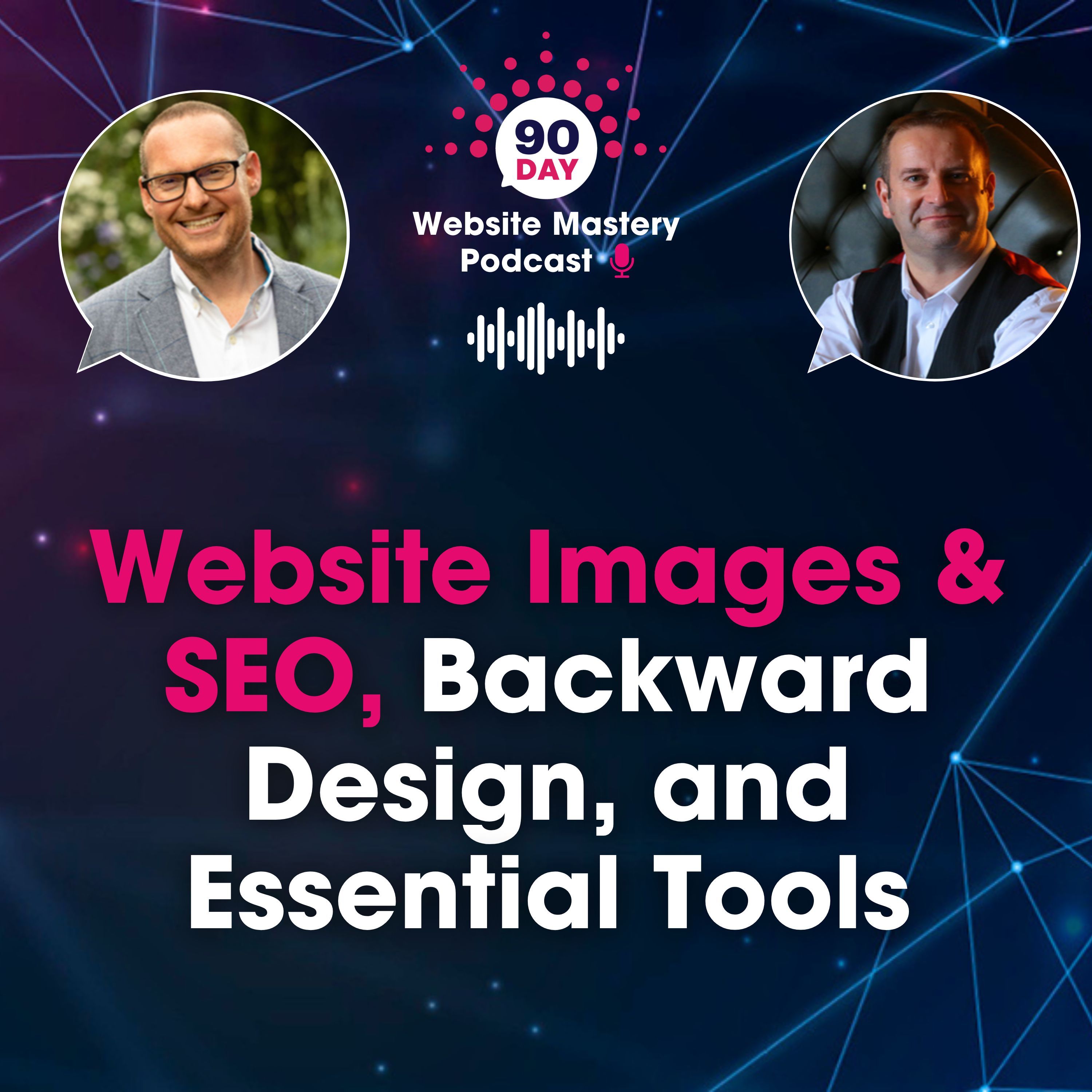
#121 Website Images & SEO, Backward Design, and Essential Tools
from Jonny Ross Fractional CMO
In this episode of the 90-Day Website Mastery Podcast, Jonny Ross and Pascal Fintoni look into website image optimisation for SEO, exploring everything from file naming conventions to compression techniques.The episode also features Purna Virji's backward design approach to content creation, a strategic framework that flips traditional content planning on its head by starting with desired business outcomes rather than keyword research. Finally, Jonny and Pascal share two powerful productivity tools for content creators and provide actionable website improvements you can implement immediately.If you manage a website, create content, or want to improve your site's performance and search rankings, this episode delivers essential insights and practical strategies.❓ How Should I Optimise Website Images for Better SEO Performance?File Names: Use Pascal's formula "What is it + Who is it from" - replace generic names like "IMG_001.jpeg" with descriptive filenames like "linkedin-event-speaker-pascal-fintoni.jpg"Alt Tags: Add descriptive alternative text for screen readers and search engines - essential for Google Images rankings and accessibilityCompression: Convert to WebP format (26% smaller than PNG) using tools like Squoosh or WordPress plugins to improve page load times❓ What Is Backward Design for Content Creation and Why Does It Matter?Instead of starting with keyword research, Purna Virji's backward design approach begins with your end goals:3-Stage Framework:Reflection: Define business outcomes, audience behaviour changes, and optimal content formatsPlanning: Create a one-page content brief documenting target outcomes, audience questions, and platform preferences before writingMeasuring: Track the Four R's - Reach, Reactions, Response, Results❓ What Tools Can Streamline Image and Video Content Creation?Designify.com (Jonny's pick):AI-powered image editing and enhancement platformQuickly transforms ordinary photos into professional-quality imagesOffers batch editing capabilities for multiple imagesFree version available with premium upgrade optionsScreencastify (Pascal's pick):Screen recording tool for creating video messages and tutorialsRecords screen, webcam, or combines bothPerfect for personalised client communications and educational contentGreat alternative to Dropbox Capture (which is being discontinued)Enables creation of "whiteboard Friday" style content for websites❓ What Immediate Website Changes Will Boost Performance and SEO?Jonny's Call to Action - Image Compression:Audit all website images for file size optimisationConvert existing images to WebP format for faster loadingUse compression tools or plugins to maintain quality whilst reducing file sizesFocus on homepage and key service page images that impact user experiencePascal's Call to Action - Update Lead Magnets:Review and refresh all downloadable resources (eBooks, guides, toolkits)Research current terminology (consider "playbook" vs "eBook," "how-to guide" vs traditional formats)Optimise PDF file names using the "what is it + who is it from" formulaUpdate landing page copy to reflect current brand messaging and languageRe-promote updated resources to existing contacts and new audiencesEnsure resources are optimised for AI summary inclusion and citations❓ Key Messages for Website ManagersImage optimisation remains crucial despite improved internet speeds and streaming capabilitiesQuality content planning starts with business outcomes, not keyword researchVideo content creation doesn't require expensive tools - simple screen recording can add significant valueRegular audits of existing content and resources can yield immediate SEO and conversion improvementsFile naming conventions impact both SEO performance and professional presentation🔑 Key Takeaways — What You’ll Learn (with timestamps)01:46 - You Ask We Answer: Image SEO optimisation04:47 – Google Images traffic and the importance of alt tags05:38 – Pascal's formula for image file naming: "What is it + Who is it from"06:35 - Website Stories: Backward design content strategy08:42 – The three stages: Reflection, Planning, and Measuring10:03 – Content briefs and thinking about desired outcomes first14:17 - Website Engine Room: Designify and Screencastify apps18:30 - Jonny's Call to Action: Compress and optimise website images21:05 – Pascal's Call to action: Updating lead magnets and free downloads26:04 – Final thoughts and episode wrap-up🔎 SEO Keywords & Tags:image SEO best practices, alt tags for accessibility, file naming for SEO, backward design website strategy, practical SEO tools, AI video app, compression tools for websites, fast website load times, digital marketing advice, user experience improvements, audience engagement strategies, evergreen lead magnets👉 Subscribe to the 90-Day Website Mastery Podcast — for more expert insights on SEO, content marketing, and website growth.👉 Leave us a review — your feedback helps others discover the show!👉 Book a discovery call: 90daymarketingmastery.com👉 Connect with us on LinkedIn:Jonny RossPascal FintoniAbout the HostsJonny Ross is a leading digital marketing consultant and SEO strategist with decades of experience helping businesses transform their online presence.Pascal Fintoni is a digital skills trainer and video marketing expert, known for making complex tech topics accessible and actionable.
Embed this episode
NOW PLAYING
#121 Website Images & SEO, Backward Design, and Essential Tools
No transcript for this episode yet
Similar Episodes
No similar episodes found.