
EPISODE · Apr 19, 2019 · 14 MIN
13 Inch HP Spectre x360 - Episode 193
from Piltch Point (Video) · host PLUGHITZ Live
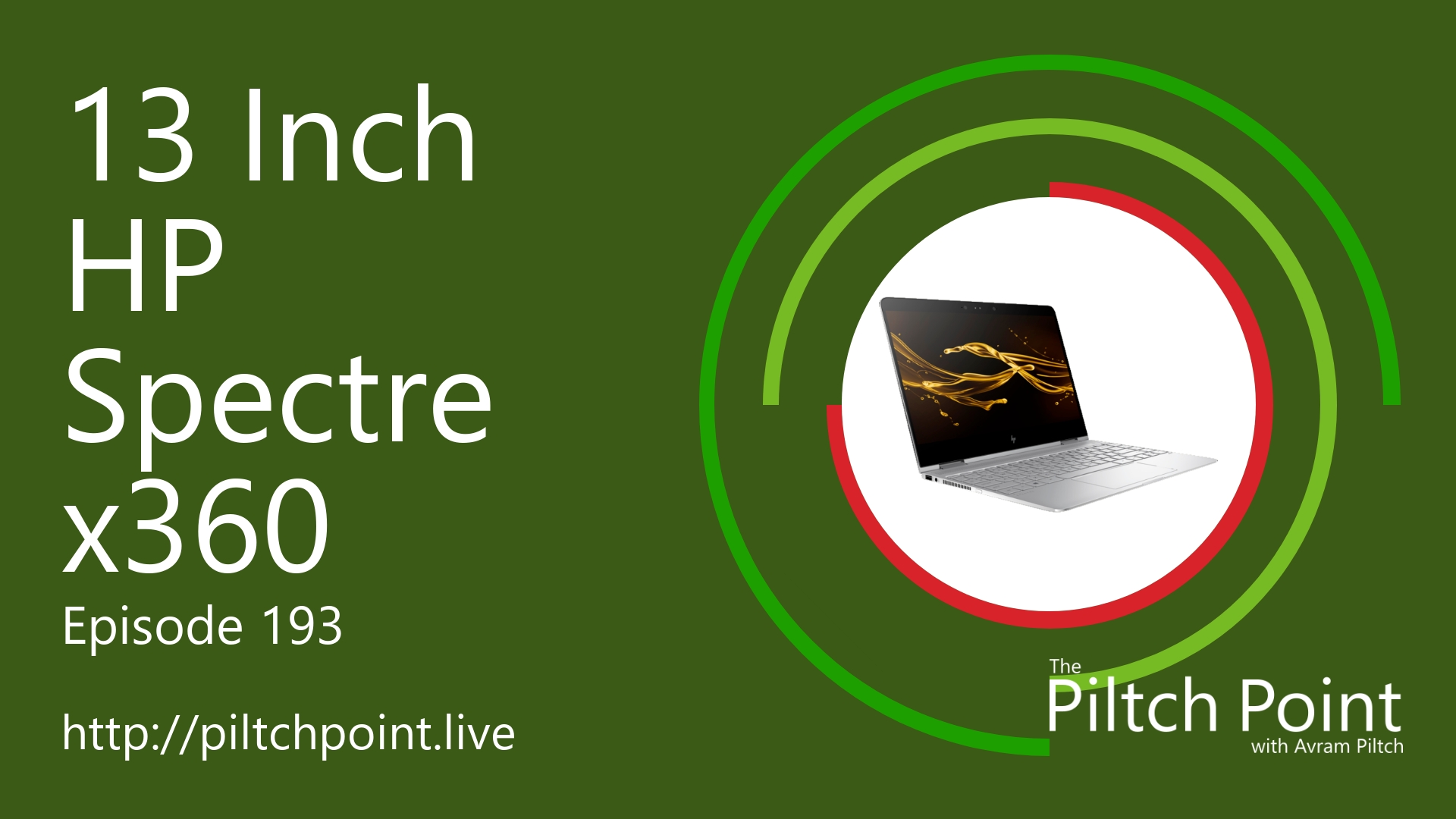
This week, Avram Piltch shows off the HP Spectre x360 13" 2-in-1 notebook. This new model of the popular Spectre x360 series has some interesting new features. One of the most interesting, though seemingly simple changes, is the angled back corners. On these corners, which are cut at a 45-degree angle, house the power button and charging port. This minor change is a nice design change but also has a nice functional change. With the charging port at an angle, it makes it easy to get to without having it stick out into your desk or pushing back into the wall.The laptop is ultra thin, but you don't have to sacrifice a standard USB-A port for the size. With more laptops coming with only USB-C, it's nice to have a laptop with both choices. The laptop comes in a couple of color schemes, including a copper-banded and a blue. There are also two choices for screen resolution, both an HD (1080) and UHD (4k). While the screen is colorful, it does suffer from a lack of brightness.
Embed this episode
What this episode covers
Description This week, Avram Piltch shows off the HP Spectre x360 13" 2-in-1 notebook. This new model of the popular Spectre x360 series has some interesting new features. One of the most interesting, though seemingly simple changes, is the angled back corners. On these corners, which are cut at a 45-degree angle, house the power button and charging port. This minor change is a nice design change but also has a nice functional change. With the charging port at an angle, it makes it easy to get to without having it stick out into your desk or pushing back into the wall. The laptop is ultra thin, but you don't have to sacrifice a standard USB-A port for the size. With more laptops coming with only USB-C, it's nice to have a laptop with both choices. The laptop comes in a couple of color schemes, including a copper-banded and a blue. There are also two choices for screen resolution, both an HD (1080) and UHD (4k). While the screen is colorful, it does suffer from a lack of brightness. Participants Scott Ertz Host Scott is a developer who has worked on projects of varying sizes, including all of the PLUGHITZ Corporation properties. He is also known in the gaming world for his time supporting the rhythm game community, through DDRLover and hosting tournaments throughout the Tampa Bay Area. Currently, when he is not working on software projects or hosting F5 Live: Refreshing Technology, Scott can often be found returning to his high school days working with the Foundation for Inspiration and Recognition of Science and Technology (FIRST), mentoring teams and helping with ROBOTICON Tampa Bay. He has also helped found a student software learning group, the ASCII Warriors, currently housed at AMRoC Fab Lab. Avram Piltch Host Avram's been in love with PCs since he played original Castle Wolfenstein on an Apple II+. Before joining Tom's Hardware, for 10 years, he served as Online Editorial Director for sister sites Tom's Guide and Laptop Mag, where he programmed the CMS and many of the benchmarks. When he's not editing, writing or stumbling around trade show halls, you'll find him building Arduino robots with his son and watching every single superhero show on the CW. Live Discussion Powered by Newegg.com
Ready to play
13 Inch HP Spectre x360 - Episode 193
No transcript for this episode yet
Similar Episodes
No similar episodes found.