
EPISODE · Jul 8, 2020 · 21 MIN
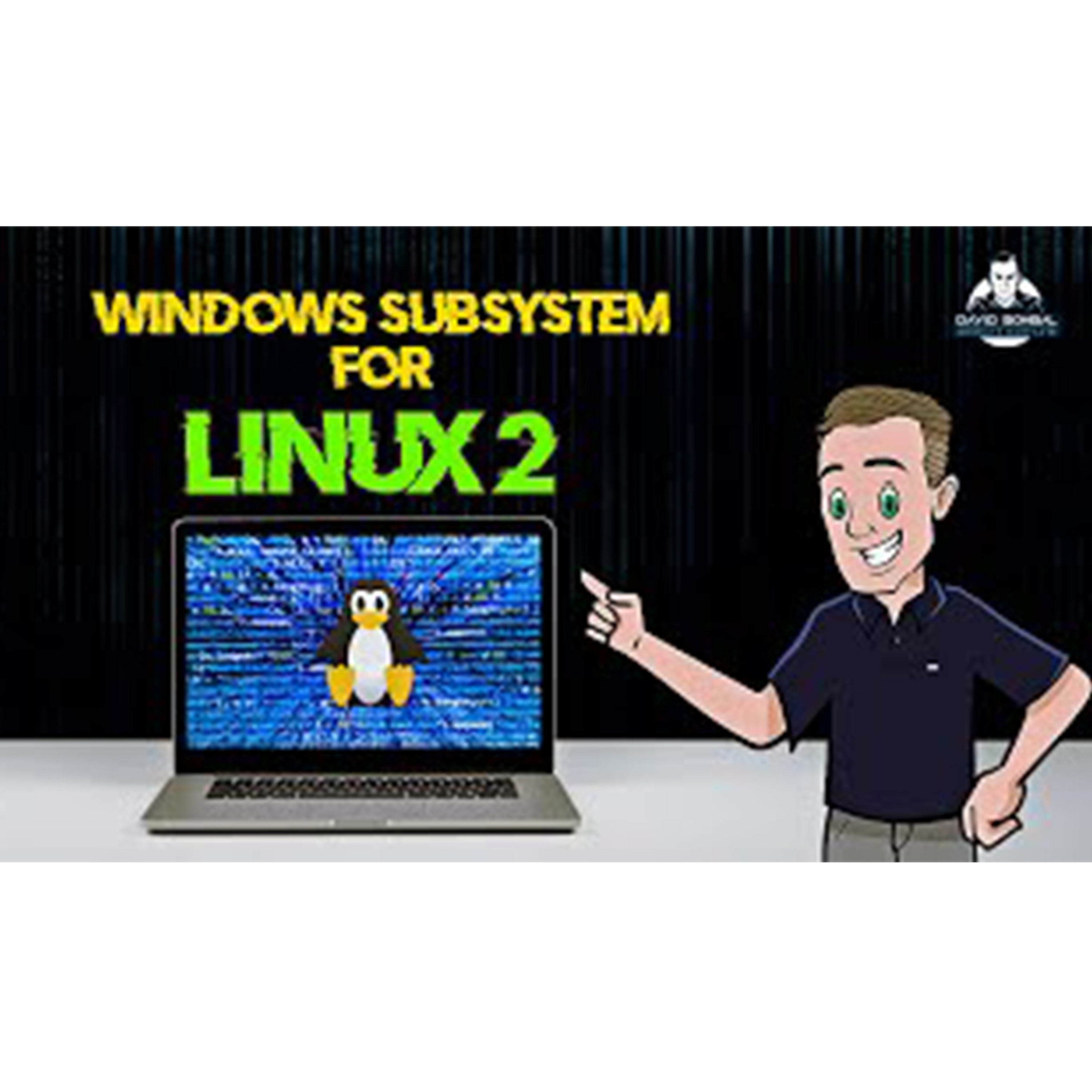
#152: David Bombal: WSL 2 Getting Started
from David Bombal · host David Bombal
The Windows Subsystem for Linux 2 (WSL 2) is here. It's now easy to get started with Linux and integrate Ubuntu 20.04 LTS quickly from within Windows 10. WSL2 is part of Windows 10, version 2004 which was released in May 2020. Rather than using a translation or compatibility layer between Linux and Windows which was used in WSL 1, WSL 2 uses virtual machine technology to allow you to run a real Linux kernel directly on Windows 10. This also allows you to run Docker within Ubuntu running on Windows 10. Menu: Overview: 0:00 Requirements: 1:19 Enable WSL 2: 2:36 Download Ubuntu 20.04 LTS: 3:48 Fix Error: WSL 2 requires a kernel component: 4:36 Start Ubuntu on Windows 10: 6:46 PowerShell Commands: 6:58 Download Ubuntu 18.04 LTS: 8:24 Run two versions of Ubunbu: 10:52 Use VMware Workstation Player and Virtual Box with WSL2: 12:59 Visual Studio Code, Python and Linux integration: 15:47 Connect to a Cisco switch using Python on WSL2: 19:00 Good Links: What is WSL? https://docs.microsoft.com/en-us/wind... WSL documentation: https://docs.microsoft.com/en-us/wind... WSL 2 Announcement: https://devblogs.microsoft.com/comman... WSL2 Ubuntu 20.04 WSL 2 WSL 1 Ubuntu 18.04 windows subsystem for linux #wsl2 #linux #windows
Embed this episode
Ready to play
#152: David Bombal: WSL 2 Getting Started
No transcript for this episode yet
Similar Episodes
No similar episodes found.