
EPISODE · Dec 19, 2025 · 13 MIN
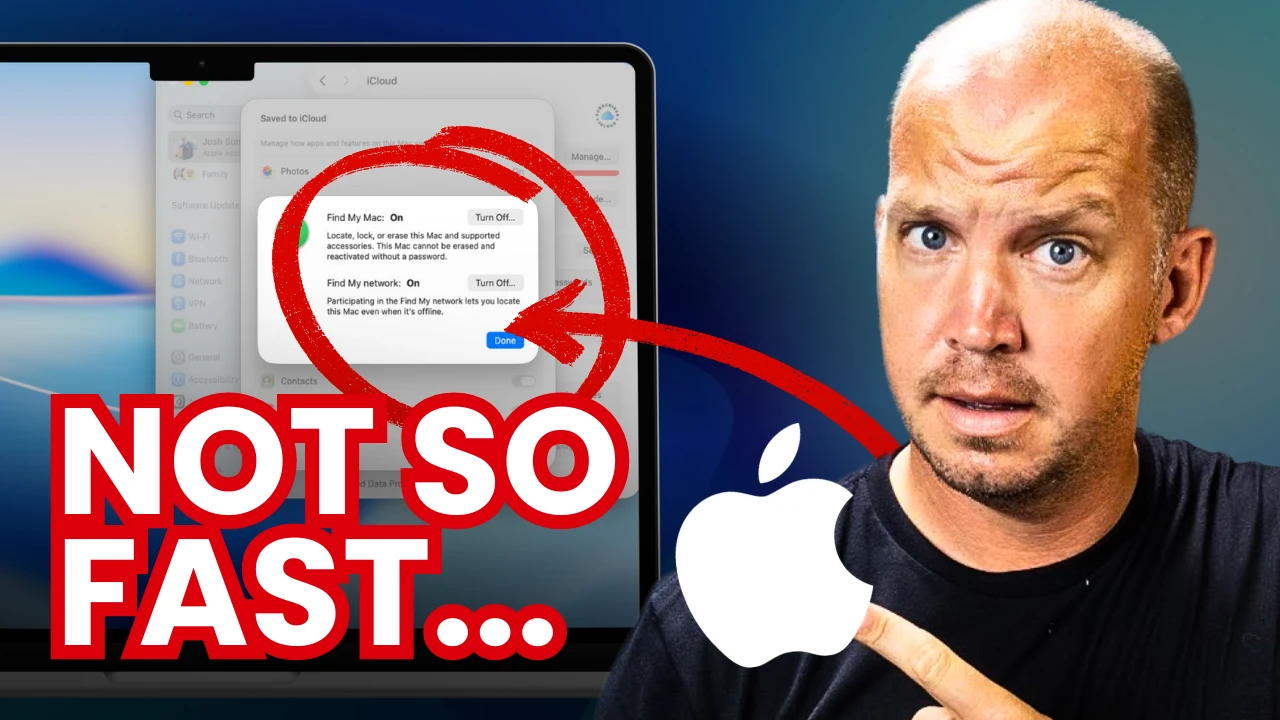
19 MacBook Security Settings to Change (<15 minutes)
from All Things Secured | Online Privacy & Security on Odysee · host All Things Secured | Online Privacy & Security
Whether you have a new MacBook or one that you've used for years, here are the simple but important security settings every user should change. Thanks to Proton for their support this year! Get their amazing password manager here: https://www.allthingssecured.com/try/proton-macbook ▶ Download the PDF Tutorial: https://www.allthingssecured.com/macbookHere are some of the other video tutorials mentioned: ▶ Advanced Data Protection video: https://odysee.com/@AllThingsSecured:9/everything-you-need-to-know-about:69 ▶ Apple 2FA Key Tutorial: https://odysee.com/@AllThingsSecured:9/new-to-iphone-security-feature-(only:0 ▶ Lockdown Mode Tutorial: https://odysee.com/@AllThingsSecured:9/apple's-new-lockdown-mode-(here's-what:1If you care about your personal security and privacy online, download my free security checklist here: ✅ Security Checklist: https://www.allthingssecured.com/security-checklist-pdf/🔹What to Watch Next🔹 We've got a lot of great privacy- and security-related content here on the All Things Secured YouTube channel (although we admit we're a bit biased). If you're wanting to increase the security of your Apple products, here's what's next: ✅ Best iOS Security Features? https://odysee.com/@AllThingsSecured:9/11-iphone-mistakes-that-will-ruin-your:8 ✅ Should You Use Apple Passwords? https://odysee.com/@AllThingsSecured:9/i'm-not-using-apple's-new-passwords-app:2 🔹Support All Things Secured (Recommended)🔹 If you enjoy this kind of practical security and privacy content, one of the best ways you can help support this channel is by using these affiliate links to our favorite products and services. When purchasing through these links, you not only get the best available deal, the companies will also pay us a small commission. Thank you for your support! ✅ Recommended Password Manager: https://www.allthingssecured.com/yt/proton-pass ✅ Recommended Identity Monitoring: https://www.allthingssecured.com/try/identity-guard-yt ✅ Recommended 2FA Security Key: https://www.allthingssecured.com/yt/yubikey ✅ Recommended Secure Email: https://www.allthingssecured.com/try/protonmail-yt ✅ Recommended VPN: https://www.allthingssecured.com/try/nordvpn-yt*********************Video Timestamps*********************0:00 - Introduction to MacBook Security********************* Lock down your MacBook computer with these 19 simple security settings! Each change is easy to make and rated based on their importance to your overall security. Be sure to download our free PDF tutorial here: https://www.allthingssecured.com/macbook#macbook #applesecurity #cybersecuritytutorial
Embed this episode
Ready to play
19 MacBook Security Settings to Change (<15 minutes)
No transcript for this episode yet
Similar Episodes
No similar episodes found.
Similar Podcasts
No similar podcasts found.