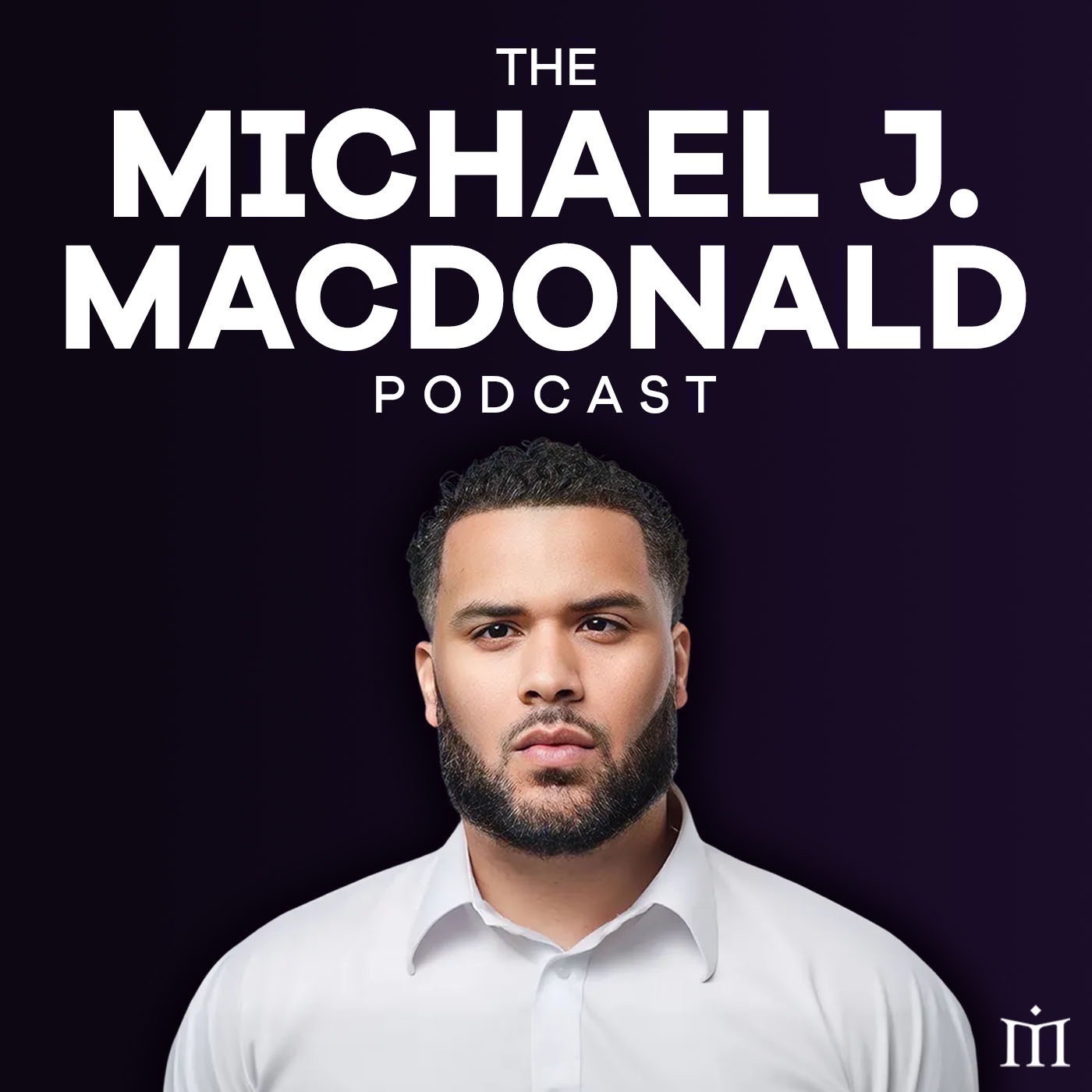
37. How to Improve Audio Quality Using Your iPhone
from Michael J. MacDonald Podcast Hosted by Michael J. MacDonald
In this episode, I reveal a game-changing hack to make your iPhone audio sound like studio quality for your podcast. I share a special announcement about the release schedule and the power of listening to your audience's preferences. Plus, I discuss how to analyze and improve your audio quality and share tips on creating compelling podcast content. Covered in this episode: - Transforming iPhone audio into studio quality using a special app - Importance of listening to audience analytics for content release schedule - Analyzing and enhancing audio quality with Adobe Podcast - Tips for creating engaging and impactful podcast content - The significance of aligning content elements for a cohesive storytelling experience Check out more valuable content on my website www.michaeljmacdonald.com and connect with me on Instagram for exclusive updates and insights. #PodcastTips #AudioQuality #ContentCreation #PodcastMarketing #MichaelJMacDonaldShow 00:00 Using analytics to improve podcast, even with limited resources. 05:32 Struggling with audio, had to learn visually. 08:53 Apply learned skills, record, enhance audio quality. 10:11 Advice: Consistently create podcast content every day.
Embed this episode
What this episode covers
Starting a podcast can be an exciting endeavor, but many aspiring podcasters are concerned about the costs associated with creating high-quality audio. In this blog post, we'll explore a game-changing hack that allows you to use your iPhone to achieve studio-quality audio for your podcast without breaking the bank. We'll delve into insights shared by Michael J. MacDonald in a recent podcast episode, where he discussed leveraging technology and a special app to enhance the audio quality of recordings made on a smartphone. Let's discover the step-by-step process and valuable tips that can elevate the auditory experience of your podcast.
No transcript yet.