
EPISODE · May 16, 2022 · 1H 15M
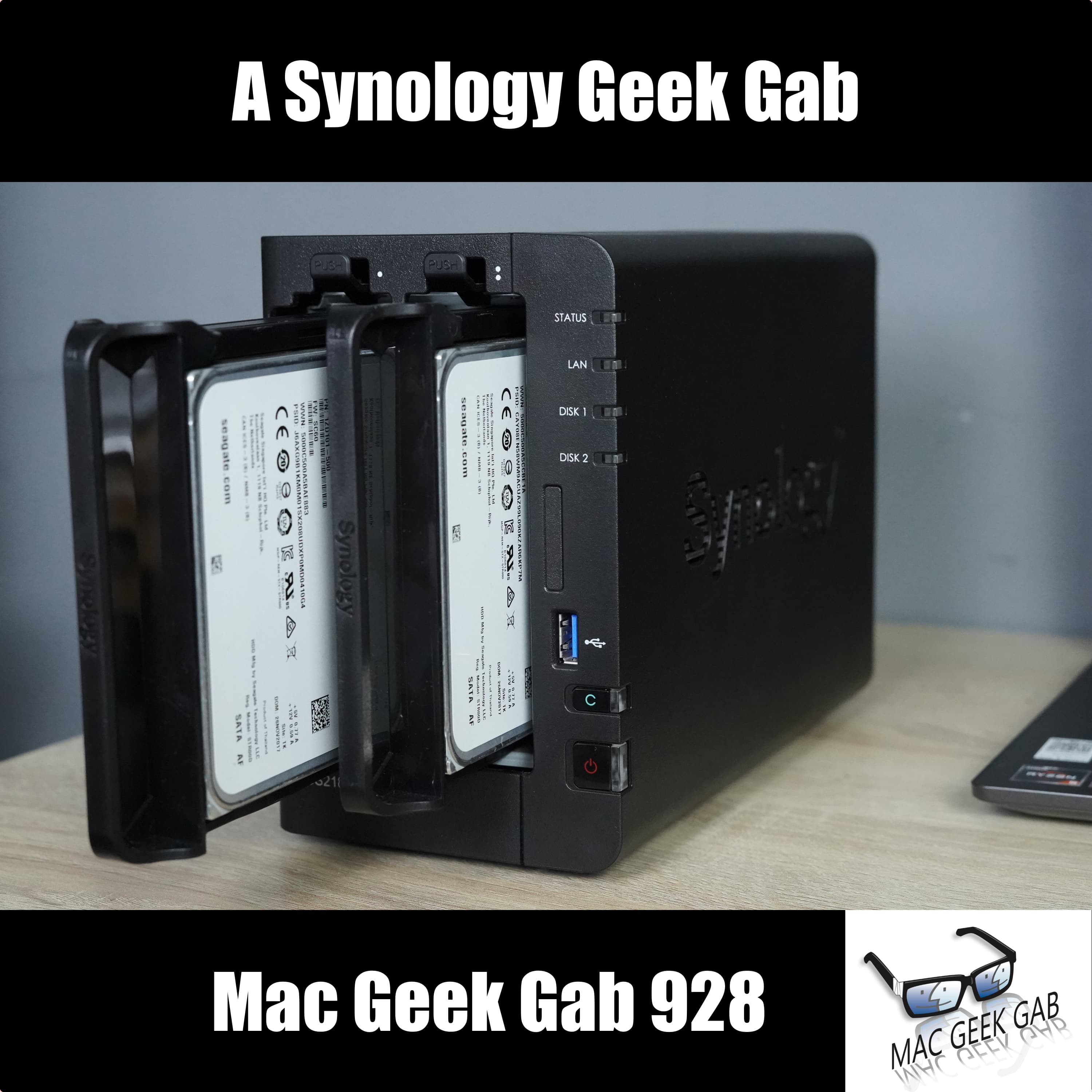
A Synology Geek Gab
from Mac Geek Gab — Apple Tips, Tricks, and Troubleshooting
Synology’s DiskStations are a popular item amongst all of us here in the MGG Family, listeners and hosts all included! Listen today as guest Jeff Gamet makes a hasty return to join John F. Braun, Dave Hamilton, and Pilot Pete to talk all things Synology and Network Attached Storage. Press play and enjoy learning at least five new things along with the rest of the MGG Family. Chapters/Timestamps/Stuff mentioned: 00:00:00 Mac Geek Gab 928 for Monday, May 16, 2022 00:03:26 How Do Your Geeks Use Their Synology Diskstations? Time Machine Backups Hyper Backup Synology Drive Plex Video Station Media Server Cloud Sync Synology Photos Synology Office Synology VPN Server Surveillance Station From the live chat: SynoCommunity Sponsors 00:18:58 SPONSOR: New Relic. Combining 16 different monitoring products, New Relic ensures you can pinpoint the source of your software issues quickly and get back up and running when you need it. Visit NewRelic.com/MGG to get 100GB of data free, forever, no credit card required! 00:20:47 SPONSOR: Lumin Skin. Thanks to Lumin Skin you can drop that bottle of three-in-one and start using skincare products that actually take care of your skin. Visit LuminSkin.com/MGG to get your free trial of Lumin’s products. NAS Questions 00:22:31 James-Best Drive Configuration for Synology Synology Hybrid RAID 00:29:12 Dee-What Size Replacement Drives for Synology DiskStation? 00:31:45 What is a “4K Native” Hard Drive? 00:34:35 Terry-Which 2-bay NAS do you recommend? Jeff: DS220j ($187, currently-used) DS1520+ John: DS218play ($230) DS420+ ($500) Dave: DS218play ($230) DS1520+ ($700, currently-used) Your Geeks’ Picks Compared RAID Calculator Drive Selector 00:50:50 David-New DiskStation, Which Steps First? 00:55:56 Ari-Copy Files/Folders from Mac to Synology? 01:02:13 Jeff-Easiest way to backup Synology? NAS CSF 01:06:35 Keith-CSF-AutoMounter backs up your NAS to Backblaze by Default 01:08:47 GC-How to keep TIme Machine from Backing Up Network Shares 01:10:51 CSF-VirtualHere Lets you use USB Devices across Network 01:12:38 MGG 928 Outtro Find Jeff Gamet on Twitter and Instagram The Context Machine Podcast MGG Merch is Available! Mac Geek Gab YouTube Page Mac Geek Gab Live Calendar This Week’s MGG Premium Contributors MGG Apple Podcasts Reviews The Mac Geek Gab iPhone app Active MGG Sponsors and Coupon Codes List You’re downloading today’s show from CacheFly’s network BackBeat Media Podcast Network
Embed this episode
Ready to play
A Synology Geek Gab
No transcript for this episode yet
Similar Episodes
No similar episodes found.