
EPISODE · Jul 13, 2014 · 4 MIN
Adjustment Layers | Photoshop Beginner’s Tutorial
from The Art of Retouching Studio · host John Ross
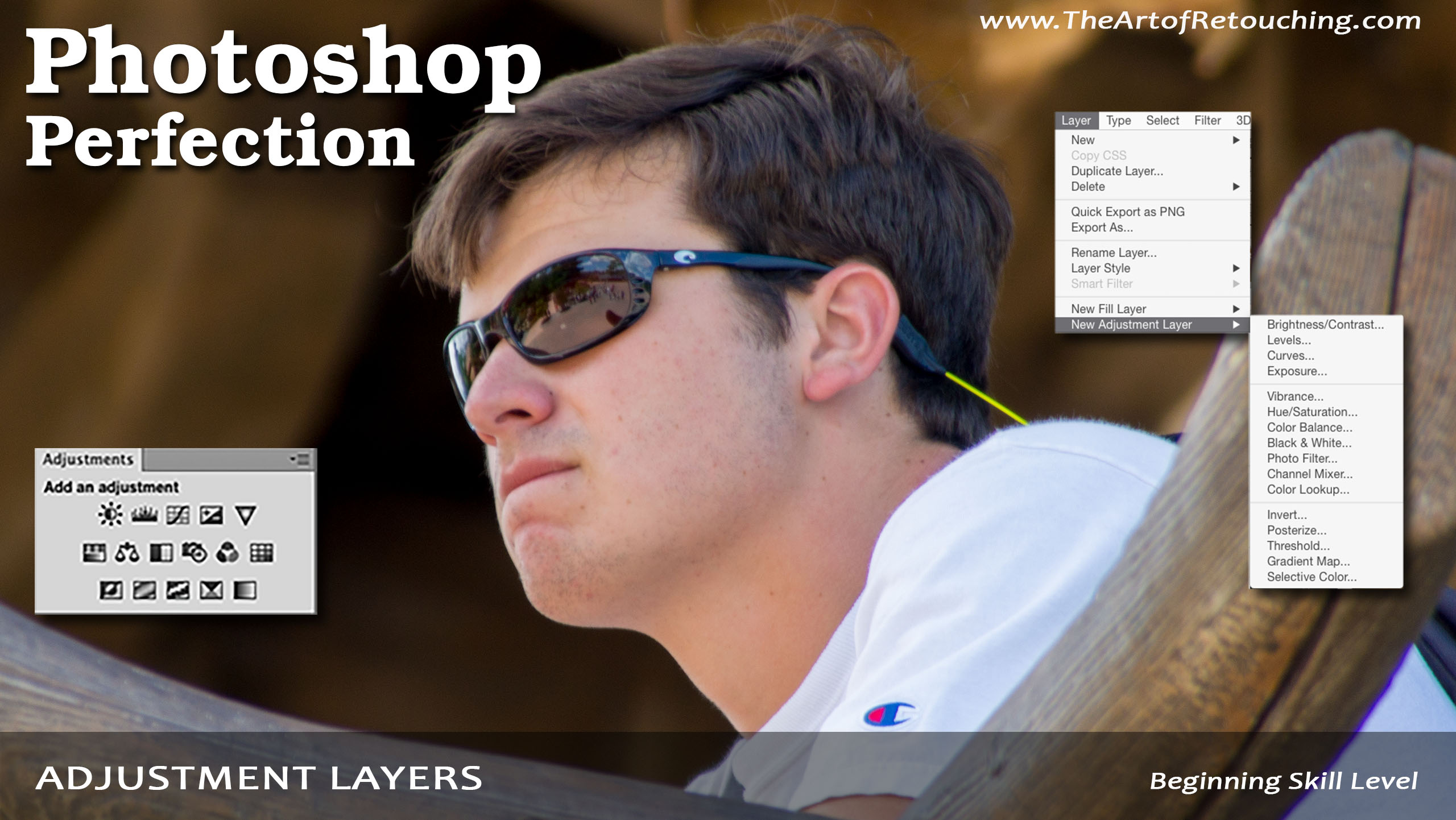
Adjustment Layers work like tinted sheets of glass that you overlay on top of your image one at a time. It’s kind of like a tinted or colored light bulb. You can turn on/off the effect, or adjust the values as a separate layer on top of your original image background layer. For instance, on top of your base layer (original image), we can make tone adjustments as well as color adjustments. Each of these adjustments will be placed on separate layers, on top of your original background image. Because you’re working on a separate layer for all these adjustments, you are not causing any permanent damage to your original background base image. You are effectively preserving it pixel by pixel in case you need to undo your changes later. As an example, when you click on one of the icons in the Adjustments Palette, it will automatically add a new layer in your Layers Palette, as well as open up the Properties window for that particular adjustment you chose.
Embed this episode
Ready to play
Adjustment Layers | Photoshop Beginner’s Tutorial
No transcript for this episode yet
Similar Episodes
No similar episodes found.