
EPISODE · Oct 27, 2025 · 23 MIN
Agents vs workflows in Copilot: how to use Power Automate and Copilot Studio agents without losing governance
from M365.FM - Modern work, security, and productivity with Microsoft 365 · host Mirko Peters - Founder of m365.fm, m365.show and m365con.net
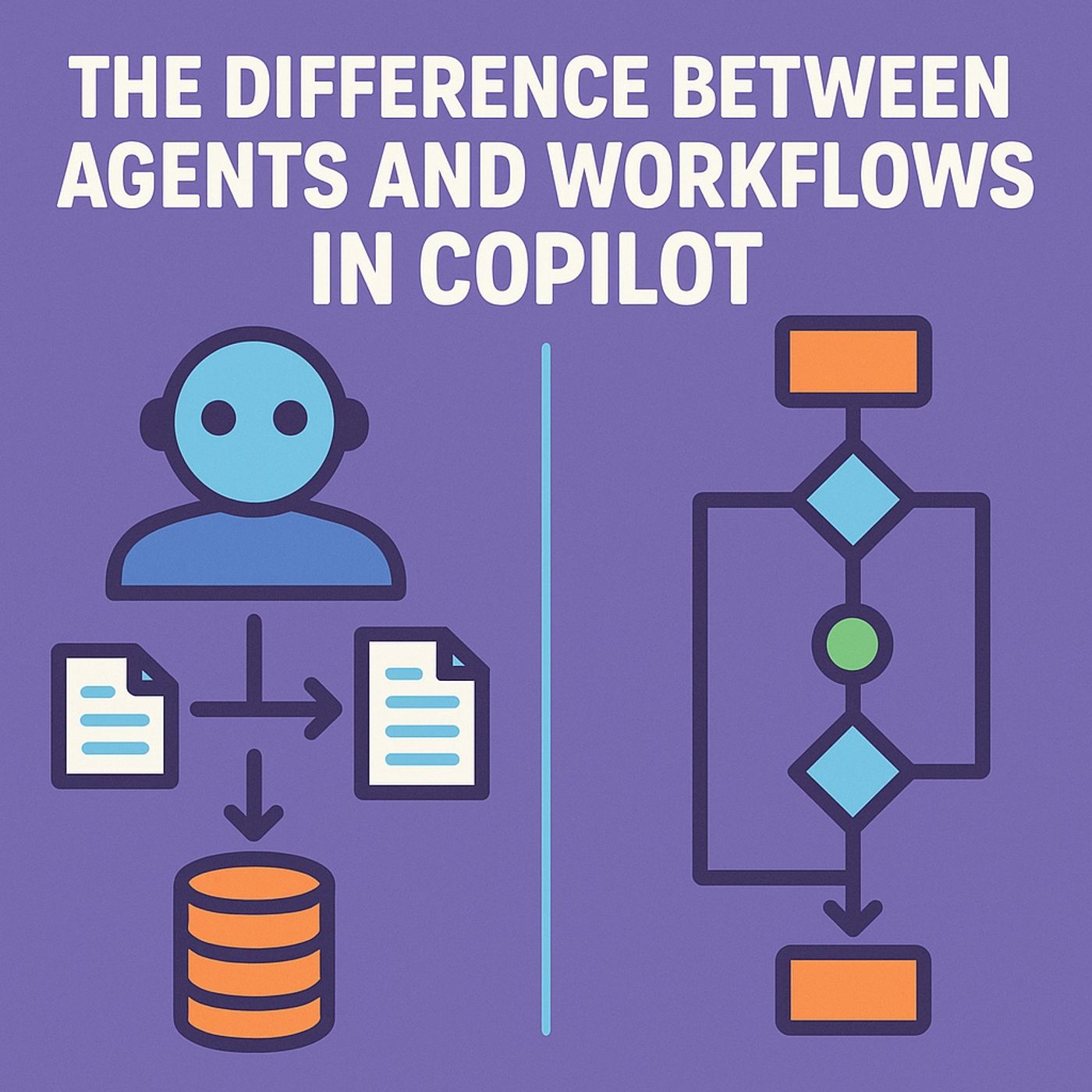
Agents vs workflows in Copilot: in this episode of M365.fm, Mirko Peters explains why you cannot lump a Copilot Studio agent and a Power Automate workflow into the same “AI automation” bucket—and why that confusion creates chaos once money, compliance, and customers are involved. He draws a clear line between deterministic flows that follow fixed steps and probabilistic agents that pursue goals, use tools, and keep acting as long as their charter allows.Mirko starts by defining the autonomous agent in Copilot Studio: a goal‑seeking system with its own reasoning layer (“generative orchestration”), a toolbox of connectors and actions, and the ability to choose which tool to use next based on context, not just hard‑coded order. You’ll learn how agents interpret messy instructions, decompose them into sub‑tasks, and decide whether they can safely complete an action—behaving more like a junior analyst who needs supervision than like a script that needs configuration. He shows why this autonomy demands ongoing oversight, correction, and monitoring, not just initial design.He then contrasts that with traditional Power Automate workflows as obedient but narrow state machines. Workflows wake up when a trigger fires, execute a predefined sequence of conditions and actions, and then go back to sleep with zero curiosity or memory. Mirko explains how their strength is predictability: you can read the designer and know exactly what will happen, which makes them highly auditable and COE‑friendly—but also brittle when reality deviates from the original decision tree or multiple flows collide on the same data.The episode dives into the first core difference: dynamic decision‑making vs static sequencing. Agents adjust their plans based on current data and tools, like navigation that reroutes around traffic; workflows follow the same “route” every time, even if a metaphorical truck is blocking the road. Mirko shows how this plays out in real scenarios—claims processing, approvals, or customer operations—where an agent might refuse or adapt a task, while a flow charges ahead into failure unless every edge case was anticipated in advance.Throughout the conversation, Mirko argues that you do not choose between agents and workflows—you combine them. Workflows handle strict, repeatable orchestration; agents interpret intent, orchestrate tools, and handle ambiguity. The real maturity step in Power Platform is learning when you need rule execution and when you need supervised reasoning, and designing architectures, governance, and monitoring that treat agents less like flows with prompts and more like digital coworkers with real power.WHAT YOU WILL LEARNWhy calling agents and workflows “AI automations” hides critical differences in behavior and risk.How Copilot Studio agents use goals, tools, and generative orchestration to act autonomously within boundaries.How Power Automate workflows execute fixed, deterministic logic that is predictable but brittle.How dynamic decision‑making vs static sequencing changes your approach to architecture and governance.How to design automation where agents interpret intent and workflows enforce precise, auditable steps.THE CORE INSIGHTA workflow is a vending machine; an agent is a junior employee. Treating them as the same thing turns Copilot from a controlled automation platform into a playground of unsupervised digital toddlers—use workflows for rule execution, agents for goal‑driven reasoning, and design your governance around that split.WHO THIS EPISODE IS FORThis episode is ideal for Power Platform architects, COE teams, automation leads, and Copilot Studio builders who are deciding where to use agents, where to use workflows, and how to combine them safely. It is especially valuable if your organization is starting to give agents access to real data and actions and you need a clear mental model to avoid turning “AI automation” into an ungoverned mess.ABOUT THE HOSTMirko Peters is a Microsoft 365 and Power Platform consultant focused on building governed, scalable automation platforms with Power Automate, Copilot Studio, Dataverse, and Microsoft 365. Through M365.fm, he shares practical agent‑and‑workflow patterns, governance stories, and architecture models that help organizations use autonomous agents without losing control of behavior, risk, and compliance.Become a supporter of this podcast: https://www.spreaker.com/podcast/m365-fm-modern-work-security-and-productivity-with-microsoft-365--6704921/support.
Embed this episode
NOW PLAYING
Agents vs workflows in Copilot: how to use Power Automate and Copilot Studio agents without losing governance
No transcript for this episode yet
Similar Episodes
No similar episodes found.
Similar Podcasts
No similar podcasts found.