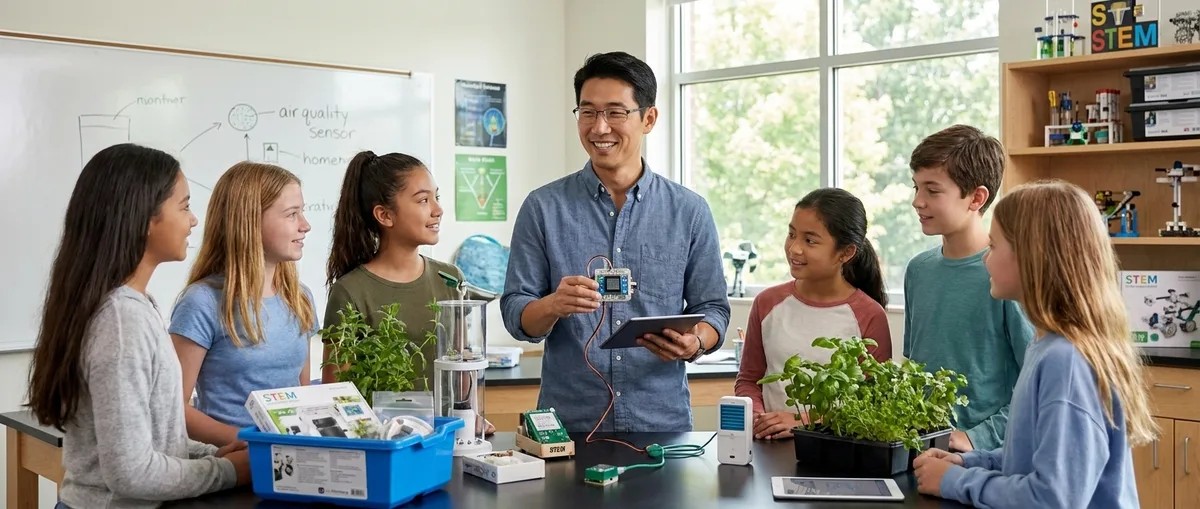
Air Quality Sensors Explained: What Student Citizen Scientists Should Know
from The STEM Lab
In this episode, we break down how air quality sensors actually work and why they're one of the best tools for teaching kids real measurement skills. You'll learn what makes student-grade sensors different from the ones professionals use, which types of sensors work best for different age groups and skill levels, and how building and coding these devices prepares students for careers in environmental engineering and data science. Whether you're a parent setting up a home STEM lab or an educator looking for hands-on projects that teach more than just theory, this episode walks you through everything from laser-scattering particulate sensors to gas detection and what kids can actually learn when their measurements don't match up. Air quality sensors work by turning physical or chemical interactions into electrical signals your computer can read. For example, a particulate matter sensor shoots a tiny laser through air and counts how many particles bounce the light back. It's like shining a flashlight through dust to see how much is floating around, except way more precise. Student-grade sensors aren't as accurate as the expensive professional ones, usually within 15 to 25 percent compared to EPA monitors, but that's actually a teaching opportunity. When two identical sensors give different readings, kids learn about measurement uncertainty, which is something real engineers deal with every single day. Metal oxide semiconductor gas sensors heat up a special film to detect chemicals in the air by measuring how the gas changes the film's resistance. These sensors can't tell the difference between specific chemicals like acetone or formaldehyde, they just detect that something's there, which is why understanding what your sensor can't do is just as important as knowing what it can. Kids as young as 10 can start with pre-assembled sensor boards and visual programming tools like MakeCode, while teenagers with Arduino experience can build modular setups that teach them how to wire multiple devices, write code libraries, and troubleshoot real-world problems like address conflicts on an I2C bus. The biggest lesson isn't about pollution, it's about how to collect data, spot problems in your measurements, and figure out if what you're seeing is real or just noise. That kind of thinking applies to every scientific field and every job that involves making decisions based on numbers. Show Links Affiliate Disclosure: As an Amazon Associate I earn from qualifying purchases. Full article Nova PM SDS011 Laser PM2.5 Sensor CCS811 Air Quality Sensor Related Articles LEGO STEM Education: Complete Guide to Building Technical Skills Through Brick-Based Learning STEM Toys for 10 Year Olds That Teach Real Skills: Skill-Building Guide How to Choose a Citizen Science Kit for Your Child's Skill Level Best 3D Printers for Kids and Teens: Complete Buyer's Guide for Educational STEM Learning Best Robotics Kits for Kids: Complete Guide to Building Real Engineering Skills
Embed this episode
No transcript yet.