
EPISODE · Oct 17, 2024 · 33 MIN
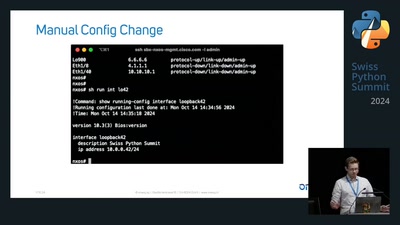
Automate your network in 5 easy steps with Python and Netmiko (sps24)
from Chaos Computer Club - archive feed (high quality) · host Luca Gubler
Network automation is important for efficient and reliable network management. In simple terms it means using software to automate tasks like configuring or testing network devices like routers or switches. This increases the speed of deploying new configurations while reducing human error – a win-win situation for everyone! This talk introduces Netmiko, a powerful yet simple Python library for network automation. Netmiko provides an easy-to-use interface for SSH-based interactions with network devices. The syntax of Netmiko is easy to understand and it's vendor agnostic approach let's you automate all kinds of network devices. I'll show you how Netmiko works, starting with building your inventory of devices and connecting to them. Then we'll move on to sending config commands and configuring the devices. Finally, we'll verify if the config was applied successfully. By the end of this talk, you will be able to use Netmiko to automate your own network devices! about this event: https://c3voc.de
Embed this episode
NOW PLAYING
Automate your network in 5 easy steps with Python and Netmiko (sps24)
No transcript for this episode yet
Similar Episodes
No similar episodes found.
Similar Podcasts
No similar podcasts found.