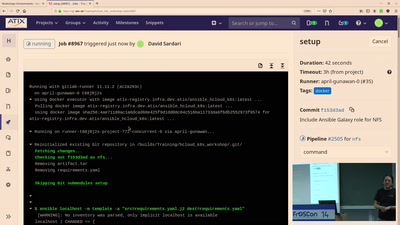
Automatic Configuration and Deployment of Workshop Environments (froscon2019)
from Chaos Computer Club - archive feed (high quality) Hosted by David Sardari
Keep it or kill it, pets or cattle. While the traditional approach sees IT systems as indispensable and hard to replace, the current practice strives for automatic (de)provisioning of ressources in the cloud while following the pay-as-you-go pricing model. Provisioning ressources without long-term commitments makes the current practice of handling IT systems attractive, especially for short-lived IT projects. In our case, cloud hosting was a perfect fit for the workshops, we provide on topics like Ansible, Docker, Kubernetes, Puppet (among others). Compute ressources are deployed right before the workshop, used for a few days and automatically deleted thereafter. But beyond the hosting platform, the central question in regards to our workshop setup that needed to be answered was: "How do we implement CI/CD, automate configuration and meet the differing workshop-specific requirements, while following the KISS principle?" This talk provides a practical perspective on the considerations we needed to make for the setup of our workshop environments. about this event: https://programm.froscon.de/2019/events/2458.html
Embed this episode
No transcript yet.