
EPISODE · Aug 7, 2025 · 22 MIN
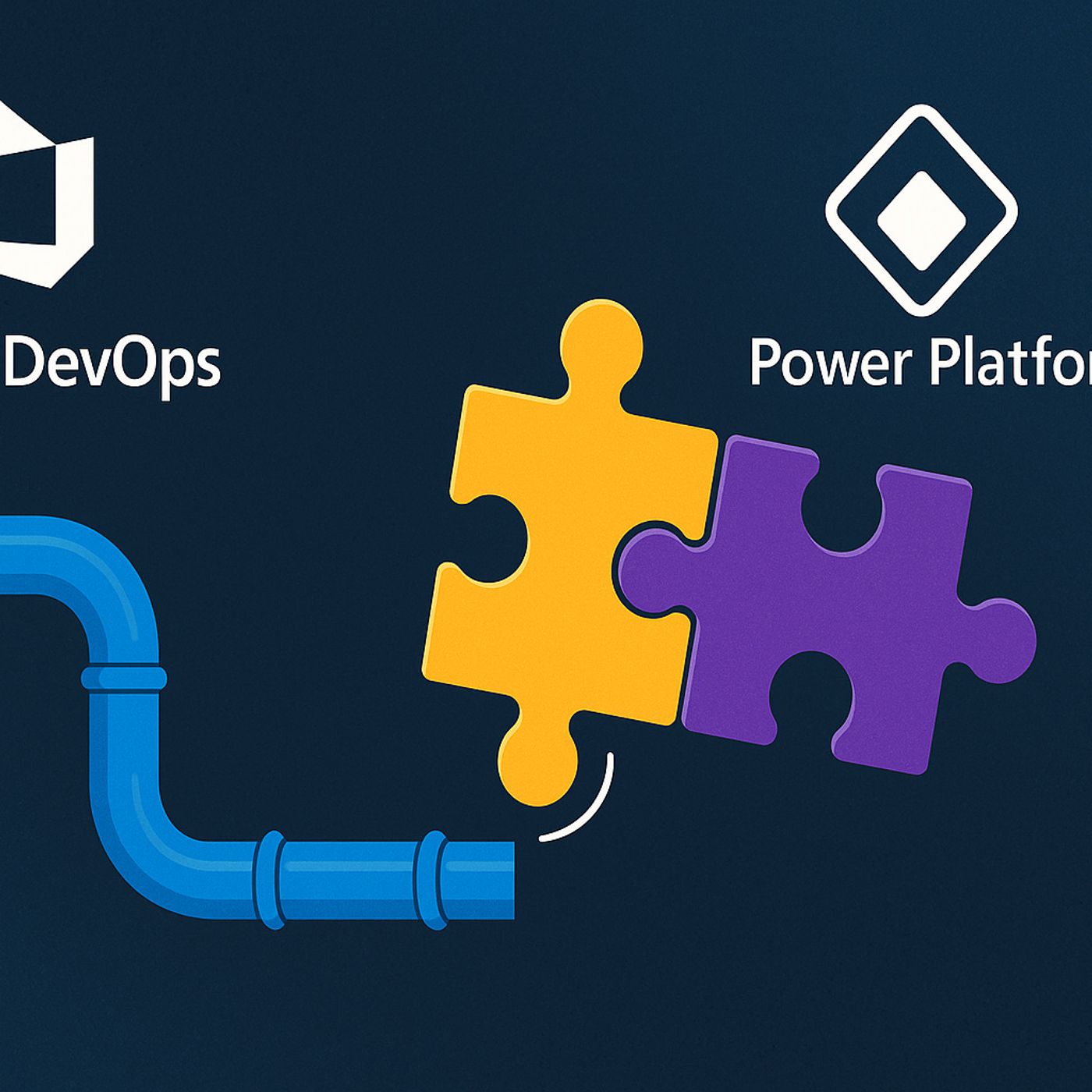
Azure DevOps Pipelines for Power Platform Deployments
from M365.FM - Modern work, security, and productivity with Microsoft 365 · host Mirko Peters - Founder of m365.fm, m365.show and m365con.net
Deploying Power Platform solutions by hand always feels fine—until the day a missing table, connection reference, or security role quietly breaks QA right before a demo. In this episode, we start from exactly that pain and show how Azure DevOps pipelines turn fragile, one‑off exports into a repeatable delivery system for your Dataverse changes, apps, and flows. Instead of hoping the latest ZIP on someone’s desktop is “the real one,” you get a traceable path from source to dev, test, and prod.We look at why manual deployments drift out of sync so quickly: environments evolve separately, late‑night fixes never make it into the next export, and hidden dependencies only surface as cryptic import errors when it’s already too late. You’ll hear familiar stories—flows that never trigger after import, tables that don’t show up, and solution layers that behave differently across environments—and see how much of that comes from humans juggling ZIPs and checklists instead of a pipeline that enforces the same steps every time.From there, we walk through the real “glue” behind stable pipelines: service connections, service principals, and agent pools that don’t break at 3 a.m. You’ll learn why a dedicated, least‑privilege service principal per environment beats “one all‑powerful admin,” how misconfigured roles silently block deployments, and when Microsoft‑hosted agents are enough versus when you need self‑hosted agents with the right Power Platform tooling installed. The goal is simple: authentication that’s boring, predictable, and doesn’t require heroics in Azure AD on release night.By the end, Azure DevOps for Power Platform stops looking like a fragile YAML experiment and starts feeling like infrastructure. You’ll walk away with a mental model where solutions are structured deliberately, pipelines handle export, validation, and import with proper logging, and rollbacks are a controlled operation instead of a scramble—so “works in dev, broken in prod” finally becomes the exception, not the rule.WHAT YOU LEARNWhy manual solution exports/imports create configuration drift and “works in dev, fails in QA” surprises.How Azure DevOps pipelines turn Power Platform deployments into repeatable, logged, and auditable processes.How to use service principals and service connections safely so pipelines can deploy without over‑privileged accounts.When to use Microsoft‑hosted vs self‑hosted agents for Power Platform build tools and custom scripts.How structured pipelines make rollbacks, troubleshooting, and audits easier instead of scarier.CORE INSIGHTThe core insight of this episode is that deployment instability in Power Platform is rarely about the platform and almost always about the process. When you replace ad‑hoc ZIP juggling with Azure DevOps pipelines built on solid service connections and agent setups, you trade late‑night guesswork for a predictable delivery system your team can actually trust.WHO THIS IS FORPower Platform makers and admins tired of fragile manual deployments and surprise import failures.DevOps engineers and platform teams wiring Azure DevOps into Power Platform environments.Solution architects responsible for how Dataverse, apps, and flows move from dev to test to production.IT leaders who want reliable, auditable releases instead of risky weekend deployment marathons.ABOUT THE HOSTMirko Peters is a Microsoft 365 and Power Platform consultant and the host of M365.FM, focused on modern work, security, and cloud architectures that hold up in production. He helps organizations move from manual, hero‑driven deployments to automated pipelines on Microsoft 365, Power Platform, Azure DevOps, and Azure, where changes are scripted, logged, and repeatable. In M365.FM, Mirko turns long deployment post‑mortems—like broken imports, missing dependencies, and late‑night fixes—into practical patterns listeners can apply in their own environments.Become a supporter of this podcast: https://www.spreaker.com/podcast/m365-fm-modern-work-security-and-productivity-with-microsoft-365--6704921/support.
Embed this episode
NOW PLAYING
Azure DevOps Pipelines for Power Platform Deployments
No transcript for this episode yet
Similar Episodes
Jan 27, 2024 ·12m
Jan 19, 2024 ·9m
Jan 18, 2024 ·5m
Jan 14, 2024 ·6m
Jan 5, 2024 ·7m
Similar Podcasts
No similar podcasts found.