
EPISODE · Mar 31, 2025 · 1H 19M
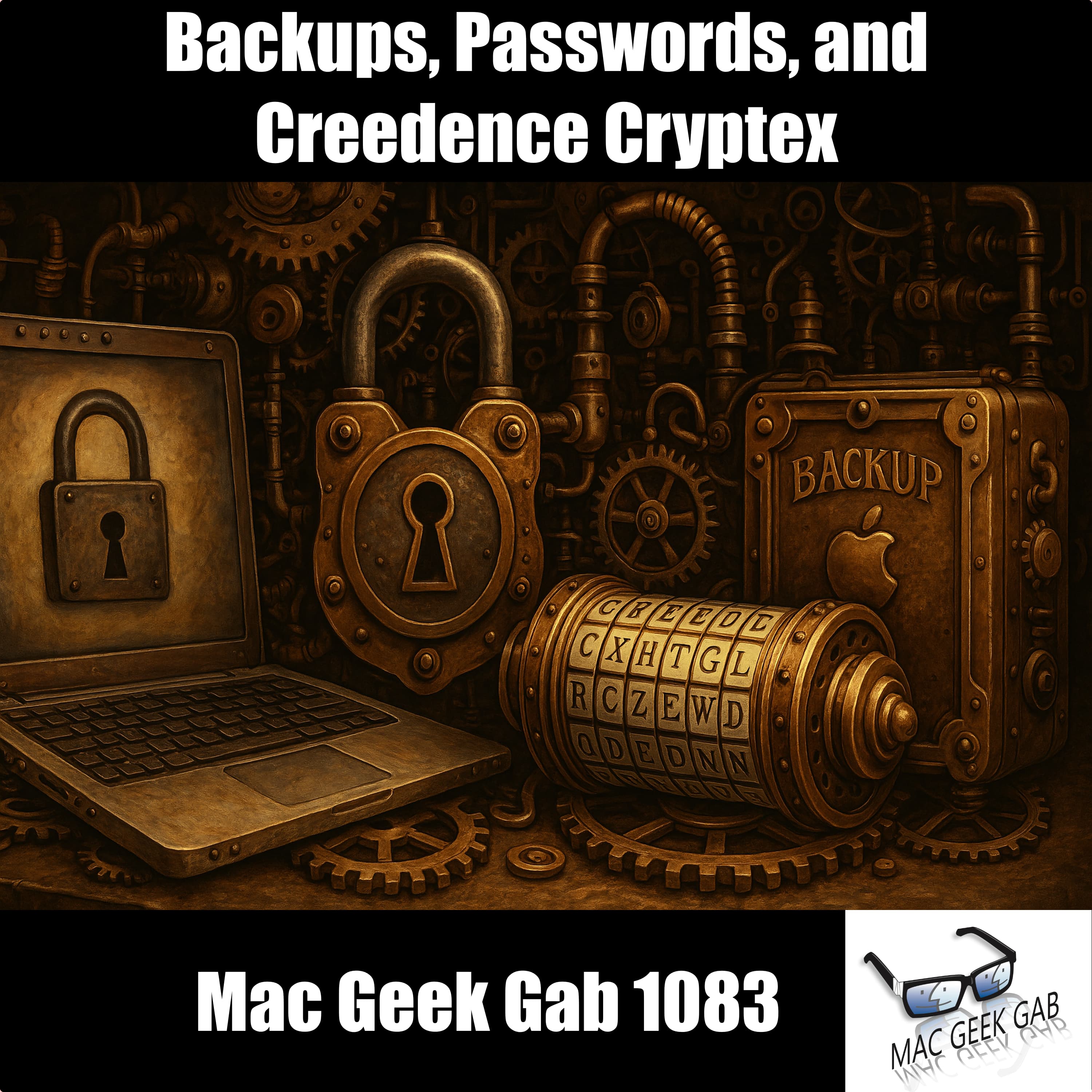
Backups, Passwords, and Creedence Cryptex
from Mac Geek Gab — Apple Tips, Tricks, and Troubleshooting
You’re not really celebrating World Backup Day unless you’ve got Time Machine humming, Backblaze backing, and Synology syncing. In this week’s Mac Geek Gab, you, Pilot Pete, Adam Christianson, and Dave Hamilton dig deep into layered backup strategies with tools like Arq, Hazel, and iDrive e2—plus the always-timely reminder to check your backups. Then it’s on to Quick Tips: did you know iPhone timers can start or stop audio playback? Or that you can quickly reload Safari without blockers? You’ll even learn how naming your AirTags strategically makes Find My a breeze. Security’s in the spotlight, too. Make your password manager ironclad, freeze your credit at the big three bureaus, and finally unravel the mystery of the Creedence Cryptex. Got Mac quirks? Learn how to stop macOS windows from auto-resizing and find the best media tools for ripping Blu-Rays. Cool Stuff Found includes gadgets like the FeatherSnap bird feeder cam, Warp.dev for AI terminal magic, HazeOver to tame your desktop, and the punchy 1More Sonoflow cans. Tune in, geek out, and most importantly… Don’t Get Caught. 00:00:00 Mac Geek Gab 1083 for Monday, March 31st, 2025 March 31st: World Backup Day Police Code 10-83 – Work/school crossing detail MGG Monthly Giveaway – Unite 6 from BZG Apps! 00:03:46 March 31st: World Backup Day Time Machine Backblaze iCloud Drive Desktop & Documents Synology Drive (sync, with versioning) CCC Backup Hazel Arq Backup iDrive e2 Monthly reminder to “Check Backups” Quick Tips 00:00:01 Perry-QT-iPhone timers can stop AND start audio playing 00:25:59 Carsten-QT-Number your AirTags and just name them in the Find My app 00:28:09 Bill-QT-Reload Safari without Blockers 1Blocker 00:34:20 Carsten-QT-Make your password manager even more secure 00:43:15 Freeze your accounts at credit bureaus (it’s free!) Equifax Trans Union Experian Show Business 00:46:01 MGG Reviews MGG Review-SimonLock MGG Review-rn_doug 00:48:54 MGG Premium Listener Contribution Appreciation Moment Your Questions Answered and Tips Shared! 00:50:46 David-Creedence Cryptex-What is this? 00:56:14 Joe-How do I stop windows from enlarging when I drag them in macOS 15? 00:58:01 Mac-Media and Optical Drive Recommendations-A Few Things MakeMKV to Rip Blu-Rays on Your Mac Cool Stuff Found 01:06:08 CSF-FeatherSnap BirdFeeder with Camera 01:09:17 Rob in STL-CSF-Warp.dev, an AI-powered Terminal 01:11:50 n-Tony-CSF-HazeOver to dim inactive windows on your Mac 01:13:25 CSF-1More Sonoflow HQ51 Over-Ear Headphones 01:16:35 MGG 1083 Outtro MGG Monthly Giveaway – Unite 6 from BZG Apps! Bandwidth Provided by CacheFly Pilot Pete’s Aviation Podcast: So There I Was (for Aviation Enthusiasts) The Debut Film Podcast – Adam’s new podcast! Dave’s Business Brain (for Entrepreneurs) and Gig Gab (for Working Musicians) Podcasts MGG Merch is Available! Mac Geek Gab YouTube Page Mac Geek Gab Live Calendar This Week’s MGG Premium Contributors MGG Apple Podcasts Reviews [email protected] 224-888-GEEK Active MGG Sponsors and Coupon Codes List BackBeat Media Podcast Network
Embed this episode
Ready to play
Backups, Passwords, and Creedence Cryptex
No transcript for this episode yet
Similar Episodes
No similar episodes found.