
EPISODE · Aug 12, 2024 · 1H 26M
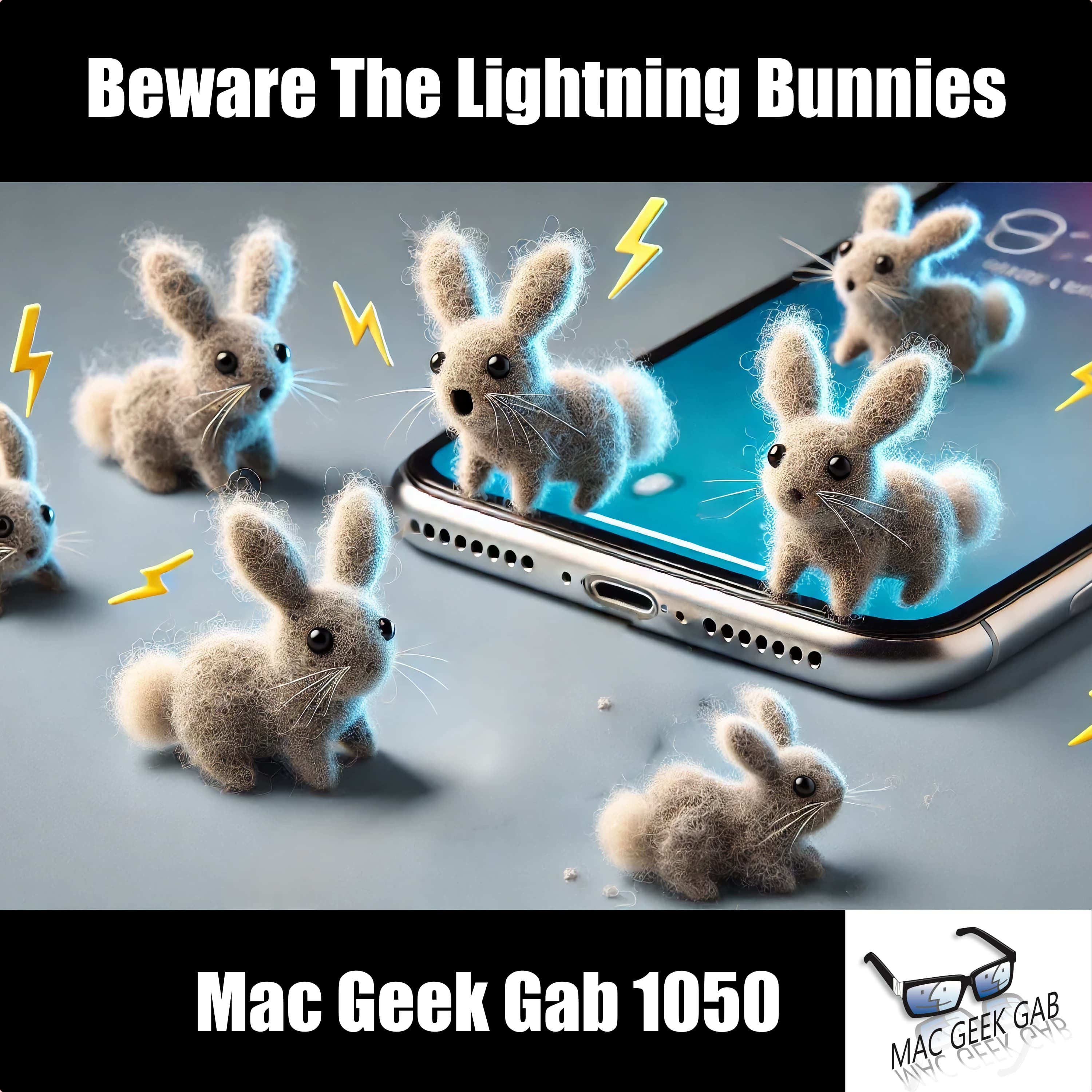
Beware The Lightning Bunnies
from Mac Geek Gab — Apple Tips, Tricks, and Troubleshooting
Celebrate IBM PC Day with a tech-packed Mac Geek Gab episode? Sure…why not? Adam Christianson and Dave Hamilton start with some fun tangents about how the IBM PC relates to Steve Jobs, Apple, Bill Gates, and the art of leadership. Packed with Quick Tips, you’ll learn how to streamline your digital life, like using Do Not Disturb for event durations, and swiping right in Messages for instant replies. Whether you’re curious about mice vs. trackpads, or how to prevent butt dials with upside-down iPhones, this episode covers it all. From cleaning out Lightning port bunnies to setting up secure networks for your IoT devices, this episode tackles the mysteries of tech with practical advice. Get the scoop on iOS 18’s flashlight tweaks and upcoming RCS support, then dive into listener questions about bandwidth needs, smart home devices, and managing your Photos library. Don’t get caught without the latest tips—whether you’re protecting your personal data or optimizing your smart home, Mac Geek Gab has you covered! 00:00:00 Mac Geek Gab 1050 for Monday, August 12th, 2024 August 12th: IBM PC Day 00:02:01 About IBM PC Day… and then some tangents about Steve Jobs, IBM, Bill Gates, and leadership in general Quick Tips 00:00:01 Marty-QT-Choose Do Not Disturb for event durations so you don’t forget! 00:08:15 Grumpy-QT-Swipe right in Messages for Instant Reply And swipe left for time stamps! 00:10:00 Does anyone still use a mouse instead of a trackpad? Or how about a trackball? 00:15:26 Tony-QT-Rename your iCloud Downloads folder to limit confusion Addressing (if not Answering) the Mysteries Of The Universe 00:19:47 Joe-QT-1003-Upside down iPhones don’t butt dial 00:22:36 Cleaning out the Lightning (and USB-C) Bunnies 00:26:02 Use Chrome to Enter MGG August Giveaway for Camo 00:31:14 DLH-iOS 18 flashlight can set brightness AND beam width! 00:36:38 DLH-QT-RCS Support Coming to iOS 18 is carrier dependent Sponsors 00:40:13 SPONSOR: BBEdit, the power tool for text from Bare Bones Software; now with integrated Notebooks and extended language support. Show Business 00:41:46 MGG Premium Listener Contribution Appreciation Moment Your Questions Answered and Tips Shared! 00:44:20 Andy-How much bandwidth is enough? 00:56:14 Chris-Smart Home Devices Aren’t Acting Smart after Router Change TP-Link Deco AX3000 01:03:15 Clif-Be aware of your employer’s data privacy policies before you put personal data on your work devices 01:04:03 Clif-Should I setup a secure network for my IOT devices? 01:13:22 Felix-How do I move my Photos library back to my Mac from an external drive? PowerPhotos 01:22:16 Paul-CSF-iCloudPD to Download iCloud Photos to Your Synology 01:24:33 MGG 1050 Outtro Bandwidth Provided by CacheFly Dave’s Business Brain (for Entrepreneurs) and Gig Gab (for Working Musicians) Podcasts MGG Merch is Available! Mac Geek Gab YouTube Page Mac Geek Gab Live Calendar This Week’s MGG Premium Contributors MGG Apple Podcasts Reviews [email protected] 224-888-GEEK The Mac Geek Gab iPhone app Active MGG Sponsors and Coupon Codes List BackBeat Media Podcast Network
Embed this episode
NOW PLAYING
Beware The Lightning Bunnies
No transcript for this episode yet
Similar Episodes
No similar episodes found.
Similar Podcasts
No similar podcasts found.