
EPISODE · Mar 11, 2026 · 2 MIN
Boosting Efficiency in Your Side Hustle with a Compact Dual-Screen Setup
from Post MASTER · host Waqas ur Rehman
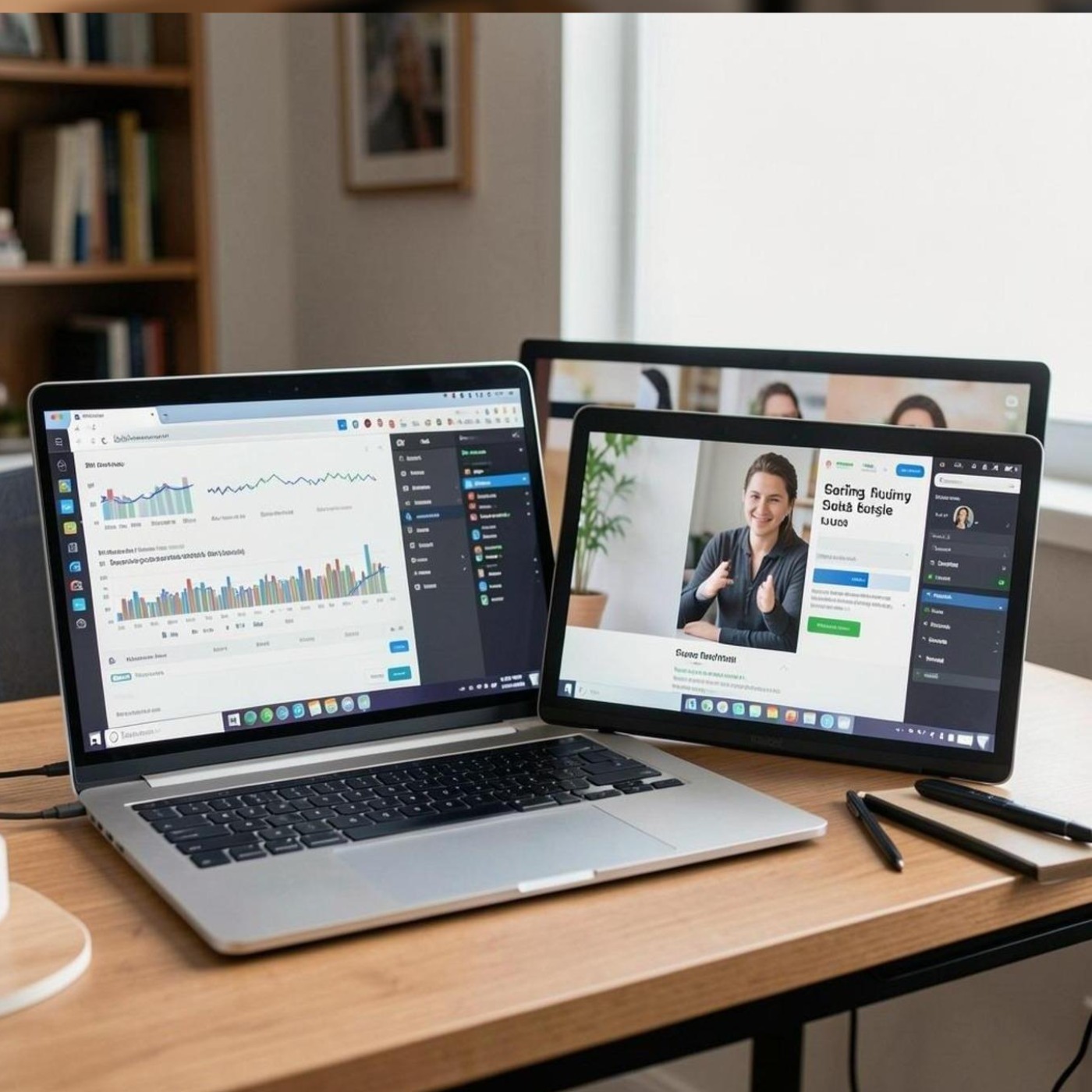
Side hustles are more popular than ever. Whether you’re freelancing or working on a passion project, many professionals are making a regular income from part-time remote work. However, one of the main struggles with side hustles is productivity. After a long day of work, it’s often difficult to concentrate on more work just from your laptop alone.You can significantly improve your workflow, organization, and productivity with a compact dual-screen setup. With the right portable monitor and setup, you can turn your current workspace into a powerful productivity machine. This article covers how a dual-screen setup can help increase your productivity in your side hustle.The Importance of Productivity for Side HustlesSide hustles differ from 9-5 jobs in that they only have limited working hours before work, after work, or on weekends. Because of this, they need to be more efficient and productive than a regular office job.Side hustlers frequently have to do the following activities:Emails and other client communicationResearching and writing blog postsPhoto or video editingOrder or inventory trackingManaging social media accountsManaging spreadsheets and dataJuggling between various windows in a single laptop screen can take a lot of time and breaks your flow. A dual-monitor setup allows you to have everything you need visible at once, helping you stay in the zone.What Is a Compact Dual-Screen Setup?In simple terms, a compact dual-screen setup just means using 2 displays instead of 1 in a portable, space-saving setup. Instead of bulky desktop monitors, many remote workers and digital nomads are now using portable monitors to take their workspaces with them.Companies like UPERFECT create portable monitors that are specifically designed for mobility and productivity. They are slim, light, and portable, making them perfect for remote workers, freelancers, and digital nomads that work from different locations.With a portable monitor, you can instantly double your workspace without needing a whole desktop monitor setup.Compact Dual-Screen Setup Benefits for Side Hustles1. Multitasking on SteroidsThe single biggest productivity gain from using a second screen is the ability to multitask like never before.For example:One screen for research, one screen for writingOne screen for editing, one screen for previewOne screen for communication apps (Slack, WhatsApp, etc. ), another screen for productivity tools (Google Workspace, Trello, Notion, etc.)A second screen allows you to avoid window switching, and perform multiple tasks at once.2. Increased ProductivityResearch has shown that using a dual monitor setup can increase productivity by up to 30–40%. When everything is visible at all times, your workflow speeds up a lot.You don’t have to minimize and reopen programs all the time. Simply use your second screen.3. Better OrganizationA dual screen setup forces you to structure and organize your workspace better.An example of a well-organized setup is:ScreenUsagePrimary ScreenMain task (writing, editing, coding)Secondary ScreenResearch, references, communicationOptional Third WindowTask management tools or spreadsheetsThis layout helps avoid clutter and reduces distractions, increasing your focus.4. Portable Productivity Solution for Remote WorkersOne downside of a typical dual monitor setup is that it requires a lot of hardware and desk space.Portable displays change the game. They are light and thin, so you can use them anywhere.Many remote workers end up working from the following locations:Coffee shopsShared offices or co-working spaceSmall home officesLibrariesWhile travelingA portable dual-screen solution allows you to take your productivity anywhere you go.5. Perfect Solution for Content Creators and FreelancersSide hustles such as video editing for YouTube, graphic design, blogging, programming, and data analysis all benefit from a dual monitor setup.For example:Side HustleDual Monitor BenefitBloggingResearch on one screen, writing on anotherVideo EditingTimeline editing + preview windowGraphic DesignDesign workspace + asset libraryOnline TutoringPresentation + student video feedE-commerceOrder dashboard + customer messagesWorkflow for these side hustles can become much more efficient when you are not stuck with a single screen.Advanced Productivity Tips with Stacked MonitorsThe next step beyond the regular side-by-side setup is stacking your monitors.A vertical monitor setup saves desk space, reduces hardware clutter, and is ergonomically better for most people.Dual monitor stacked systems like the dual monitor stacked allow users to mount one screen on top of another for a super-efficient vertical workspace.Stacked screens are particularly useful for the following use cases:Coding and development workReading long articles/documentsMonitoring multiple dashboardsStock trading/brokerage workSocial media managementStacked displays allow you to maximize screen real estate while keeping your workspace more compact.Setting Up a Compact Dual-Screen WorkspaceSetting up a portable dual-monitor setup is quite easy and you don’t need a lot of equipment for it.Step 1: Find the Right Portable MonitorWhen looking for a portable monitor, look for the following features:Lightweight/portable designUSB-C connectivity (important for mobile devices)Full HD or 4K resolutionAdjustable standWorks with laptops and tabletsStep 2: Position the Screens RightPlace your laptop monitor or main screen in front of you and position your secondary screen at a 30-degree angle to your right or slightly above your main screen, depending on the height.Step 3: Organize Your WorkflowsDecide which tasks should go on which screen. The more you customize your setup, the less cluttered your workspace will be.An example setup can be:ScreenFunctionLaptop ScreenMain workPortable MonitorResearch, chat apps, toolsStep 4: Incorporate Productivity ToolsPair your dual-monitor setup with productivity tools such as:TrelloNotionSlackGoogle Workspace (Docs, Sheets, Slides, etc.)CanvaAdobe Creative CloudThe right productivity tools can elevate your dual-screen workspace to the next level.Tips for Maximizing Productivity with Two ScreensTo get the most out of your new dual monitor setup, here are some extra tips to keep in mind:Always keep the apps and programs that you frequently use on the second screen for easy accessUse keyboard shortcuts for moving programs or windows to different screensMake sure your posture and screen height is correct for ergonomicsEnable dark mode for less eye strainKeep your desktop/workspace clean and clutter-freeTiny improvements in your workflow add up over time to greatly increase productivity.FAQs1. Is a portable monitor worth it for side hustles?Yes, a portable monitor is definitely worth it for side hustles. It not only gives you more screen space but also makes multitasking easier and allows you to stay productive even with limited desk space.2. Can portable monitors work with laptops and smartphones?Yes, most modern portable monitors have USB-C or HDMI connections that work with laptops, tablets, gaming consoles, and even many smartphones.3. How much productivity improvement can I get with dual monitors?Studies show that using dual monitor increases productivity by about 30–40%, which is a significant boost, particularly for multitasking work.4. Are portable monitors good for travel?Portable monitors are great for travel as they are thin and lightweight. They are designed for remote workers and digital nomads who work from multiple locations.5. What resolution should a portable monitor be?Full HD (1080p) is suitable for most tasks, but 4K monitors are better if you require sharper visuals and higher clarity for design work, video editing, or development.ConclusionSide hustle demands smart time management and high productivity. If you are multitasking with a limited working schedule, upgrading your workspace is the best way to make it more effective.A compact dual-screen setup gives you the perfect combination of mobility and productivity. With portable monitors and stacked displays, you can create powerful workstations wherever you go.The right setup will allow you to reduce distractions, streamline your workflow, and make your side hustle much more successful.
Embed this episode
NOW PLAYING
Boosting Efficiency in Your Side Hustle with a Compact Dual-Screen Setup
No transcript for this episode yet
Similar Episodes
No similar episodes found.