
EPISODE · Jul 2, 2026 · 19 MIN
Bringing Microsoft Access Data to Mobile with Power Apps and SQL Server
from Computer Learning Zone · host Richard Rost
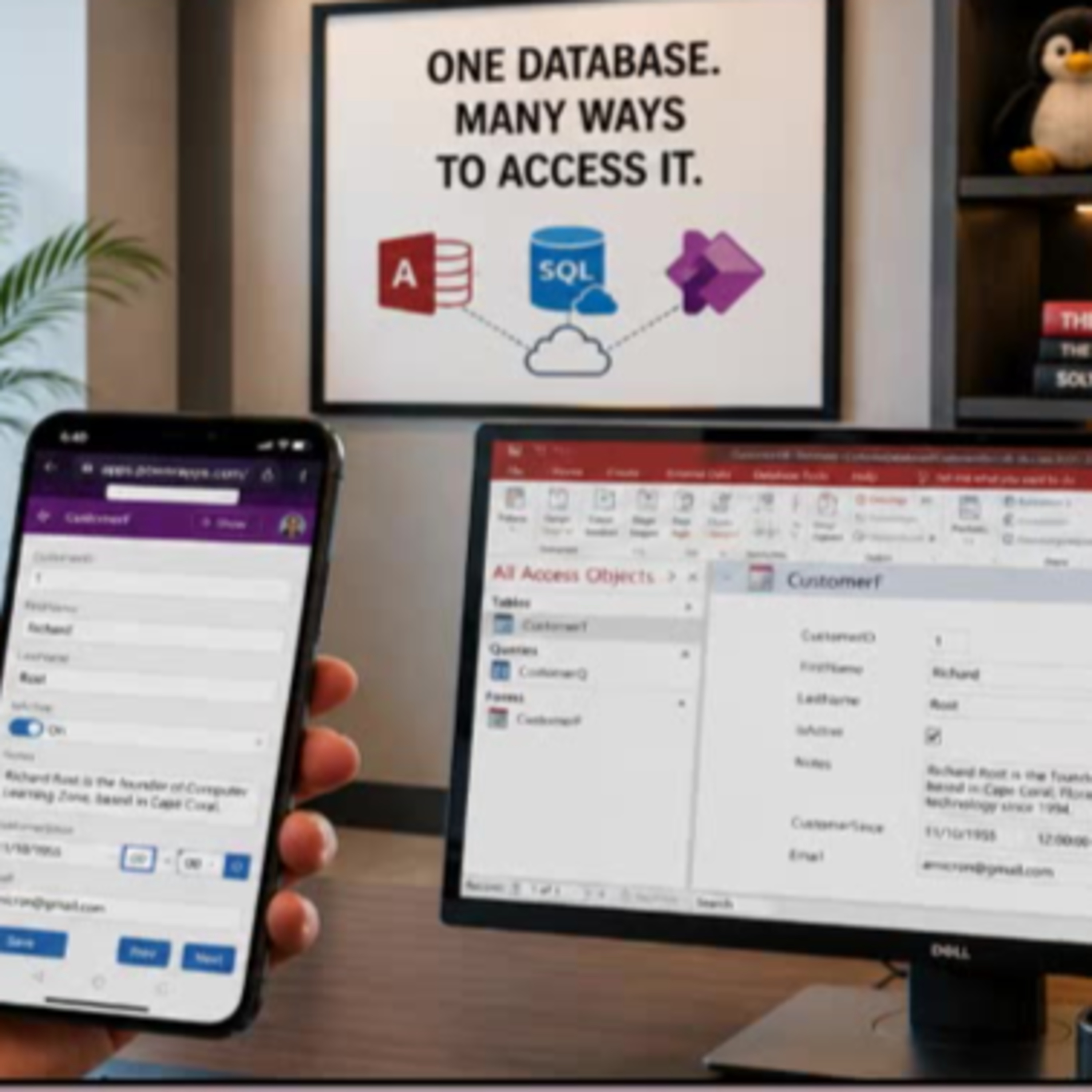
Wish you could use your Microsoft Access data on your phone without overhauling your whole system? In this episode, Access instructor Richard Rost walks you through how to easily build a mobile-friendly front end for your existing Access database using Microsoft Power Apps and SQL Server.We talk about why moving your Access tables to SQL Server is the key to unlocking flexible, multi-platform access, and dive into practical options for working with your data remotely. Richard breaks down the differences between solutions like SharePoint, Dataverse, and SQL Server, and explains why SQL Server is his top pick for most Access users who want future-proof flexibility.If you have ever wanted to give your users secure mobile or web access to Access data without abandoning your trusty Access desktop front end, this episode is for you. Learn what Power Apps is good for, when it makes sense, licensing pitfalls to be aware of, and the mindset shifts for Access developers stepping into the world of low-code app building.Ideal for Access power users, small business IT, and anyone curious about bringing legacy desktop data to the modern mobile era.
Embed this episode
NOW PLAYING
Bringing Microsoft Access Data to Mobile with Power Apps and SQL Server
No transcript for this episode yet
Similar Episodes
No similar episodes found.