
EPISODE · Sep 26, 2024 · 41 MIN
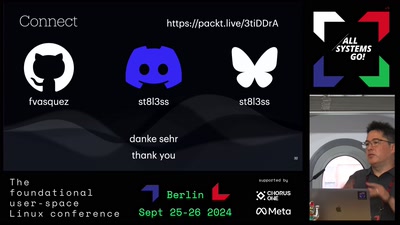
Building Secure Container Images for the Cloud with Yocto (asg2024)
from Chaos Computer Club - archive feed · host Frank Vasquez
Yocto is a tool for building custom Linux distros. When you think about it, a container image is just a custom Linux distro. The distro (e.g. Alpine) is your base image and the customizations are the rest of your application or microservice. Like Podman, Yocto can generate a complete root filesystem in the form of an OCI container image. Originally targeted at bare metal, the Yocto configuration and build process seems complex when compared to the Containerfile approach of cloud native tools. Yocto's OpenEmbedded origins also mean that reduced image size, SBOM generation, license compliance, and reproducible builds were concerns early on in the project rather than afterthoughts. With security and risk of litigation now top of mind, this talk explains Yocto's uniquely layered and ultimately monolithic approach to solving these real-world software problems. Licensed to the public under https://creativecommons.org/licenses/by/4.0/de/ about this event: https://cfp.all-systems-go.io/all-systems-go-2024/talk/KZPRPN/
Embed this episode
NOW PLAYING
Building Secure Container Images for the Cloud with Yocto (asg2024)
No transcript for this episode yet
Similar Episodes
No similar episodes found.
Similar Podcasts
No similar podcasts found.