
EPISODE · Mar 2, 2014 · 9 MIN
Camera Raw Tutorial – Output Options
from The Art of Retouching Studio · host John Ross
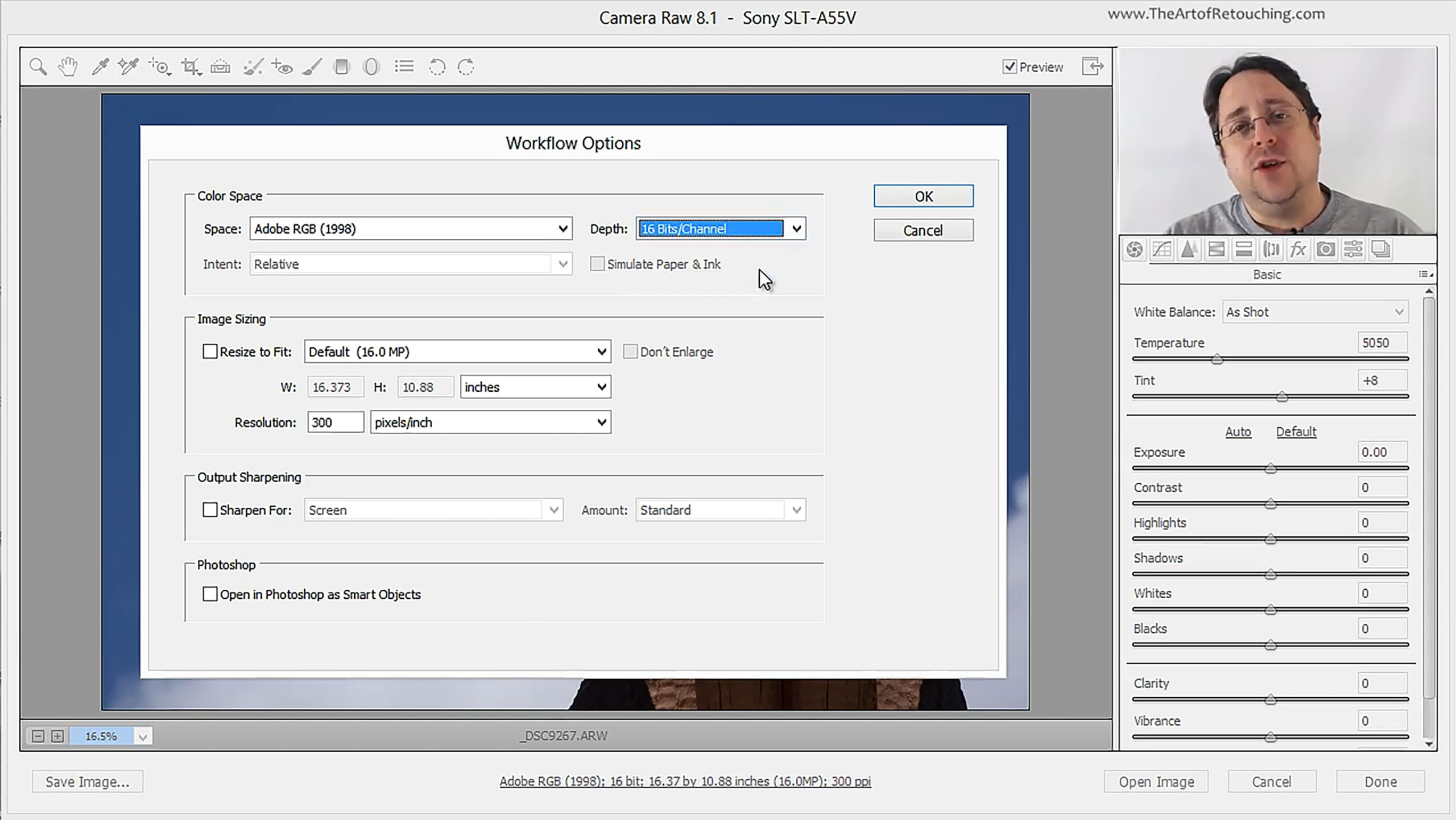
Because of all the fancy tools that Camera Raw comes packed with, it’s easy to overlook certain settings that are actually very important. This tutorial will briefly go over the significance of knowing how Camera Raw exports images to Photoshop. Determining your output options will make the work that you do, whether it’s for printing or for magazines or simply for web display, much more convenient. Below your image in Camera Raw, you will see a line of blue text that tells you specific details about your picture. Clicking on this blue text opens up the “Workflow Options” dialog box, where you can set up your color profile, bit depth, image size, etc.
Embed this episode
Ready to play
Camera Raw Tutorial – Output Options
No transcript for this episode yet
Similar Episodes
No similar episodes found.