
EPISODE · Mar 4, 2021 · 29 MIN
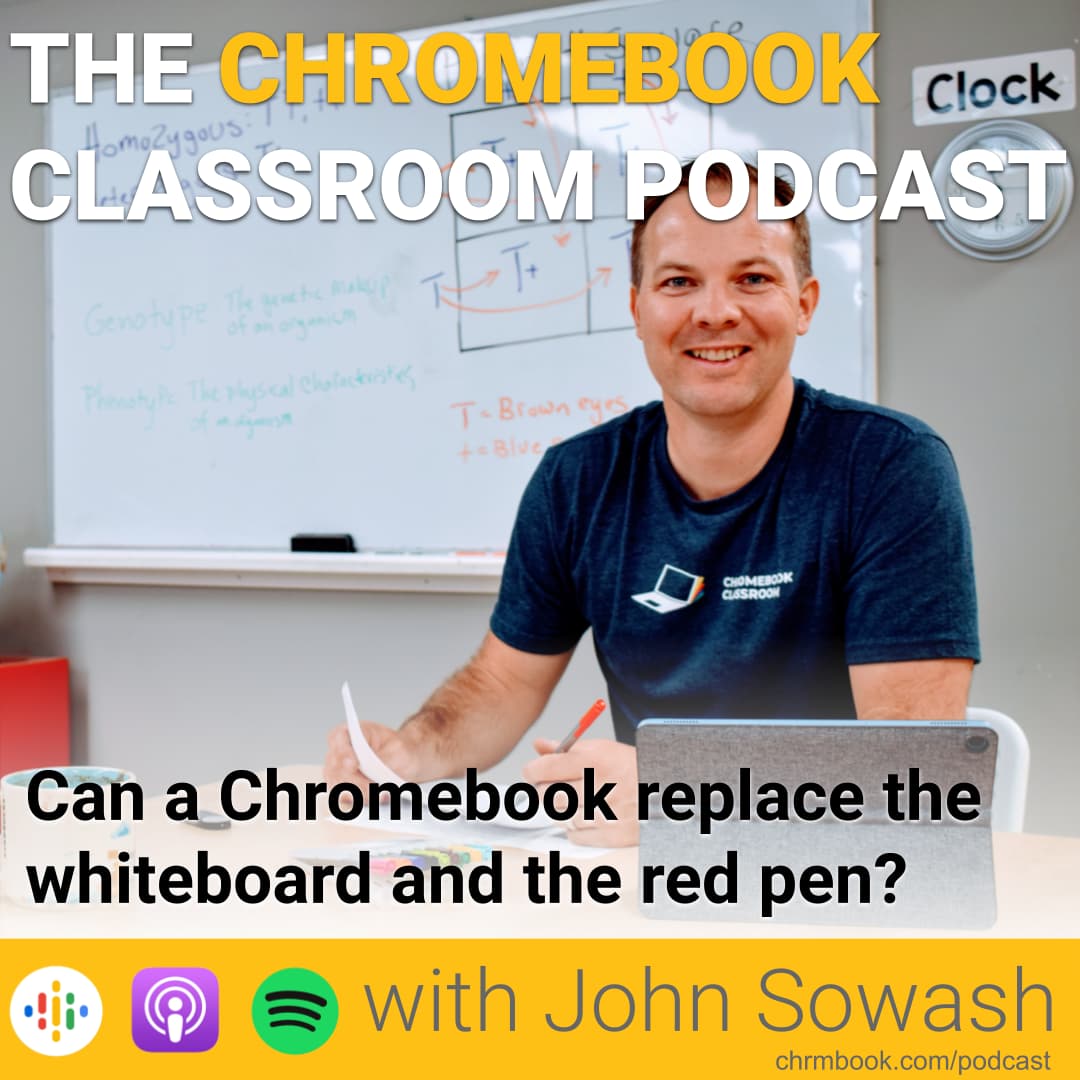
Can a Chromebook replace the whiteboard and the red pen?
from The Chromebook Classroom Podcast · host John R. Sowash
Thanks to Wacom for sponsoring this episode. The One by Wacom makes it easy to annotate images, teach a lesson and grade student work. It is also one of the first drawing tablets that works with a Chromebook! -------------------------------------- Remember the "good old days?" Teaching a lesson in front of the whiteboard or overhead projector was common practice. Using white-out to create worksheets as an essential skill. Everyone graded homework on paper with a red pen. Things have changed. Teaching in front of a computer screen can feel a bit rigid and scripted, but it doesn't have to be! Can your Chromebook replace the whiteboard and the red pen? Episode links and resources: Annotate with Chrome Canvas Annotate video with Screencastify Teach a lesson with Whiteboard.chat Grade with the Google Classroom mobile app Find a pen for your Chromebook Purchase the One by Wacom (affiliate link) Review: One by Wacom
Embed this episode
NOW PLAYING
Can a Chromebook replace the whiteboard and the red pen?
No transcript for this episode yet
Similar Episodes
No similar episodes found.
Similar Podcasts
No similar podcasts found.