
EPISODE · Aug 10, 2025 · 23 MIN
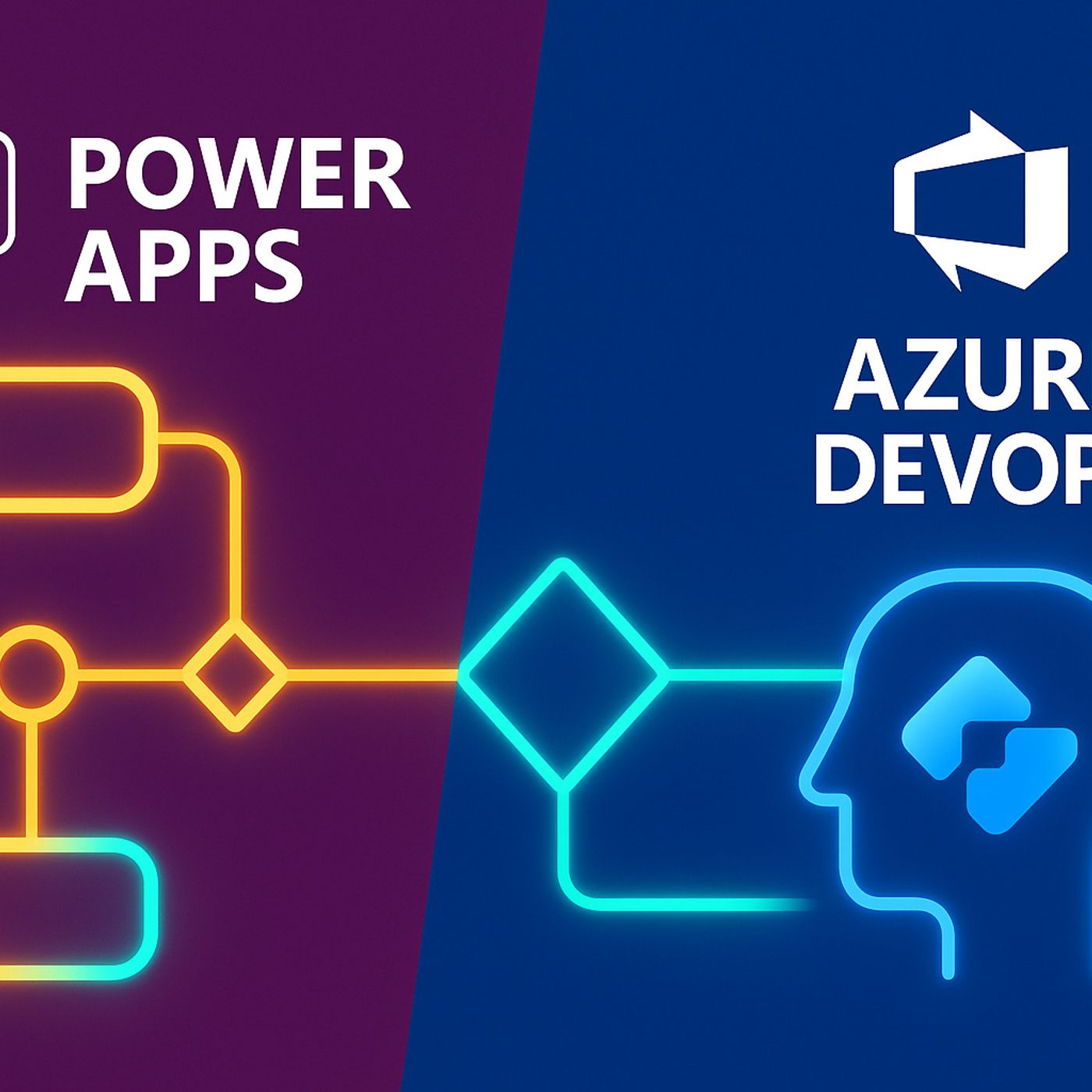
CI/CD for Power Platform with Azure DevOps Pipelines: How to Move Solutions from Dev to Prod Without Manual Deployment Chaos
from M365.FM - Modern work, security, and productivity with Microsoft 365 · host Mirko Peters - Founder of m365.fm, m365.show and m365con.net
Rolling out a Power Platform solution shouldn’t mean dreading the next manual deployment. In this episode, I walk through a step‑by‑step CI/CD setup with Azure DevOps so you can move from “export/import and hope” to reliable, automated pipelines that actually respect how Power Apps, Power Automate, and Dataverse work in real environments. We start with the messy reality behind solution exports—half‑captured configuration, missing environment variables, and broken connection references—and show why your ZIP file is not the complete story your team assumes it is.From there, we break down what really lives inside a solution file and what still needs explicit handling. You’ll hear how Dataverse tables, apps, and flows travel with the package, while environment variables and connection references behave more like placeholders that must be mapped and filled on every import. Using stories like the healthcare team whose intake app “worked in dev but died in test,” we highlight how untracked variables, misaligned connection references, and inconsistent solution structure quietly sabotage deployments and fuel those late‑night fix sessions.Then we switch to pipeline design. We look at why copy‑pasted YAML from generic samples usually collapses under real‑world constraints: missing environment names, no parameterization, no secure handling of credentials, and service connections that don’t have the right permissions. You’ll learn how to build pipelines that understand Power Platform’s quirks—separating export, validation, import, and configuration steps; using variables and Key Vault for environment‑specific values; and wiring Azure DevOps service connections so your pipeline can interact with the right environments without exposing secrets.By the end, CI/CD for Power Platform will feel less like a fragile script and more like an intentional part of your architecture. You’ll walk away with a mental model where solutions are structured deliberately, environment variables and connection references are first‑class citizens, and Azure DevOps pipelines become boring, dependable infrastructure that ships your changes the same way, every time.WHAT YOU LEARNWhy exported Power Platform solutions often miss critical pieces like environment variables and connection references.What actually lives inside the solution package—and what must be configured or mapped at deployment time.How poor solution structure and untracked dependencies turn imports into broken apps and flows.Why generic Azure DevOps YAML samples fail for Power Platform and how to design pipelines that handle env‑specific config and credentials.How service connections, variables, and Key Vault fit together in a robust CI/CD setup for Power Platform.CORE INSIGHTThe core insight of this episode is that reliable CI/CD for Power Platform doesn’t come from a clever pipeline script—it comes from treating solutions, environment variables, connection references, and DevOps pipelines as one integrated system. When you design all four together, deployments stop being manual rituals and become a predictable part of how your Power Apps and flows move from dev to test to production.WHO THIS IS FORPower Apps and Power Automate makers who are tired of manual export/import “deployments.”DevOps engineers and platform owners implementing Azure DevOps pipelines for Power Platform.Solution architects responsible for structuring solutions and environments so CI/CD is even possible.IT leaders who want safer, repeatable releases instead of weekend deployment fire drills.ABOUT THE HOSTMirko Peters is a Microsoft 365 and Power Platform consultant and the host of M365.FM, focused on modern work, security, and cloud architectures that stand up in production. He helps organizations move from ad‑hoc Power Platform projects to governed, automated delivery using Azure DevOps, structured solutions, and clear environment strategies. In M365.FM, Mirko turns long deployment post‑mortems—like broken imports and missing variables—into practical patterns listeners can apply in their own environments.Become a supporter of this podcast: https://www.spreaker.com/podcast/m365-fm-modern-work-security-and-productivity-with-microsoft-365--6704921/support.
Embed this episode
NOW PLAYING
CI/CD for Power Platform with Azure DevOps Pipelines: How to Move Solutions from Dev to Prod Without Manual Deployment Chaos
No transcript for this episode yet
Similar Episodes
Jan 27, 2024 ·12m
Jan 19, 2024 ·9m
Jan 18, 2024 ·5m
Jan 14, 2024 ·6m
Jan 5, 2024 ·7m
Similar Podcasts
No similar podcasts found.