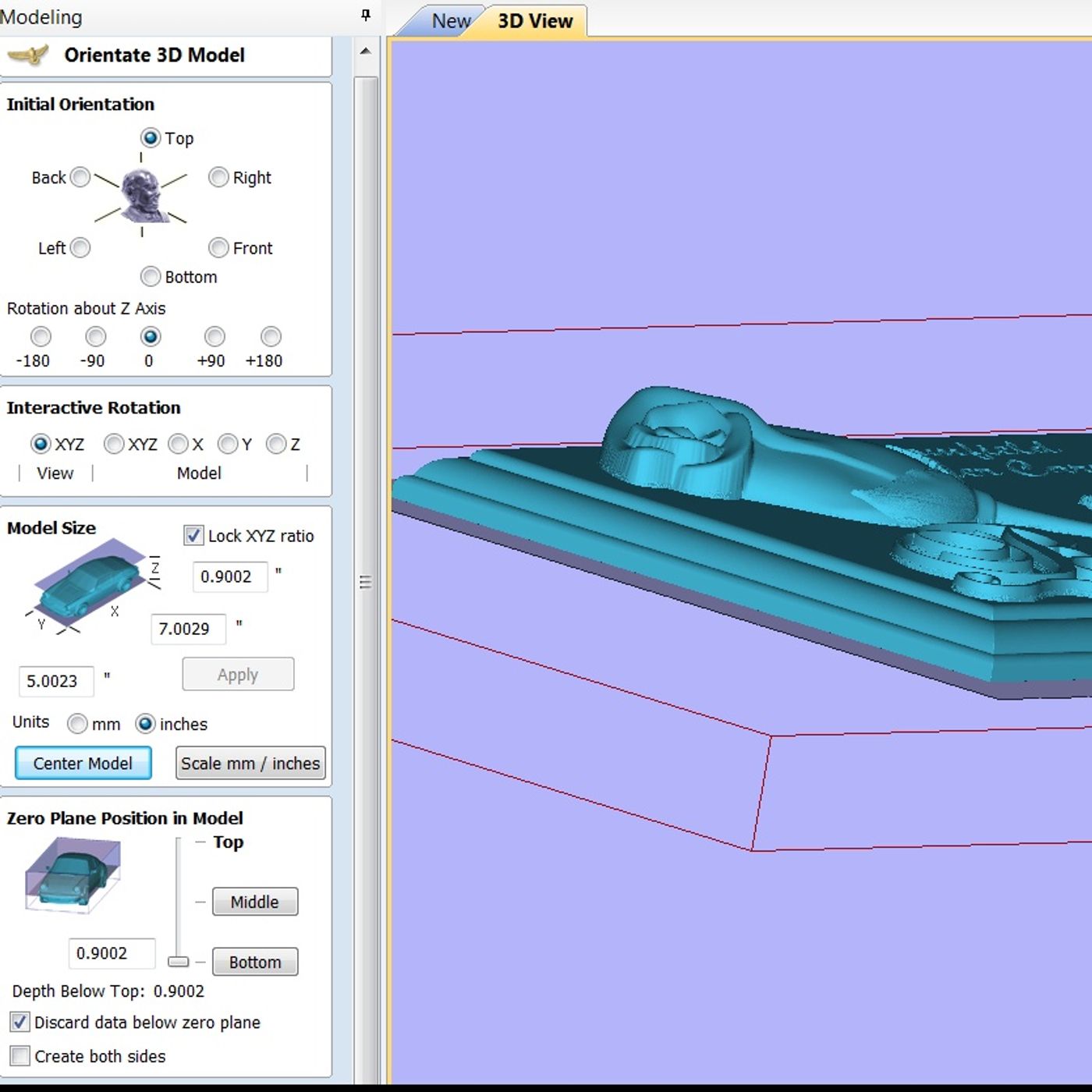
CNCRT 02: Import 3D Models in Aspire
from CNC Router Tips Podcast Hosted by Bill Griggs
CNC Router Tips Podcast Episode 02: In this episode our listener Phil asks: How do you import a 3D model in Aspire and change the size to match your material. Videos: Import 3D models in Aspire http://www.cncroutertips.com/3dscale https://www.youtube.com/watch?v=hz1ZGvQMyvU Importing Flower Model http://support.vectric.com/tutorials/V8/Import3D/Import3D_GS.html How to install Aspire If you would like to download a demo copy of Vectric Aspire, VCarve Pro or Cut2D, I made a video to show you how to do it, step by step. http://www.cncroutertips.com/demo If you have a question for the show you can leave a voice message at http://www.cncroutertips.com/ask-me. Or on speakpipe at https://www.speakpipe.com/CNCROUTERTIPS
Embed this episode
No transcript yet.