
EPISODE · Aug 15, 2025 · 15 MIN
Copilot in Dynamics 365: How to Feed Your CRM & ERP Data into AI Without Breaking Compliance
from M365.FM - Modern work, security, and productivity with Microsoft 365 · host Mirko Peters - Founder of m365.fm, m365.show and m365con.net
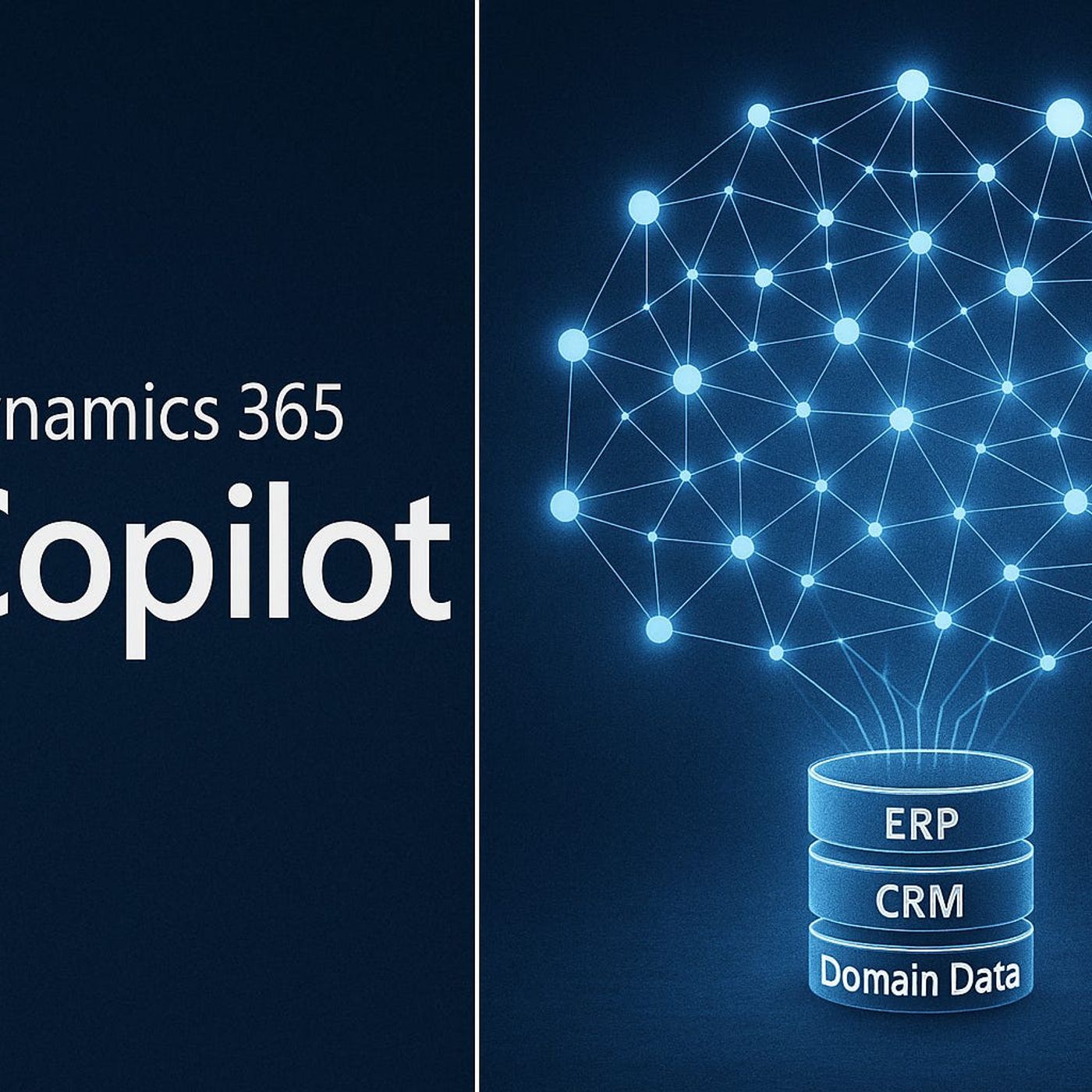
Most teams try Copilot in Dynamics 365 once, get impressed by the summaries and draft emails, and then quietly ask themselves why it still feels so generic. In this episode, we dig into that gap: Copilot is powerful, but by default it reasons from broad patterns, not from the specific way your business sells, renews, orders, and negotiates. Starting from real CRM and ERP stories, we show why forecasts feel “a bit off,” why recommendations miss critical details like supplier penalties or renewal quirks, and how that all changes once you plug Copilot into your own domain‑specific data library instead of leaving it on a general‑purpose diet.We walk through the full journey from “smart generalist” to “seasoned insider”: mapping which systems actually hold your unique knowledge, choosing the right integration paths (APIs, Dataverse connectors, or Azure Data Lake), and designing ingestion filters so only the right data makes it into Copilot’s field of view. You’ll see why this architecture is less magic and more about building a secure data bridge—one where every connector, mapping, and filter is a deliberate choice rather than a black box. Along the way, we use concrete examples from sales pipelines and manufacturing planning to show how better data context turns okay suggestions into decisions you’d actually trust in a steering committee.Because the moment you open that bridge, compliance and access control become non‑negotiable, we spend a big chunk of time on security. You’ll learn how misconfigured connectors can leak sensitive fields into AI workflows, why role‑based access control and field‑level security matter more than ever, and how to respect rules like SOX while still giving Copilot enough context to be genuinely useful. Instead of treating AI integration as “just another connection,” we frame it as a new surface area for audits, data classification, and least‑privilege design.By the end of the episode, the question shifts from “Is Copilot smart enough?” to “Have we actually given it the right library, path, and guardrails?” You’ll walk away with a clear mental model: your systems as the shelves, your integrations as the aisles, Copilot as the assistant walking those aisles—and your job as the one who decides which shelves it may access, which books stay off‑limits, and how every step stays inside your compliance boundaries.WHAT YOU LEARNWhy out‑of‑the‑box Copilot in Dynamics 365 feels generic and how domain‑specific data changes that.How to map the data flow from your existing systems into Copilot’s “thinking space” using APIs, Dataverse, and Azure Data Lake.Where ingestion filters, mappings, and update schedules decide whether the AI sees the right context or a distorted picture.How to build a secure, compliant data bridge with role‑based access control and field‑level protections for sensitive data.How to think about Copilot as an assistant whose performance depends entirely on the library, routes, and locks you design.CORE INSIGHTThe core insight of this episode is that Dynamics 365 Copilot doesn’t become truly valuable by getting “smarter” on its own, but by being wired into the right data with the right level of control. When you treat integrations as a carefully designed library and access model—not a magic pipe—you stop expecting generic AI to understand your world by default and start shaping a Copilot that reasons from your CRM history, ERP realities, and compliance rules as first‑class context.WHO THIS IS FORCRM and ERP owners who want Copilot in Dynamics 365 to feel like it actually understands their business.Solution architects and integration teams designing data flows from line‑of‑business systems into Dynamics and Dataverse.Security, risk, and compliance teams worried about what happens when regulated data starts feeding AI‑driven workflows.Tech leads and product managers looking to turn Copilot from a generic assistant into a domain‑expert partner for sales, service, or operations.ABOUT THE HOSTMirko Peters is a Microsoft 365 and cloud consultant who helps organizations connect modern work, data, and AI without losing control of security and governance. He works with teams across CRM, ERP, and analytics to design context‑driven architectures on Microsoft 365, Dynamics 365, and Azure, where AI assistants like Copilot operate inside clear access and compliance boundaries. In M365.FM, Mirko turns deep‑dive architectures and integration patterns into practical stories and steps you can reuse in your own environment.Become a supporter of this podcast: https://www.spreaker.com/podcast/m365-fm-modern-work-security-and-productivity-with-microsoft-365--6704921/support.
Embed this episode
NOW PLAYING
Copilot in Dynamics 365: How to Feed Your CRM & ERP Data into AI Without Breaking Compliance
No transcript for this episode yet
Similar Episodes
No similar episodes found.
Similar Podcasts
No similar podcasts found.