
EPISODE · Oct 16, 2025 · 19 MIN
Copilot Memory vs Windows Recall: Understanding the Privacy Differences
from M365.FM - Modern work, security, and productivity with Microsoft 365 · host Mirko Peters - Founder of m365.fm, m365.show and m365con.net
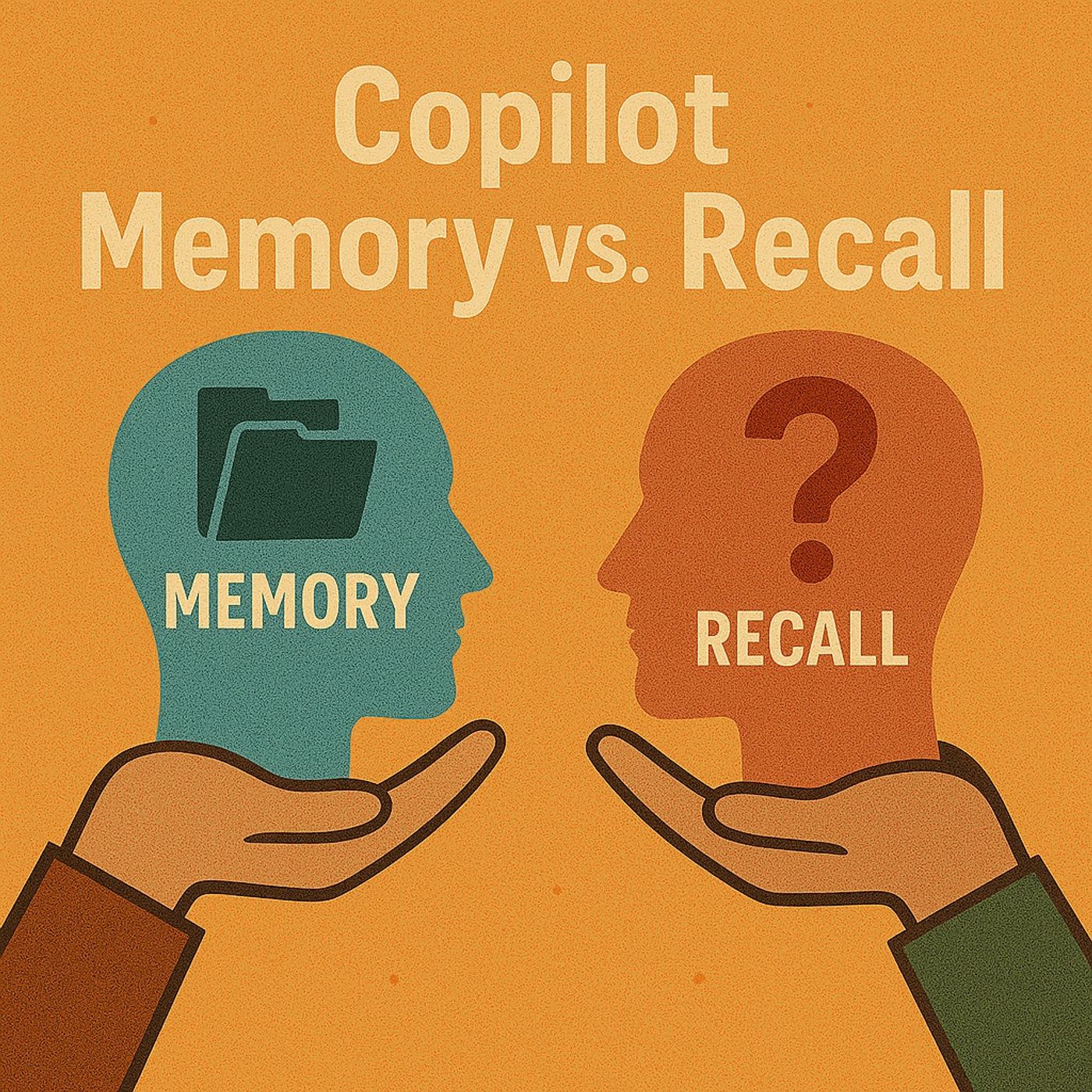
Everyone thinks Copilot Memory is spying on them. They're wrong. The real privacy concern isn't what Memory records—it's what people assume it does. And before you compare it to Recall, you need to understand what each tool actually is and what it isn't.🔍 SHORT SUMMARYCopilot Memory and Windows Recall are fundamentally different technologies that solve different problems. This episode breaks down how Copilot Memory actually works, what it stores and doesn't store, how it differs from Recall's screenshot-based approach, the real privacy implications of both tools, and why understanding intent-based memory versus passive recording matters for Microsoft 365 deployment decisions.🧠 CORE IDEAMost confusion around Copilot Memory comes from three misconceptions:• It records everything you do• It's the same as Windows Recall• Microsoft controls what gets storedNone of these are true. Memory is an intent-based notepad you actively control. Recall is a passive screenshot system that captures everything. Understanding this difference is critical for security, governance, and user trust.⚠️ THE REAL PROBLEMWhen Copilot Memory launched, people panicked. The name alone triggered surveillance fears. But the actual privacy risk isn't hidden recording—it's assumption and misunderstanding:• Users think it logs keystrokes• IT teams think it violates compliance• Security professionals compare it to screen recording• Nobody reads what Memory actually doesThis creates organizational resistance based on fear, not facts.📝 WHAT COPILOT MEMORY ACTUALLY ISCopilot Memory is a user-controlled notepad for your AI assistant. It works through explicit instructions:1. You tell Copilot to remember something Example: "Remember I prefer my summaries under 100 words"2. Copilot stores that preference It logs the instruction and flashes a "Memory updated" badge3. You can review and delete memories anytime Full transparency—you see what's stored4. Admins can control Memory at the tenant level IT has full governance over the featureMemory doesn't run in the background. It only persists when you explicitly tell it to remember something.📸 WHAT WINDOWS RECALL ACTUALLY ISRecall is a completely different technology:• Takes screenshots of your screen every few seconds• Stores them locally on your device• Makes them searchable through AI• Runs passively in the background• Requires explicit user consent to enableRecall is not part of Microsoft 365. It's a Windows 11 feature designed for personal productivity—not enterprise deployment.🔄 THE KEY DIFFERENCESCopilot Memory:• Intent-based: You choose what to save• Cloud-stored: Syncs across devices• Admin-controllable: IT can disable it• Selective: Only stores explicit instructions• Enterprise-ready: Designed for M365 environmentsWindows Recall:• Passive: Captures everything automatically• Local-only: Stays on your device• User-controlled: Admins have limited governance• Comprehensive: Screenshots all activity• Personal productivity: Not designed for enterprise useOne is a notepad. The other is a time machine.🛡️ THE PRIVACY QUESTIONCopilot Memory privacy concerns are overblown.The real risks are:• Users storing sensitive information without realizing it• Lack of user education on what Memory does• Confusion between Memory and RecallRecall has legitimate privacy concerns:• Screenshots may capture sensitive data• Local storage can be accessed if device is compromised• Users must understand what they're enablingBoth tools require user awareness—but they're not the same privacy challenge.💼 WHAT THIS MEANS FOR ORGANIZATIONSIf you're deploying Microsoft 365 with Copilot:• Educate users on what Memory actually does• Set clear policies on what should and shouldn't be stored• Use admin controls to disable Memory if it doesn't fit your governance model• Don't confuse Memory with Recall—they're separate toolsIf you're evaluating Recall:• Understand it's a local, user-controlled feature• It's not designed for enterprise-wide deployment• Privacy concerns are valid but solvable through user consent and education💡 KEY TAKEAWAYS• Copilot Memory is intent-based, not passive recording• Windows Recall is screenshot-based time travel• Memory requires explicit user instructions to store anything• Recall captures everything but stays local to your device• The privacy debate confuses two completely different tools• Admins can control Memory—Recall is user-controlled• User education is more important than technical restrictions• Understanding what each tool does prevents panic-driven governance decisions👥 WHO THIS EPISODE IS FOR• IT administrators managing Microsoft 365 and Copilot deployments• Security and compliance teams evaluating AI tool risks• CIOs and decision-makers setting AI governance policies• End users confused about what Copilot Memory actually does• Anyone comparing Copilot Memory and Windows Recall🎙️ ABOUT THE HOST – MIRKO PETERSMirko Peters helps organizations cut through AI hype and understand what tools like Copilot, Memory, and Recall actually do in production environments. He focuses on governance, privacy, and system behavior—translating fear-driven headlines into fact-based deployment decisions.👉 Privacy isn't about blocking tools. It's about understanding what they actually do.🎧 FINAL THOUGHTCopilot Memory and Windows Recall are not the same thing. One is a notepad you control. The other is a screenshot archive. Treating them as the same privacy threat leads to bad policy and user confusion. Understanding the difference leads to smarter governance.Become a supporter of this podcast: https://www.spreaker.com/podcast/m365-fm-modern-work-security-and-productivity-with-microsoft-365--6704921/support.
Embed this episode
NOW PLAYING
Copilot Memory vs Windows Recall: Understanding the Privacy Differences
No transcript for this episode yet
Similar Episodes
No similar episodes found.
Similar Podcasts
No similar podcasts found.