
EPISODE · Nov 6, 2025 · 20 MIN
Copilot Studio Fabric data: stop writing SQL and let natural language query your warehouse
from M365.FM - Modern work, security, and productivity with Microsoft 365 · host Mirko Peters - Founder of m365.fm, m365.show and m365con.net
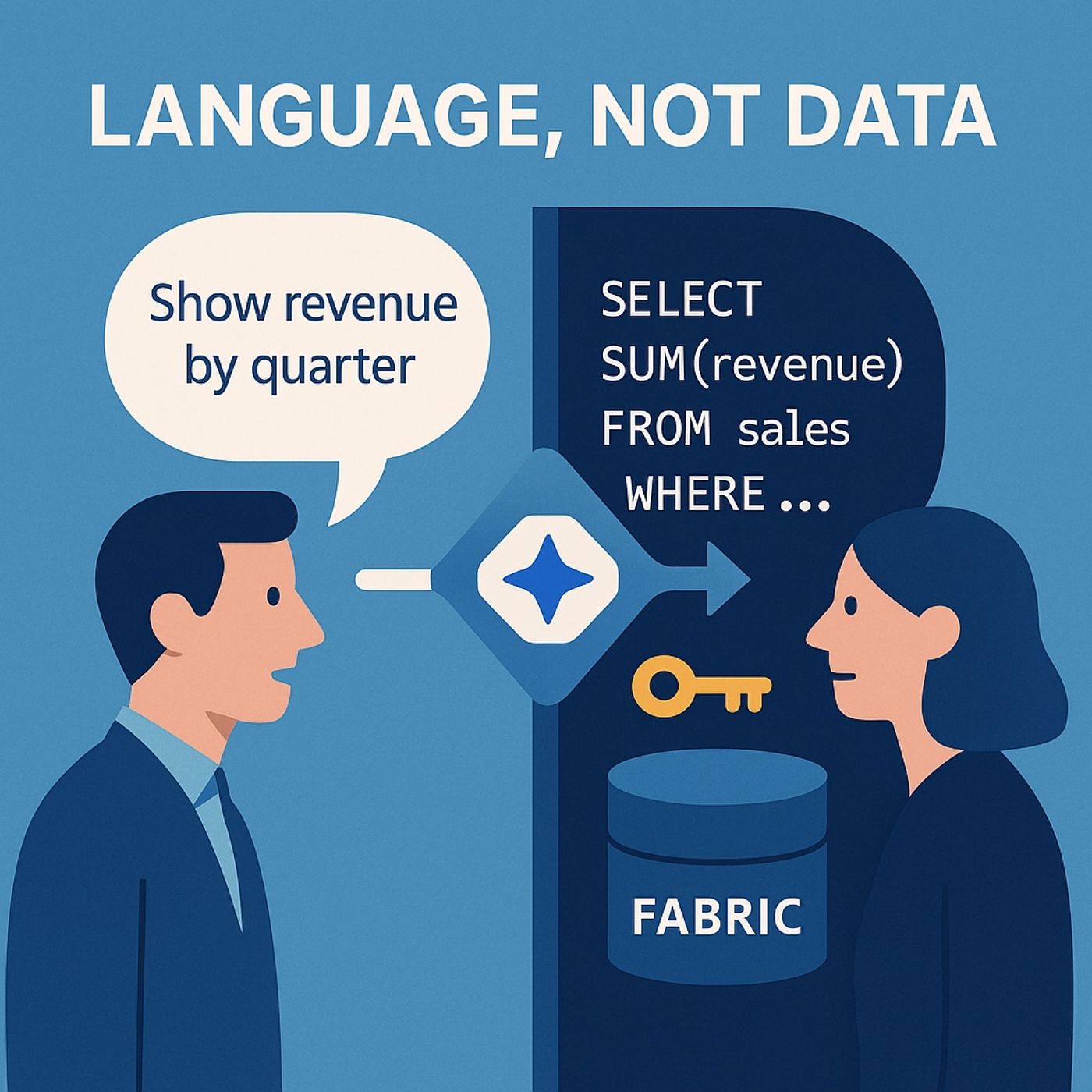
Copilot Studio Fabric data: in this episode of M365.fm, Mirko Peters shows how Copilot Studio turns plain English into governed Microsoft Fabric queries so business users stop waiting for SQL and start getting answers directly. He tears down the myth that analytics is a “data problem” and explains why the real bottleneck is language: every question must be translated into SQL, which creates ticket queues, context loss, and endless back‑and‑forth between business and BI teams. You will hear how Copilot Studio acts as linguistic middleware—parsing intent, mapping to your semantic model, executing through Fabric data agents, and returning explainable results while still honoring RBAC, RLS, and DLP.Mirko walks through how Copilot Studio actually talks to Fabric. Natural‑language prompts are parsed, mapped to the Fabric semantic model, and sent via a published Fabric dataagent that runs governed queries instead of ad‑hoc data dumps. He explains conversational context trees—how follow‑ups like “that product,” “last quarter,” or “split by region” carry state—so users can refine questions instead of rebuilding them from scratch every time. You will also learn how Copilot automatically respects existing security: role‑based access, row‑level security, and DLP policies defined in Fabric are inherited, so there is no shadow security model to maintain.The episode then covers safe wiring between Copilot Studio and Fabric. Mirko explains why you must publish your Fabric data agent (draft is not production), separate Dev/QA/Prod environments, and prefer end‑user authentication so Fabric enforces RLS based on the person asking the question. He shows how to deploy copilots into Teams, SharePoint, or web channels without breaking guardrails, and why success should be measured in time‑to‑answer and ticket reduction, not just query refresh speed. Concrete conversation examples—from “Top 5 products last quarter” to “Explain the Q2 spike and summarize three likely drivers”—illustrate how conversational intelligence replaces SQL syntax for everyday analysis.You also get a practical implementation checklist you can copy into your runbooks. Mirko covers validating semantic models with clear business names and descriptions, creating and publishing the Fabric data agent, configuring environments and DLP, and piloting with 10–20 high‑value business questions before broad rollout. He shares common gotchas—agents working in Draft but failing in Prod, people seeing too much data due to the wrong auth model, Copilot misunderstanding ambiguous terms like “sales”—and how to fix them with better model metadata, synonyms, and scoped prompts.WHAT YOU WILL LEARNWhy analytics bottlenecks are often language and SQLtranslation problems, not data scarcity.How Copilot Studio, Fabric semantic models, and dataagents work together to answer questions safely.How to wire Dev/QA/Prod, end‑user auth, and DLP so Copilot inherits existing governance instead of bypassing it.How to design prompts and FAQs that turn “ask the BI team” tickets into self‑service conversational analysis.How to measure success in time‑to‑answer, ticket reduction, and adoption instead of just refresh latency.THE CORE INSIGHTCopilot Studio is not a toy chatbot—it is a translator between business language and your Fabric data. Once intent is mapped into governed queries via Fabric data agents, SQL stays where it belongs (in models and warehouses) while everyday users finally ask questions in their own words without breaking security or governance.WHO THIS EPISODE IS FORThis episode is ideal for analytics leaders, BI developers, Fabric architects, and data platform owners who want to cut their SQL ticket backlog and offer safe, self‑service Copilot access to Fabric data. It is especially valuable for sales, marketing, and finance leaders who need fast, governed answers without learning SQL, and for IT/security teams who must keep RLS, DLP, and auditability intact as conversational analytics roll out.ABOUT THE HOSTMirko Peters is a Microsoft 365 and data platform consultant focused on building governed, scalable analytics architectures with Microsoft Fabric, Copilot Studio, Power Platform, and OneLake. Through M365.fm, he shares practical semantic modeling patterns, Copilot integration blueprints, and governance models that help organizations turn Fabric from a warehouse of tables into a conversational insights layer for the whole business.Become a supporter of this podcast: https://www.spreaker.com/podcast/m365-fm-modern-work-security-and-productivity-with-microsoft-365--6704921/support.
Embed this episode
NOW PLAYING
Copilot Studio Fabric data: stop writing SQL and let natural language query your warehouse
No transcript for this episode yet
Similar Episodes
No similar episodes found.
Similar Podcasts
No similar podcasts found.