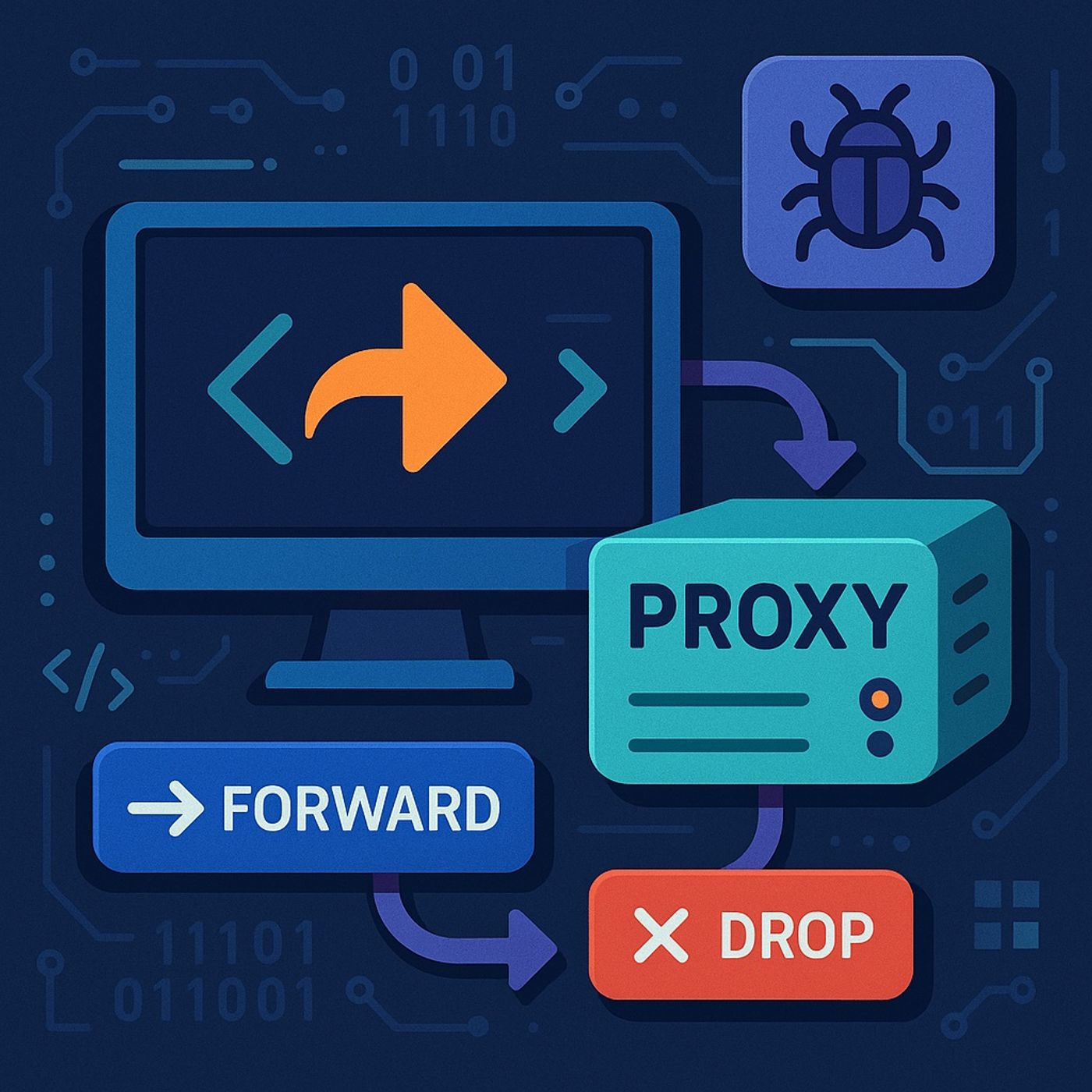
Course 1 - BurpSuite Bug Bounty Web Hacking from Scratch | Episode 4: Burp Suite Proxy: Configuration, Request Interception, and Repeater episode artwork

EPISODE · Nov 12, 2025 · 15 MIN

Course 1 - BurpSuite Bug Bounty Web Hacking from Scratch | Episode 4: Burp Suite Proxy: Configuration, Request Interception, and Repeater

from CyberCode Academy · host CyberCode Academy

In this lesson, you’ll learn about:Burp Proxy tab — purpose & subtabs: Intercept (toggle request interception), HTTP History (record of proxied requests), and Options (listen address/port configuration).How the proxy works: Burp listens for browser traffic on a configured IP and port (default 127.0.0.1:8080); the browser must be configured for manual proxying to point to the same host/port.Intercept workflow: with Intercept on you can view request details (headers, cookies, params, user-agent), then Forward the request to the server or Drop it to stop it.Configuring the listening interface: use Proxy → Options to change the bind address/port or add additional listener entries (useful for VM / remote testing).Recommended browser: use a separate testing browser (Mozilla Firefox recommended) to avoid contaminating your daily browser profile.Handling HTTPS traffic: Burp generates per-host SSL certs signed by its own CA — install Burp’s CA certificate into the browser (visit http://burp while proxied to download it), then mark it trusted (“Trust this CA to identify websites”) and restart the browser. This allows Burp to intercept HTTPS without browser warnings.Security caution: only install Burp’s CA in a dedicated testing profile or VM; remove it from normal/production profiles to avoid trusting a local CA inadvertently.Repeater tool — purpose: used for manual, iterative testing of a single request—edit, resend, and observe responses without redoing actions in the browser.Sending requests to Repeater: from Proxy Intercept or HTTP History use “Send to Repeater” (or Ctrl+R) to move a request into Repeater.Repeater workflow: edit the HTTP message in the text editor, press Go to send, and inspect response metadata (status, length, timing) and body to assess effects.Use cases for Repeater: manual vulnerability verification and PoC creation (e.g., testing XSS payloads, parameter tampering, SQLi strings) by injecting payloads and observing returned HTML/headers.Round-trip to browser for client validation: after modifying a request in Repeater you can generate/replay a URL in the browser to validate client-side behavior (useful for DOM/XSS checks).Practical recommendations: verify proxy and CA settings with a simple request first, keep scope/legal authorization documented, and use an isolated VM/profile for all interception tasks.You can listen and download our episodes for free on more than 10 different platforms:https://linktr.ee/cybercode_academy

Episode metadata supplied by the publisher feed · Published Nov 12, 2025

Embed this episode

Ready to play

Course 1 - BurpSuite Bug Bounty Web Hacking from Scratch | Episode 4: Burp Suite Proxy: Configuration, Request Interception, and Repeater

0:00 15:09

No transcript for this episode yet

We transcribe on demand. Request one and we'll notify you when it's ready — usually under 10 minutes.

No similar episodes found.

Lead with Faith: Empowering the Next Generation Jermaine Whiteside The Empowering Future Leaders Podcast – Presented by Anointed Connect Academy and hosted by Jermaine E. Whiteside, Doctoral Candidate in Christian Education, this podcast is your gateway to faith-driven leadership, lifelong learning, and real-world success strategies. Each episode blends inspiration with action, spotlighting career pathways, professional exam preparation, and innovative educational resources designed to equip the next generation of leaders.With candid conversations, expert insights, and transformative stories from students, educators, and industry leaders, we address the challenges facing at-risk and underserved communities while providing tangible tools to overcome them. Rooted in Christian values and a commitment to generational impact, this podcast empowers students, parents, and professionals to break barriers, build skills, and boldly pursue their God-given purpose. Fearless Podcasting Academy | Unlock Your Voice and Audience Dr. Stephanie Dean | Podcasting Strategist Your voice has the power to inspire, impact, and ignite change—but only if people hear it. Join Dr. Stephanie Dean at Fearless Podcasting Academy, where creators and entrepreneurs learn podcasting strategies to amplify their voices and build podcasts that demand attention. Here, we don't just talk about podcasting. We talk about bold storytelling, creative innovation, and the courage to show up unapologetically. Whether you're launching your first episode or leveling up your platform, you'll get proven strategies, expert insights, and the confidence to make your message matter. Because your story isn't just worth telling—it's worth hearing. Hit subscribe and step into your fearless voice. How to make APP - iOS APP creator, CEO of Catch Questions Academy will talk about IT tips and future Catch Questions iOS APP creator, CEO of Catch Questions Academy will talk about IT tips and future.Those who are interested in developing some app for business or your hobby would be recommended to try to listen to my talk and to have a look at the following links.Now, everybody can create your app and can play it.You can see my iOS apphttps://youtube.com/channel/UCHUbbI9KrwkPPnjN0q1z-lQMy Amazon Kindle for Swift X Pythonhttps://www.amazon.com/dp/B0896766GDCatch Questions Academyhttps://catch-questions.com/englishFind me in TwitterMake APP iPhone@ceo_ios The President's Desk at Hillcrest Academy Brad Hoganson Exploring the link of discipleship, mentorship and classical education at Hillcrest Academy.

Frequently Asked Questions

How long is this episode of CyberCode Academy?

This episode is 15 minutes long.

When was this CyberCode Academy episode published?

This episode was published on November 12, 2025.

Can I download this CyberCode Academy episode?

Yes. Use the download control on the episode player to save the publisher-provided media file.
URL copied to clipboard!