
EPISODE · Dec 14, 2025 · 9 MIN
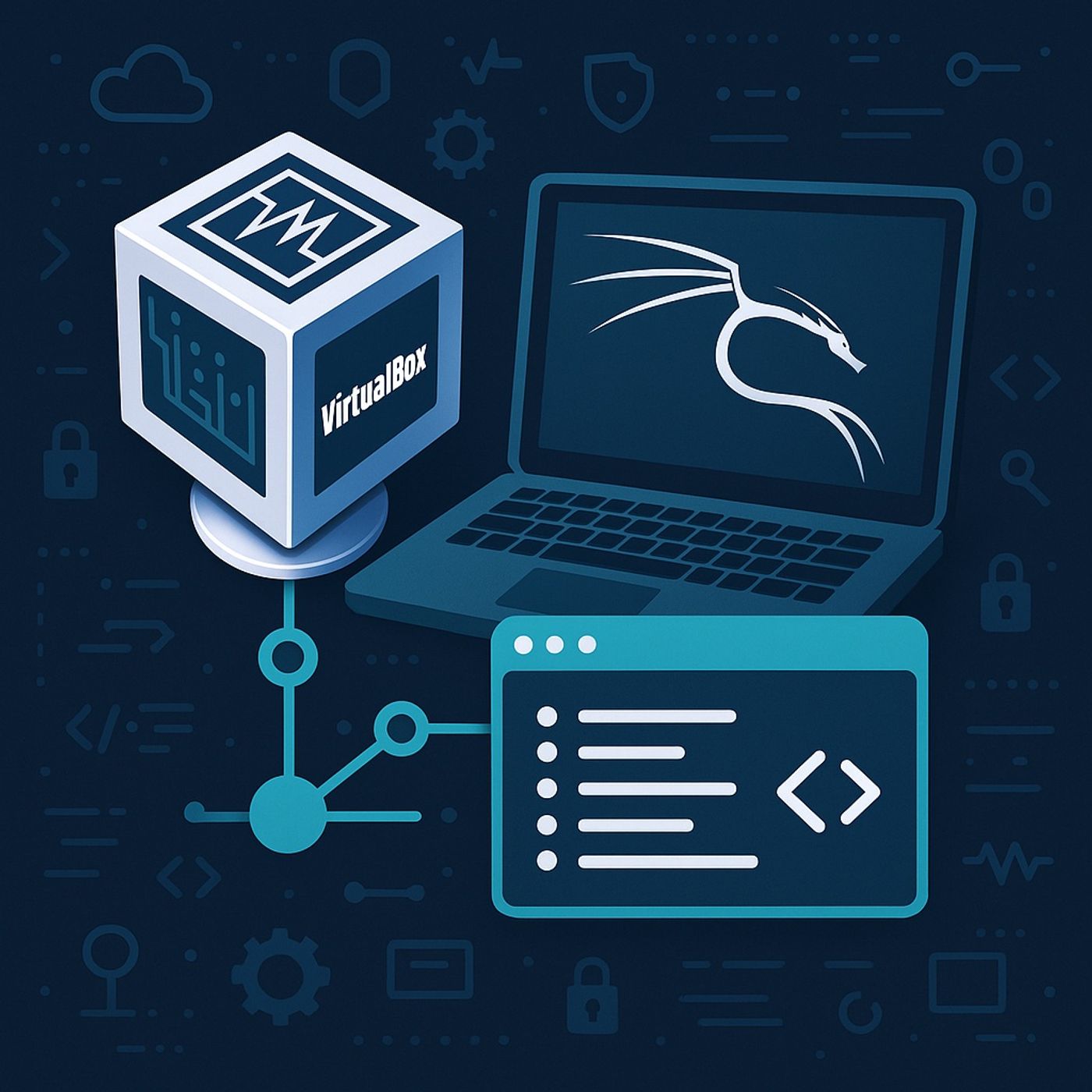
Course 14 - Wi-Fi Pentesting | Episode 1: Setting Up the Virtual Hacking Lab: VirtualBox and Kali Linux
from CyberCode Academy · host CyberCode Academy
In this lesson, you’ll learn about:How to set up a complete virtual hacking labThe role of VirtualBox in safe security testingInstalling and configuring Kali Linux as a virtual machineUnderstanding NAT networking in virtual environmentsNavigating the Kali Linux desktop and workspace systemBuilding a Virtual Hacking Lab with VirtualBox & Kali Linux Installing VirtualBox VirtualBox is a virtualization platform that allows you to run multiple operating systems on a single physical machine (host), including Windows, macOS, and Linux. Key benefits:Runs multiple virtual machines (VMs) inside your main systemProvides complete isolation between the host and the labPrevents damage to the real system if a VM is compromisedSupports snapshots for quick restore after experimentsAfter installation:The VirtualBox Extension Pack must be installedEnables:USB device supportWireless adaptersMouse and keyboard integrationInstalling Kali Linux as the Hacking Machine Kali Linux is a Debian-based operating system designed specifically for:Penetration testingDigital forensicsSecurity researchIt comes:Pre-installed with hacking toolsFully pre-configured for security testingInstallation MethodDownload the Kali Linux VirtualBox OVA imageImport the OVA file directly into VirtualBoxNo manual OS installation is requiredRecommended Virtual Machine SettingsRAM: 1 GB minimumCPU: 1 processorNetwork Mode: NATUnderstanding NAT Network ConfigurationNAT creates a virtual private network for all VMsThe host system acts as the routerAll VMs can:Access the internetCommunicate with each otherNo direct exposure to the real external networkKali Linux Login CredentialsUsername: rootPassword: toorKali Linux Desktop Overview Key interface components include:Applications MenuContains all hacking tools grouped by categoryPlaces MenuQuick access to important directories such as:/root home directorySystem TrayNetwork controlAudioDisplay settingsWorkspaces in Kali LinuxKali uses multiple virtual desktops by defaultAllows separation of:Scanning tasksExploitation tasksReporting toolsInternet & Wireless ConsiderationsInternet access works automatically via NATConnecting directly to Wi-Fi from Kali:Requires an external USB wireless adapterInternal laptop Wi-Fi cannot be directly controlled by Kali inside a VMLearning Environment ReadinessUsers are encouraged to:Explore menusPractice navigationGet comfortable with terminal usageThis environment will be used throughout the entire courseYou can listen and download our episodes for free on more than 10 different platforms:https://linktr.ee/cybercode_academy
Embed this episode
Ready to play
Course 14 - Wi-Fi Pentesting | Episode 1: Setting Up the Virtual Hacking Lab: VirtualBox and Kali Linux
No transcript for this episode yet
Similar Episodes
No similar episodes found.