
EPISODE · May 14, 2026 · 21 MIN
Course 33 - Static Analysis for Reverse Engineering | Episode 2: Tool Setup, xAnalyzer Integration, and Database Maintenance
from CyberCode Academy · host CyberCode Academy
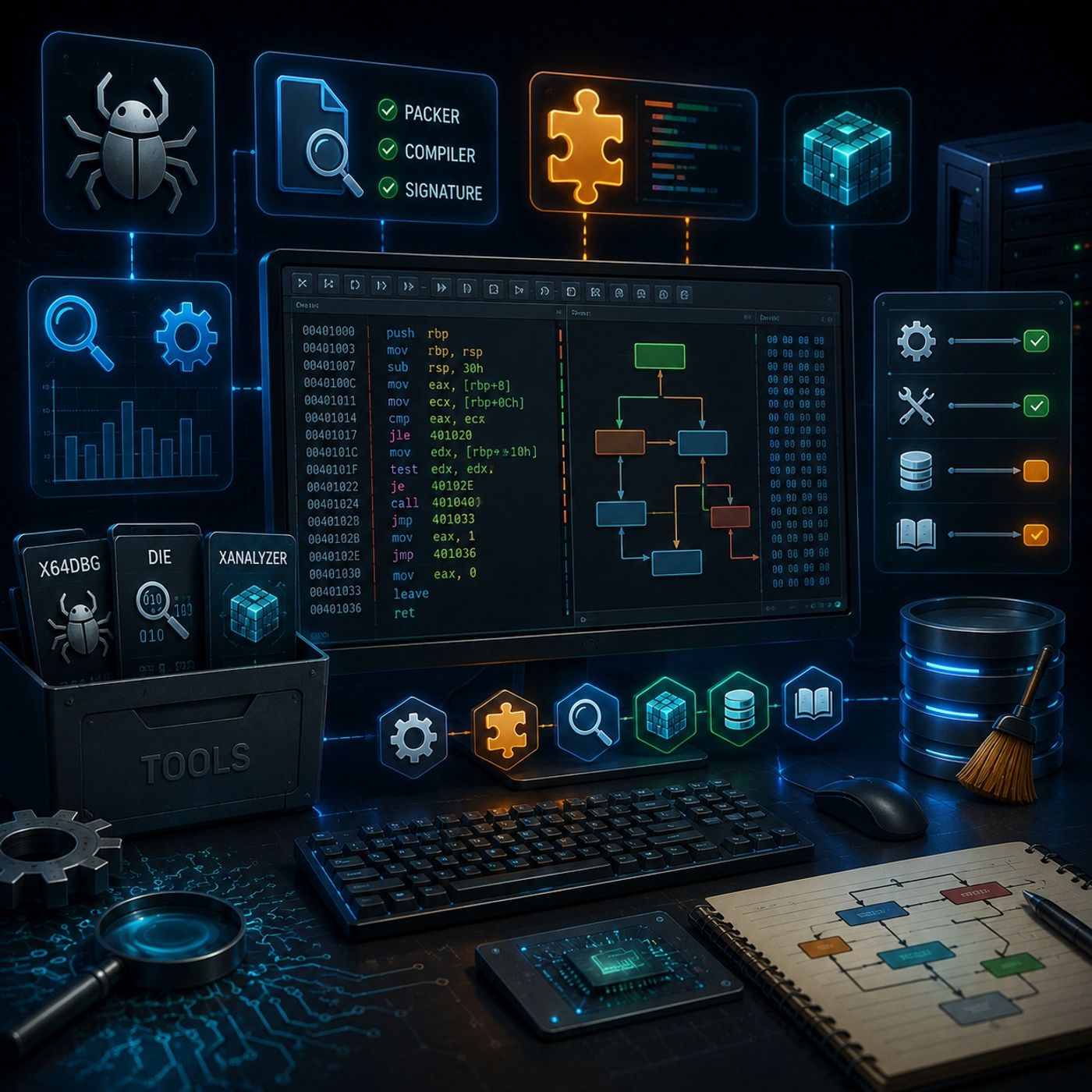
In this lesson, you’ll learn about: setting up a reverse engineering lab and enhancing x64dbg with plugins1. Essential Tools for Your LabTo build a solid analysis environment, you need:🔹 Core Toolsx64dbgMain debugger for static & dynamic analysisDetect It Easy (DIE)Identifies:PackersCompilersFile signatures🔹 Best PracticeOrganize tools in:Dedicated folders (e.g., C:\RE_Lab\Tools)👉 Keeps workflow clean and efficient2. Enhancing x64dbg with xAnalyzer PluginPlugin:xAnalyzer🔹 What xAnalyzer DoesConverts raw assembly into:Readable function callsIdentified parametersClear subroutine structures🔹 Why It’s PowerfulTransforms:Complex mnemonics → understandable logic🔹 Installation Steps (Conceptual)Place plugin in:x32 plugins folderx64 plugins folder👉 Enables analysis in both architectures3. Optimizing xAnalyzer Settings🔹 ProblemLarge binaries may cause:CrashesSlow analysis🔹 SolutionEnable only:Necessary analysis featuresDisable:Heavy/unused options👉 Improves stability and performance4. Manual Analysis Techniques🔹 When to UseLarge or complex programs🔹 ApproachAnalyze:Specific functionsTargeted code blocks👉 More control, less system strain5. Database (DB) Folder Maintenance🔹 What It StoresBreakpointsBookmarksComments/annotations🔹 Why Clean ItPrevent:ConflictsClutter from old projects🔹 ActionClear DB folder for:Fresh analysis sessions6. Using Documentation for Deeper Understanding🔹 Combine Tools + DocsUse:xAnalyzer annotationsMSDN🔹 ExampleFunction: MessageBoxUnderstand:ParametersReturn values👉 Bridges gap between:Assembly → real-world function behaviorKey TakeawaysBuild a clean lab with x64dbg + DIExAnalyzer makes assembly readable and structuredOptimize settings to avoid crashesUse manual analysis for large binariesClean DB folder for fresh workflowsCombine debugger insights with official documentationBig PictureWith this setup, you now have a professional reverse engineering lab:Efficient toolchainEnhanced readability of assemblyStable environment for large binariesAbility to interpret real program logicYou can listen and download our episodes for free on more than 10 different platforms:https://linktr.ee/cybercode_academy
Embed this episode
Ready to play
Course 33 - Static Analysis for Reverse Engineering | Episode 2: Tool Setup, xAnalyzer Integration, and Database Maintenance
No transcript for this episode yet
Similar Episodes
No similar episodes found.