
EPISODE · Jul 17, 2026 · 17 MIN
Course 40 - Web Scraping with Python | Episode 7: Overcoming the JavaScript Challenge
from CyberCode Academy · host CyberCode Academy
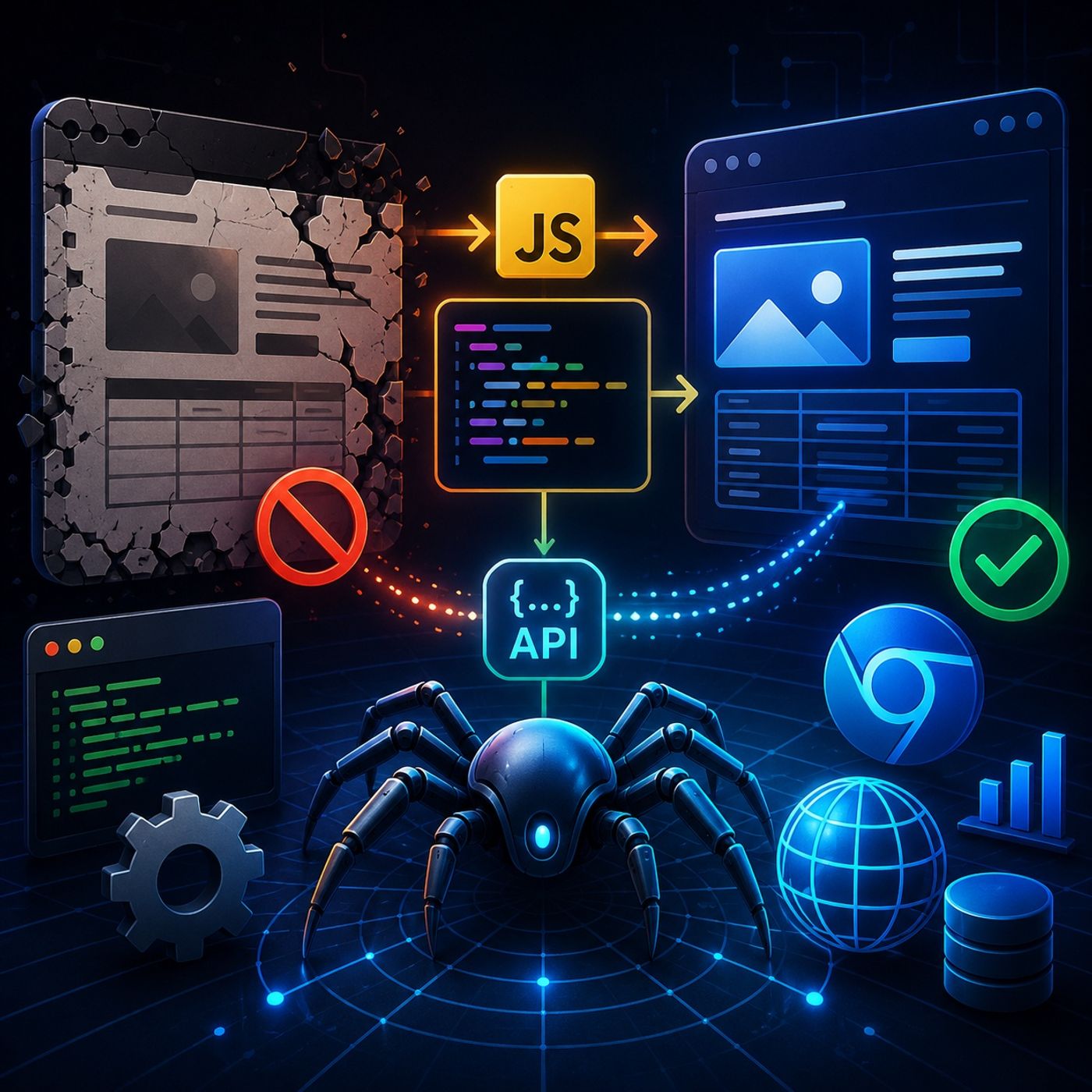
In this lesson, you’ll learn about: why JavaScript breaks traditional scrapers, how to detect dynamic content issues, and the tools used to scrape modern interactive websites1. Why Traditional Scraping Fails on Modern Websites🔹 The Core ProblemLibraries like Requests and Scrapy:Only download initial HTMLDo NOT execute JavaScript👉 Result:Missing dataEmpty elementsIncomplete pages🔹 What Actually Happens in Modern SitesBrowser loads basic HTMLJavaScript runsData is fetched via APIs (AJAX/XHR)DOM updates dynamically👉 Key InsightThe real data often exists only after JavaScript execution2. How to Detect a “JavaScript Problem”🔹 Using Chrome DevToolsSteps:Open DevTools → Elements tabDisable JavaScript OR simulate slow networkReload page🔹 What You’re Looking ForMissing tables/contentEmpty elementsData appearing only after delay👉 If content disappears → scraper will fail🔹 Pro TrickCheck Network → XHR/FetchYou might find the real API endpointSometimes you can skip browser automation entirely3. Solution #1: Requests-HTML (Simple & Powerful)🔹 OverviewUse Requests-HTMLBuilt on:Puppeteervia Pyppeteer🔹 How It WorksLoads page in headless browserExecutes JavaScriptReturns fully rendered HTML🔹 Examplefrom requests_html import HTMLSession session = HTMLSession() r = session.get("https://example.com") r.html.render() data = r.html.find("div.item") 🔹 When to Use ItMedium complexity sitesQuick projectsWhen you want minimal setup4. Solution #2: Selenium (Full Control)🔹 OverviewUse SeleniumControls real browsers:ChromeFirefox🔹 Key Feature: “Wait Until”from selenium.webdriver.common.by import By from selenium.webdriver.support.ui import WebDriverWait from selenium.webdriver.support import expected_conditions as EC element = WebDriverWait(driver, 10).until( EC.presence_of_element_located((By.CLASS_NAME, "item")) ) 👉 This ensures:Page is fully loadedElements exist before scraping🔹 What It EnablesClicking buttonsScrolling صفحات infinite scrollLogging into websitesHandling complex workflows5. Requests-HTML vs SeleniumFeatureRequests-HTMLSeleniumSetupEasyModerateSpeedFasterSlowerPowerMediumVery HighBrowser ControlLimitedFullBest ForSimple JS sitesComplex apps6. Choosing the Right Tool🔹 Use Requests-HTML if:You just need rendered HTMLNo interaction required🔹 Use Selenium if:You must:Click / scrollHandle loginWait for dynamic events7. Advanced Insight (What Pros Do)👉 Before using these tools, always try:Inspect Network tab APIsReplicate requests باستخدام Requests👉 Why?FasterMore stableLess detectable8. Big Picture WorkflowDetect dynamic content (DevTools)Try API extraction (best case)Use Requests-HTML (simple JS)Use Selenium (complex interaction)Mental ModelStatic HTML → Requests/Scrapy ✅JavaScript-rendered → Headless browser needed ⚠️👉 Final TakeawayModern scraping isn’t about just parsing HTML anymore—it’s about understanding how browsers work and choosing the right level of simulation to access the real data.You can listen and download our episodes for free on more than 10 different platforms:https://linktr.ee/cybercode_academy
Embed this episode
Ready to play
Course 40 - Web Scraping with Python | Episode 7: Overcoming the JavaScript Challenge
No transcript for this episode yet
Similar Episodes
No similar episodes found.