
EPISODE · Jul 18, 2026 · 20 MIN
Course 40 - Web Scraping with Python | Episode 8: Mastering HTTP and Python Client Libraries
from CyberCode Academy · host CyberCode Academy
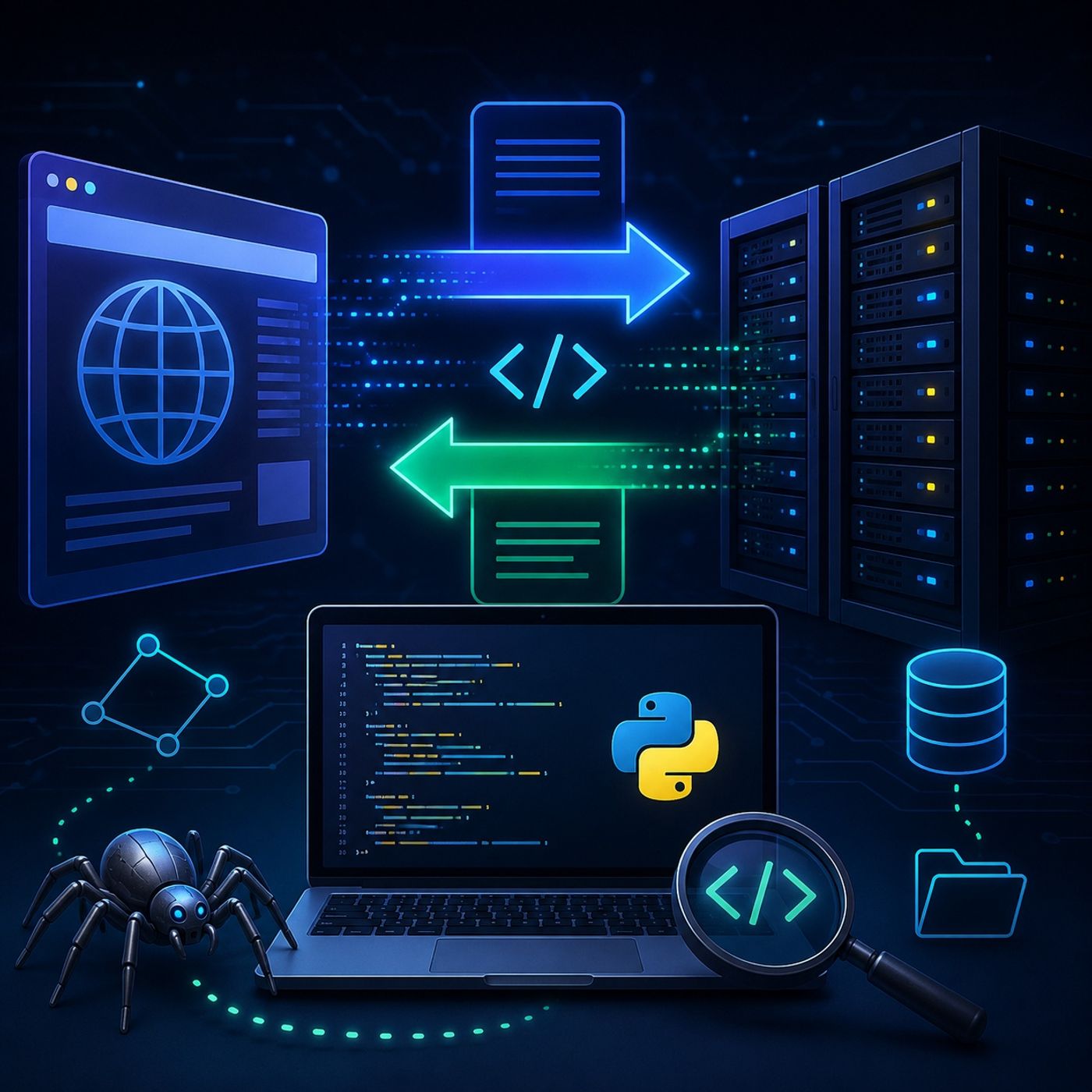
In this lesson, you’ll learn about: how the web actually works under the hood, how data travels via HTTP, and how to programmatically capture it using Python1. Prerequisites for Web Scraping🔹 What You Need to KnowBefore scraping, you should be comfortable with:Python 3HTML structureCSS basics👉 Why it mattersScraping is not guessing—it’s reading and navigating structured documents2. How the Web Works (Client ↔ Server)🔹 The Core ModelEvery web interaction follows this pattern:Client (browser or script) sends a requestServer processes itServer returns a response🔹 Request vs ResponseRequest contains:URLMethod (GET, POST, etc.)Headers (metadata)Response contains:Status codeHeadersBody (actual data: HTML, JSON, etc.)3. HTTP Protocol Fundamentals🔹 What is HTTP?Use Hypertext Transfer ProtocolThe language of the webDefines how requests and responses work4. HTTP Methods (What You Can Ask For)🔹 Common MethodsMethodPurposeGETRetrieve dataPOSTSend/create dataPUTUpdate dataDELETERemove data🔹 Scraping Insight👉 Most scraping uses GETBecause you're reading, not modifying5. Understanding Status Codes🔹 Server Responses ExplainedCodeMeaning200Success ✅404Not Found ❌403Forbidden 🚫500Server Error ⚠️🔹 Why It MattersHelps debug scriptsExplains failures quickly6. What is Web Scraping (Technically)🔹 DefinitionWeb scraping =Fetching + Parsing🔹 Two-Step WorkflowFetchDownload page (HTML)ParseExtract specific data from structure🔹 Visual Flow7. Python Libraries for HTTP Requests🔹 Popular Tools1. Simple & محبوبUse RequestsEasy syntaxMost widely used2. Advanced ControlUse httplib2More control over headers & caching3. Built-in OptionUse urllibNo installation neededLess user-friendly8. Practical Example (Making a Request)🔹 Using httplib2import httplib2 http = httplib2.Http() response, content = http.request("http://httpbin.org/get", "GET") print(response.status) print(content.decode("utf-8")) 🔹 What Happens HereSends GET requestReceives responseDecodes raw bytes → readable text9. Understanding Headers & Body🔹 Headers (Metadata)Content-TypeServer infoCookies🔹 Body (Actual Data)HTMLJSONملفات / images👉 Scrapers mainly care about the body10. Why Skip the Browser?🔹 Key AdvantageFasterAutomatedNo UI needed🔹 Real InsightYou’re not “scraping websites”You’re talking directly to servers11. Mental ModelBrowser = ClientPython Script = Client👉 Same role, different interface12. Big Picture WorkflowSend HTTP requestReceive responseExtract dataStore or analyzeFinal TakeawayWeb scraping starts with understanding how the web communicates.Once you master HTTP, everything else—parsing, automation, scaling—becomes much easier because you’re no longer guessing… you’re interacting with the web exactly as it was designed.You can listen and download our episodes for free on more than 10 different platforms:https://linktr.ee/cybercode_academy
Embed this episode
Ready to play
Course 40 - Web Scraping with Python | Episode 8: Mastering HTTP and Python Client Libraries
No transcript for this episode yet
Similar Episodes
No similar episodes found.