
EPISODE · Sep 13, 2026 · 19 MIN
Course 43 - Practical Malware Development | Episode 2: Building Your Dual-OS Dev Labs
from CyberCode Academy · host CyberCode Academy
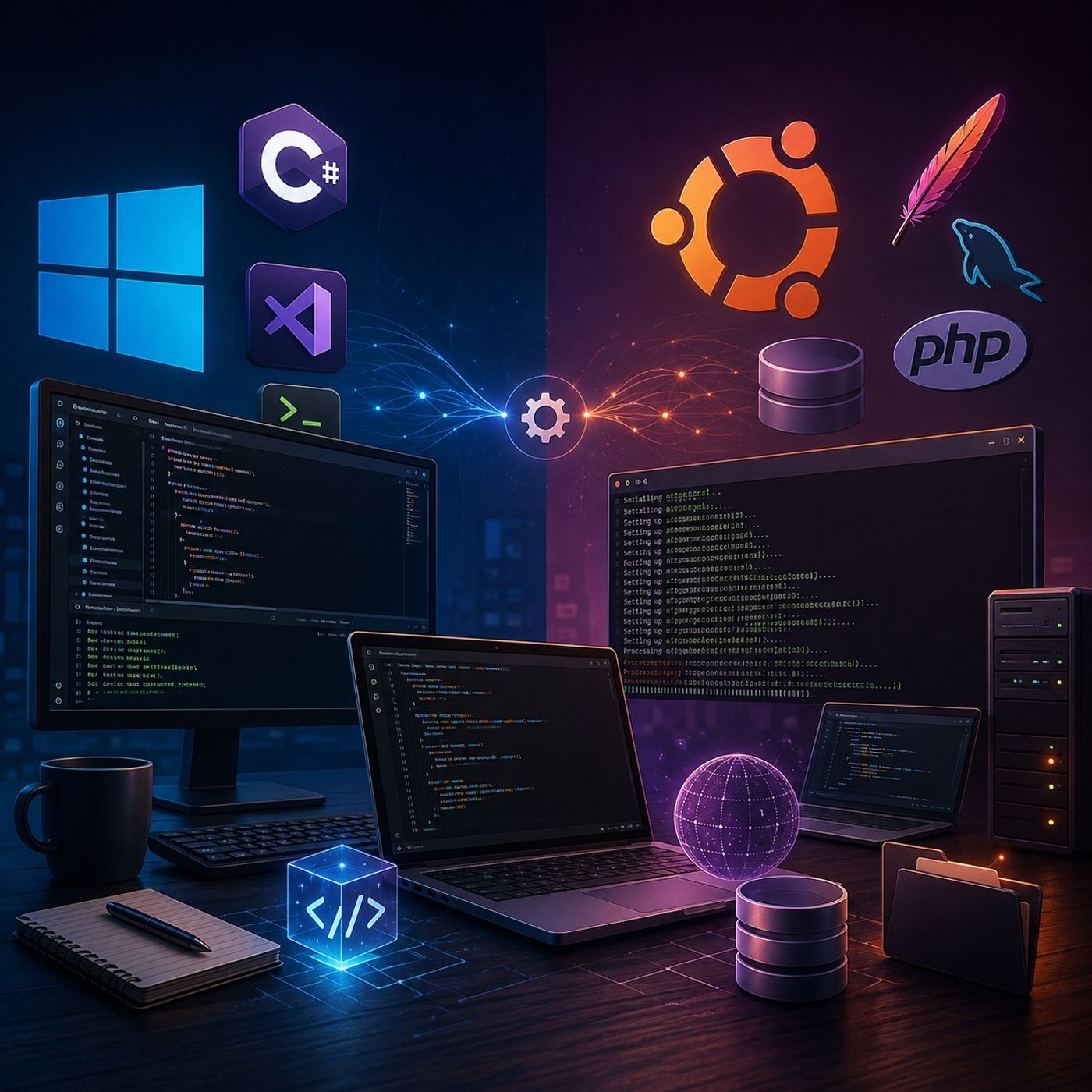
This episode establishes the essential development foundations across Windows and Linux, preparing the workspace for advanced scripting, application development, and future security-focused projects.The episode takes a practical, hands-on approach, configuring a Windows development environment and then building a complete local web and database stack on Ubuntu.1. Configuring the Windows Development EnvironmentThe first part of the episode focuses on preparing Windows for C# and .NET development.The setup includes:Installing .NET CoreInstalling Visual Studio Code (VS Code)Installing the C# extension for VS CodeCreating a dedicated project directory named "Red team develop"Initializing a new console applicationUsing the integrated VS Code terminalCompiling and running a simple "Hello World" applicationVerifying that the complete development toolchain is functioning correctlyThis provides a lightweight development environment suitable for building and testing Windows-based applications.2. Building the Ubuntu Web Development StackThe episode then moves to Ubuntu and focuses on establishing a complete local web application environment.The main components installed are:Apache — Web serverMySQL — Database serverPHP 7.2 — Server-side programming environmentPHP database extensionsPHP multibyte string extensionsAtom — Code editorThe installation process is performed primarily through the Ubuntu terminal, providing practical experience with package management and Linux-based development configuration.3. Verifying Background ServicesAfter installation, the episode demonstrates how to verify that the required services are properly configured and running.Particular attention is given to:Checking the Apache serviceChecking the MySQL serviceConfirming that services are running in the backgroundTroubleshooting installation or service-related issuesEnsuring that the local development stack is ready for application development4. Configuring the Atom EditorThe final stage involves installing and launching Atom on Ubuntu.The episode demonstrates how to work with the downloaded Debian package and complete the editor installation, providing a graphical development environment for working with web application source code.Final Development EnvironmentBy the end of the episode, the development workspace contains two complementary environments:Windows.NET CoreVisual Studio CodeC# development supportDedicated application project directoryVerified console applicationUbuntuApache web serverMySQL database serverPHPRequired PHP extensionsAtom code editorVerified background servicesKey TakeawaysAfter completing this episode, learners should understand how to:Set up a functional C#/.NET development environmentCreate and execute a basic console application using VS CodeInstall development packages on UbuntuConfigure an Apache + MySQL + PHP stackVerify Linux services and their background operationInstall and configure a Linux-based code editorPrepare a cross-platform workspace for future development and security exercisesThe completed environment provides a strong foundation for progressing toward more advanced scripting, web application development, server-side programming, and security-focused development.You can listen and download our episodes for free on more than 10 different platforms:https://linktr.ee/cybercode_academy
Embed this episode
Ready to play
Course 43 - Practical Malware Development | Episode 2: Building Your Dual-OS Dev Labs
No transcript for this episode yet
Similar Episodes
No similar episodes found.