
EPISODE · Apr 27, 2006 · 7 MIN
Create a Quicktime Slideshow in GoLive
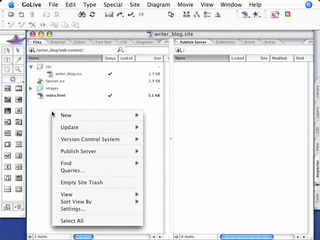
Adobe GoLive CS2 has a complete Quicktime editor built right in. In this episode I’ll show you how to use it to create a photo slideshow movie from scratch using some of your existing photos. After the movie is created you can add it to any of your pages and you can even have the movie point to different URLs as the movie plays.
Embed this episode
Ready to play
Create a Quicktime Slideshow in GoLive
0:00
7:37
1×
No transcript for this episode yet
Similar Episodes
No similar episodes found.
Similar Podcasts
No similar podcasts found.
Frequently Asked Questions
How long is this episode of Adobe Creative Cloud TV?
This episode is 7 minutes long.
When was this Adobe Creative Cloud TV episode published?
This episode was published on April 27, 2006.
Can I download this Adobe Creative Cloud TV episode?
Yes. Use the download control on the episode player to save the publisher-provided media file.
URL copied to clipboard!