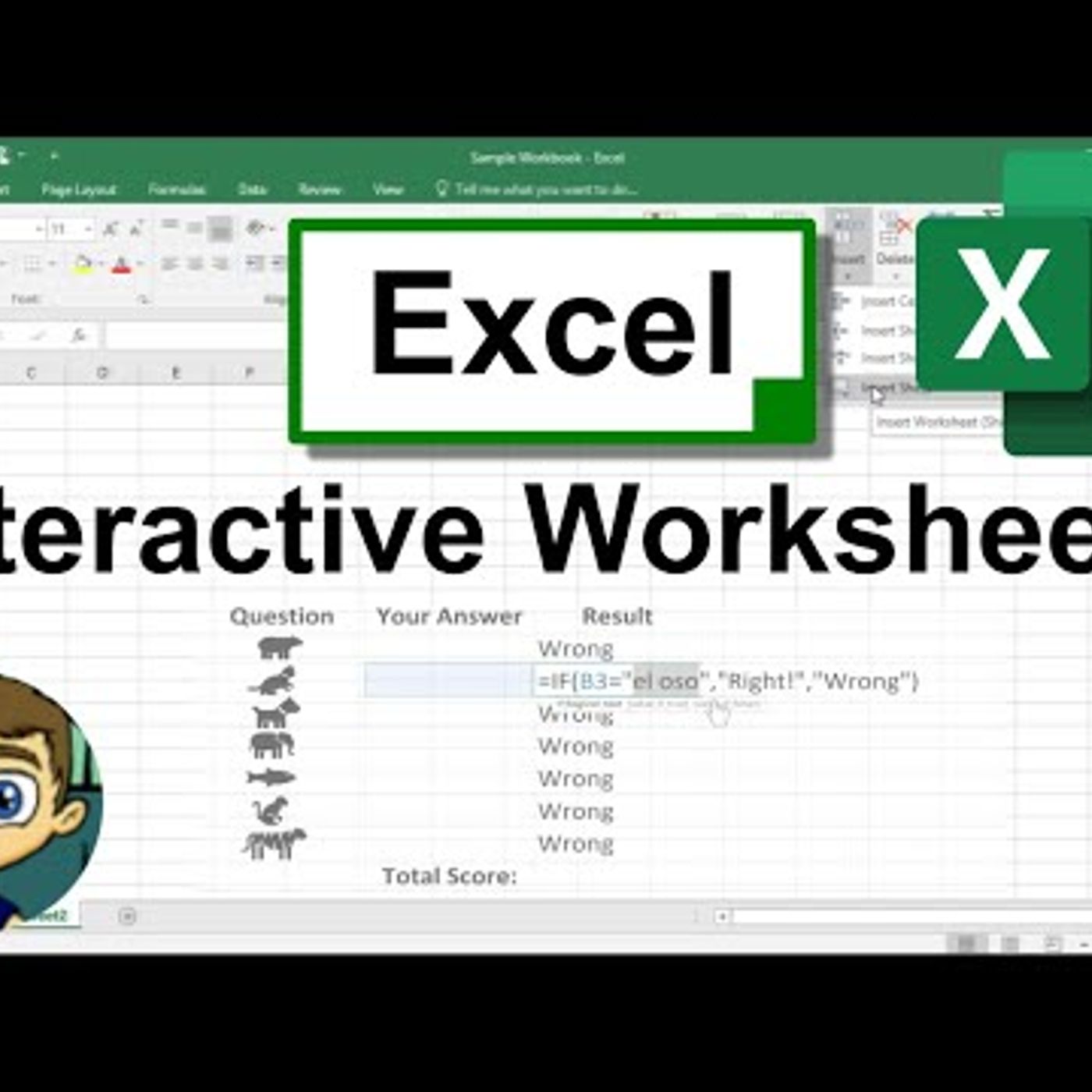
Create Interactive Worksheets in Excel by Using the IF and COUNTIF Functions
from Technology for Teachers and Students Hosted by ytr
Learn how to use the IF function and the COUNTIF function to create interactive, self-grading worksheets in Microsoft Excel. This could be very useful in the classroom, but there are also many business uses. It almost feels like you\'re \"programming\" the spreadsheet. Watch my entire playlist of Excel tutorials: http://bit.ly/tech4excel ***Consider supporting Technology for Teachers and Students on Patreon***: https://www.patreon.com/technologyforteachersandstudents Here\'s a link to the practice file for this video (copy/paste it into browser): http://bit.ly/excelinteractive #exceltutorial #excel
Embed this episode
No transcript yet.