Create rollover effects in InDesign to go to PDF
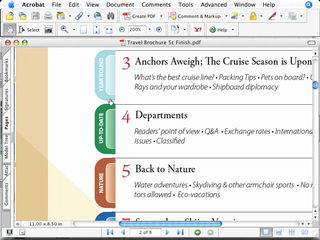
Adobe InDesign can create PDFs natively. In this episode we'll see a rarely used feature that allows us to create rollover effects that work beautifully in PDF files. Your PDF files will be interactive. InDesign allows us to create buttons and using the States palette we can create rollover effects.
Embed this episode
No transcript yet.
Frequently asked questions
How long is this episode of Adobe Creative Cloud TV?
This episode is 7 minutes long.
When was this Adobe Creative Cloud TV episode published?
This episode was published on August 17, 2006.
Can I download this Adobe Creative Cloud TV episode?
Yes. Use the download control on the episode player to save the publisher-provided media file.