
EPISODE · Feb 15, 2006 · 10 MIN
Creating graphical headers in GoLive CS2
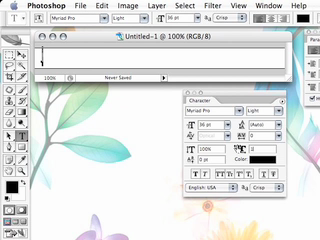
When you’re working on a website, the last thing you feel like doing is creating a separate graphic on every page where you want a header to be. However, if you want to use your own fonts, styles and special effects, you have to do it with a graphic. There would be no guarantee that the viewer of your site would have the same fonts as you do. Using GoLive and Photoshop you can create the Header once in Photoshop and use it throughout your site as a “Banner‿. GoLive CS2 makes this easier than ever!
Embed this episode
Ready to play
Creating graphical headers in GoLive CS2
0:00
10:50
1×
No transcript for this episode yet
Similar Episodes
No similar episodes found.
Similar Podcasts
No similar podcasts found.
Frequently Asked Questions
How long is this episode of Adobe Creative Cloud TV?
This episode is 10 minutes long.
When was this Adobe Creative Cloud TV episode published?
This episode was published on February 15, 2006.
Can I download this Adobe Creative Cloud TV episode?
Yes. Use the download control on the episode player to save the publisher-provided media file.
URL copied to clipboard!