
EPISODE · May 11, 2026 · 5 MIN
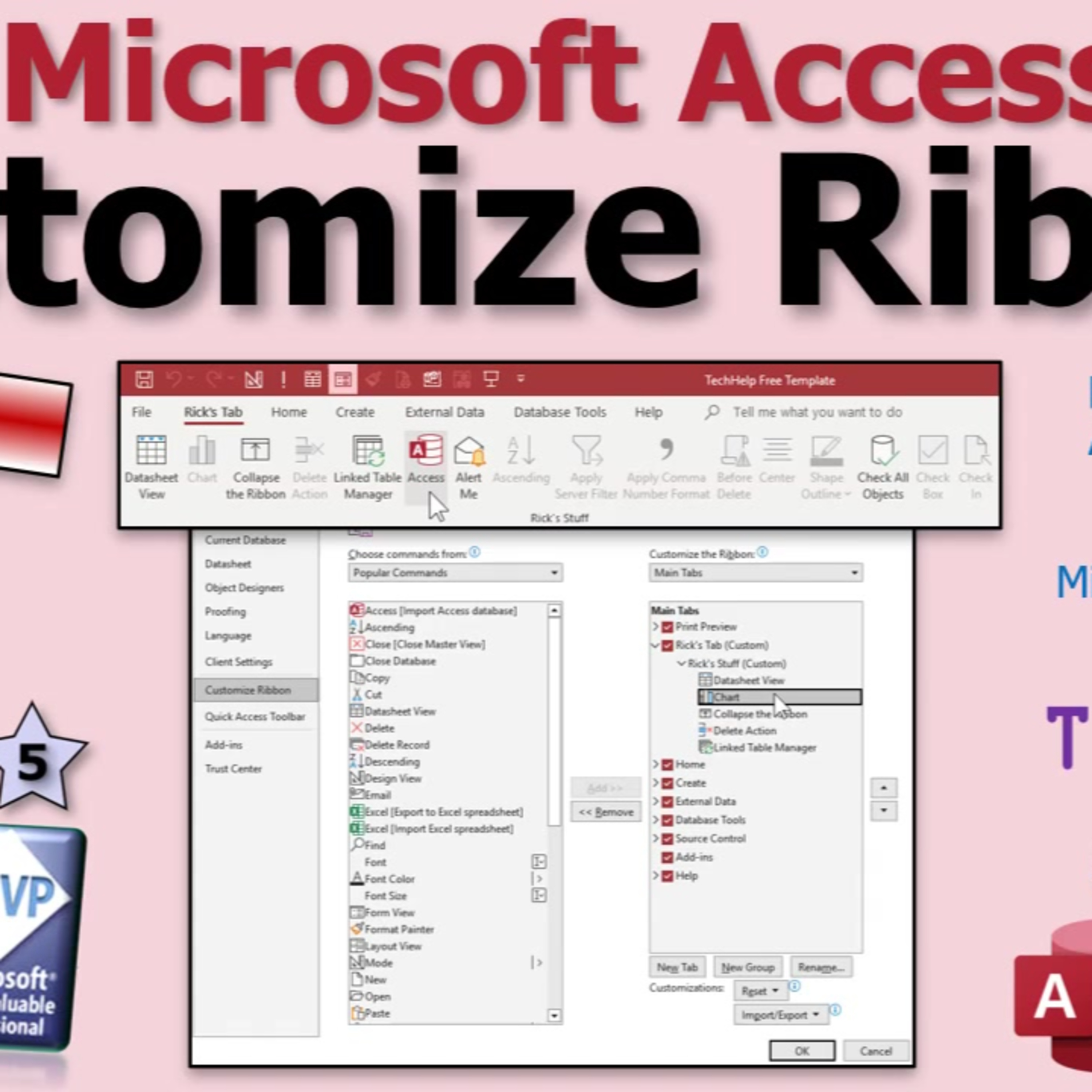
Customizing the Microsoft Access Ribbon
from Computer Learning Zone · host Richard Rost
In this lesson, we will walk through how to customize the ribbon in Microsoft Access to better suit your workflow. I will show you how to add your own tabs and groups, rename them, select and organize commands for quick access, and hide tabs you do not use. We will discuss the difference between main, tool, and all tabs, importing and exporting ribbon settings, and important considerations about how these changes are stored. Customizing the ribbon can make your most-used commands easier to find without writing any XML.
Embed this episode
NOW PLAYING
Customizing the Microsoft Access Ribbon
No transcript for this episode yet
Similar Episodes
No similar episodes found.