
EPISODE · May 4, 2026 · 8 MIN
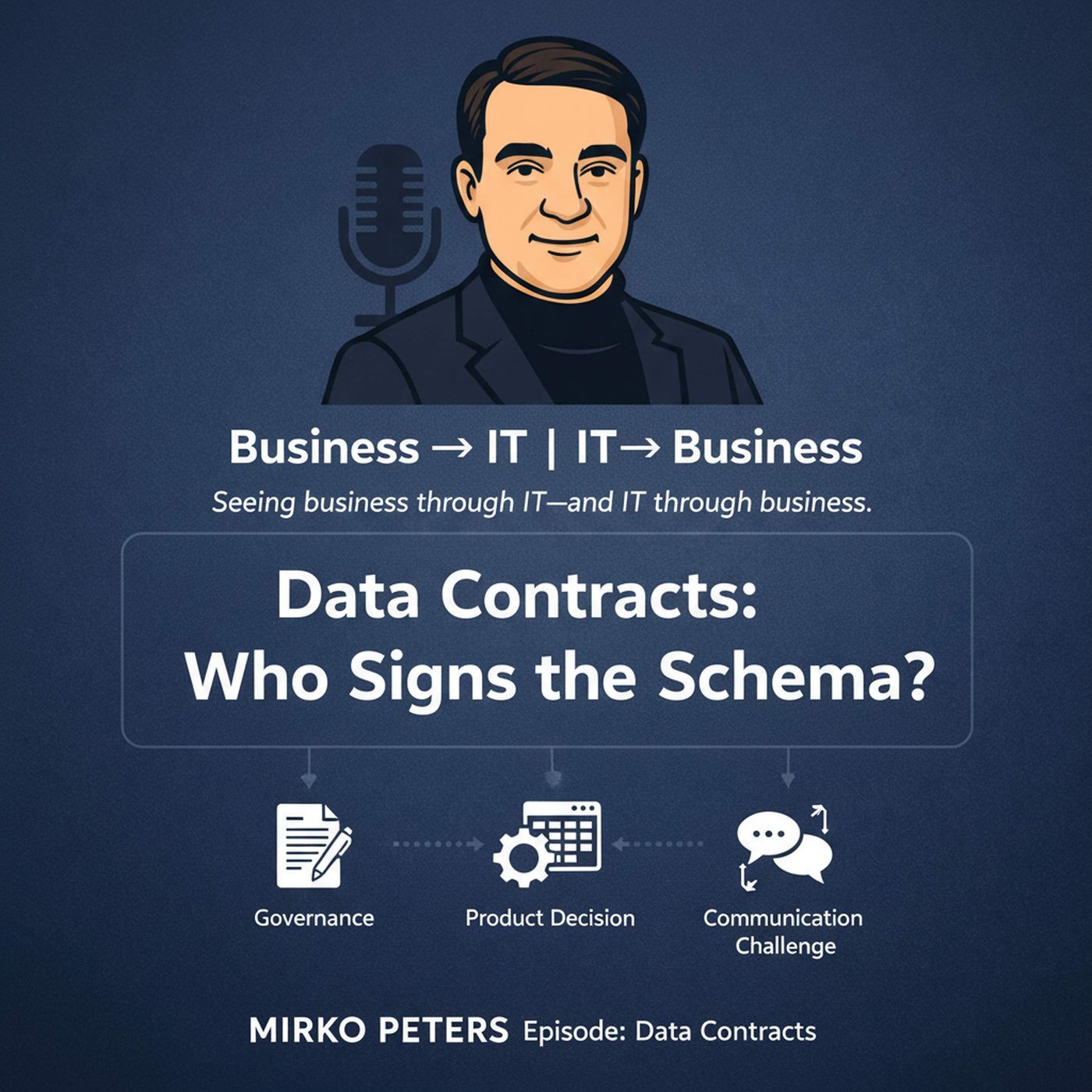
Data Contracts: Who Signs the Schema?
from Business → IT | IT → Business · host Mirko Peters
APIs, event schemas, and data extracts are the invisible contracts that connect teams. Left implicit, they create brittle integrations, surprise outages, and creeping cost — but handled well, they become deliberate levers for scaling change safely. This episode explains data contracts in plain business terms: what a contract is, who should sign it, how to version and evolve it, and which tests and governance steps actually reduce risk without slowing delivery. I walk through the differing expectations from product owners, architects, and engineers, illustrate a consulting example where unclear ownership caused a month-long outage, and offer concrete, low-overhead practices (consumer-driven checks, backward-compatibility rules, ownership levels) that translate into fewer late-night rollbacks and clearer accountability. The emphasis is practical: stop arguing over tools and start agreeing on commitments that map to business outcomes.Become a supporter of this podcast: https://www.spreaker.com/podcast/business-it-it-business--6867401/support.To continue the conversation, follow Mirko Peters on LinkedIn, where more insights and real-world examples are shared from both business and IT perspectives.
Embed this episode
Ready to play
Data Contracts: Who Signs the Schema?
No transcript for this episode yet
Similar Episodes
No similar episodes found.